How to rename a team after login in Jotform
Here is how to rename a team after login in jotform
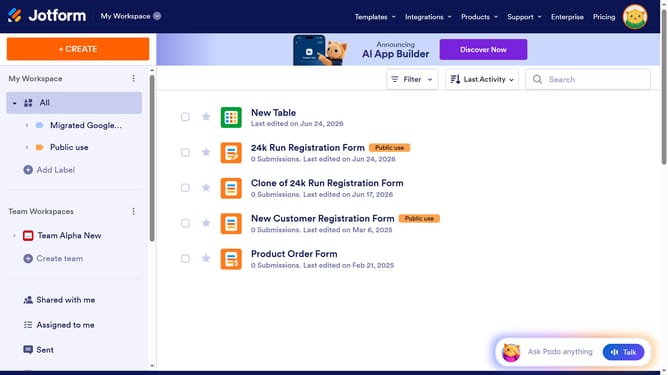
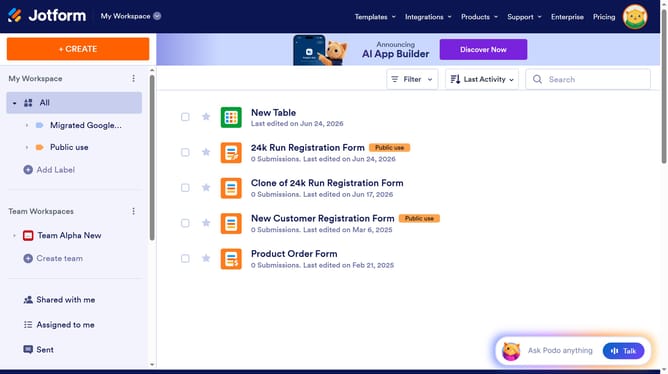
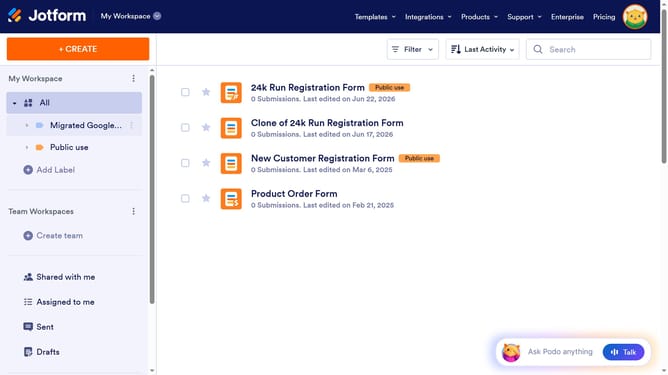
- First click on the three dots icon next to the team name in the sidebar
- Then click on "Team Settings" from the dropdown menu.
- Next click on the "Team Name" input field and edit it
- Finally click on the "Save Changes" button
Why should you rename a team after login in Jotform
Jotform is a versatile online form builder designed to streamline data collection and enhance your workflow effortlessly.
Renaming a team after logging into Jotform can improve organizational clarity, making it easier to manage your projects effectively.
This feature ensures your team names accurately reflect current projects or group functions, fostering better communication and collaboration among team members.
Updating team names promptly aids in maintaining an organized workspace, providing quick recognition and easier navigation, consequently boosting overall productivity.
Last update