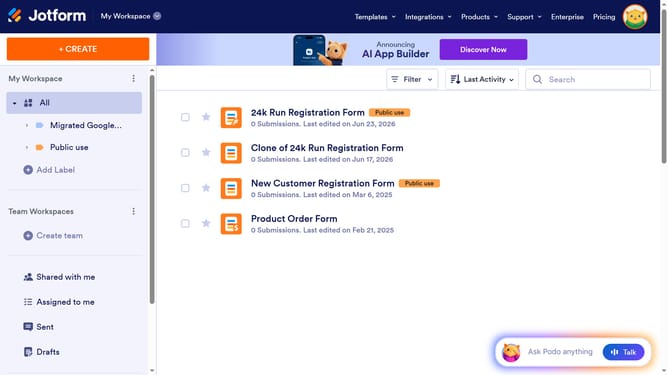
How to share your form with collaborators on Jotform
Here is how to share your form with collaborators on jotform
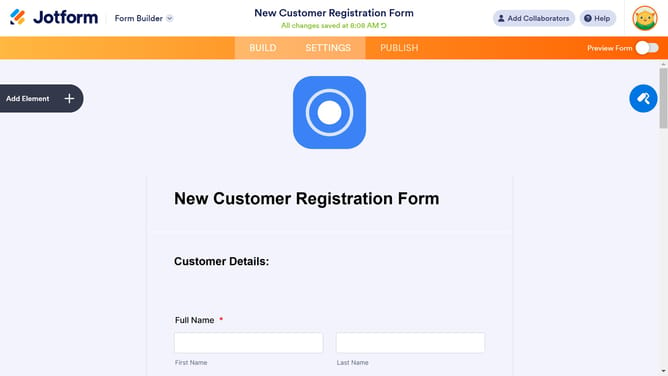
- In the top navigation bar, click on the "Add Collaborators" button
- Click on the "Copy Link" button and share your form’s collaboration link with coworkers through external messaging or email applications
Why should you share your form with collaborators on Jotform
Jotform empowers you to create and manage forms effortlessly, making it an essential tool for efficient data collection.
Sharing your form with collaborators on Jotform elevates teamwork. This feature allows multiple individuals to review, edit, and enhance your form, ensuring diverse insights and polished outputs.
The collaborative aspect promotes faster decision-making and boosts collective productivity, making it a vital function for teams striving for streamlined workflows.
Last update