How to insert link in a paragraph field in a registration form in Jotform
Here is how to insert link in a paragraph field in a registration form in jotform
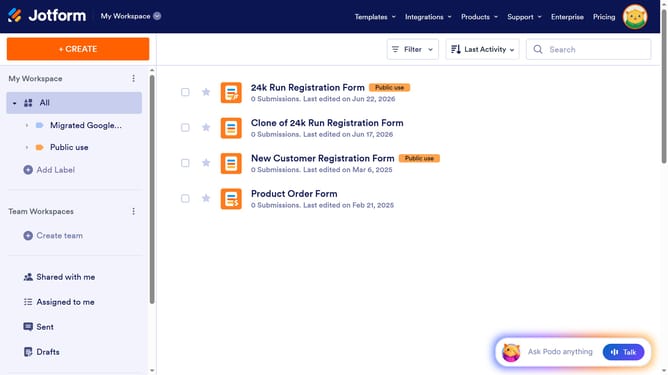
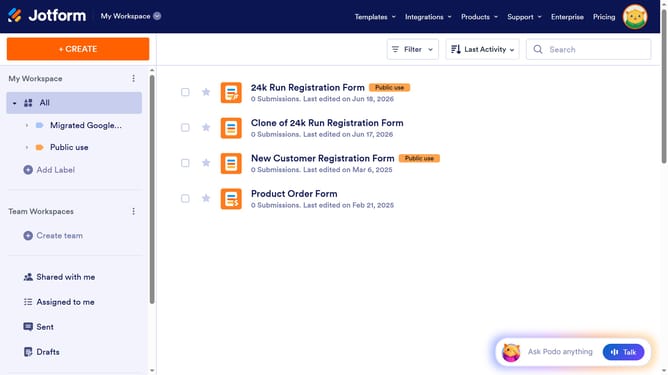
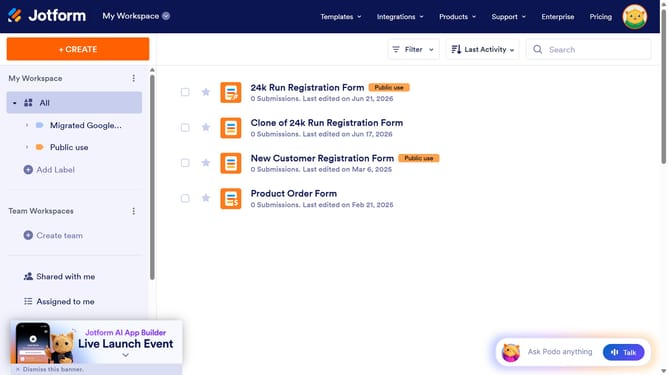
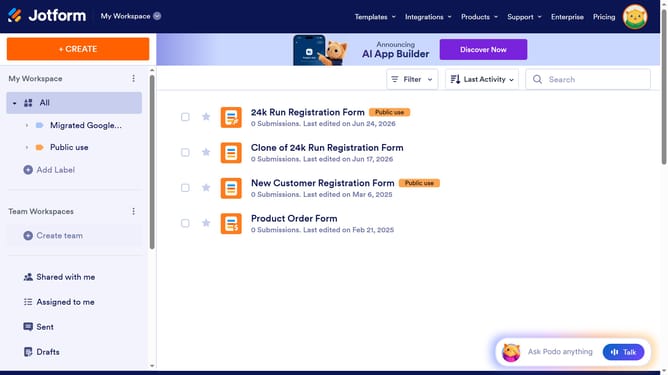
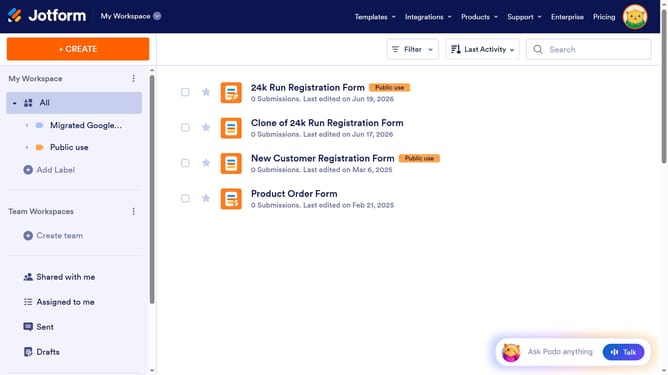
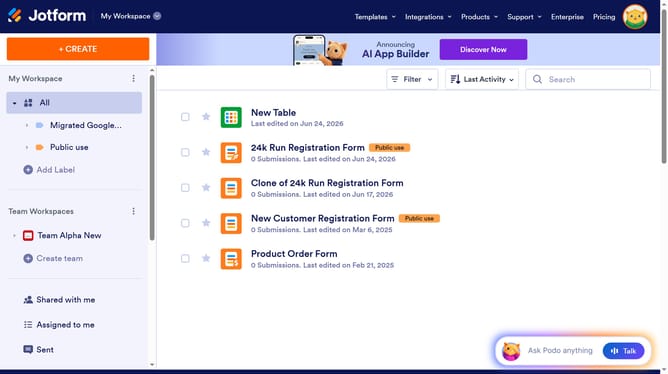
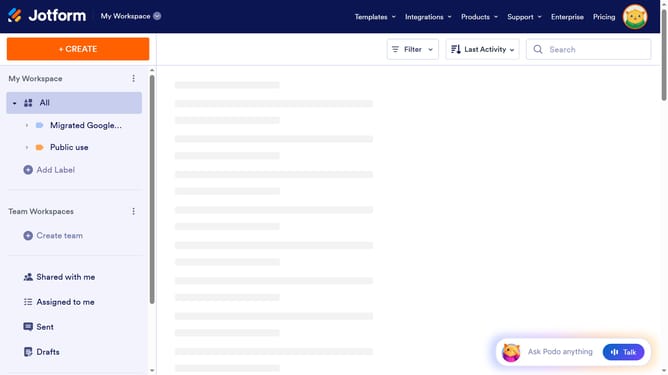
- First click on "All" in the sidebar
- Then click on "Edit Form" button
- Then click on the paragraph field in the form builder
- Then click on the "Edit Text" button
- Then click on the "Insert or edit link" icon
- Then click on the "URL" input field and enter URL
- Then click on the "Text to display" input field
- Then click on the "Ok" button
- Finally click on the "Save" button
Why should you insert link in a paragraph field in a registration form in Jotform
Jotform is a versatile online form builder designed to simplify the process of creating and managing forms.
Adding a link in a paragraph field within a registration form on Jotform enhances user experience by providing direct access to important related information or resources.
This feature facilitates seamless navigation, allowing registrants to effortlessly move between the form and supplementary content, which can improve engagement and increase the completion rate.
Leveraging links enriches interaction and delivers a more informative sign-up journey.
Last update