How to add a divider in a registration form in Jotform
Here is how to add a divider in a registration form in jotform
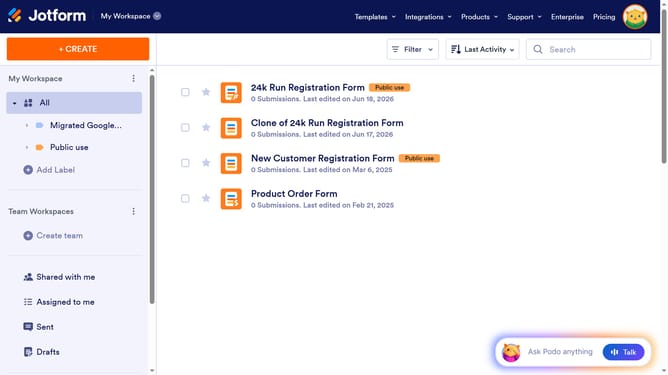
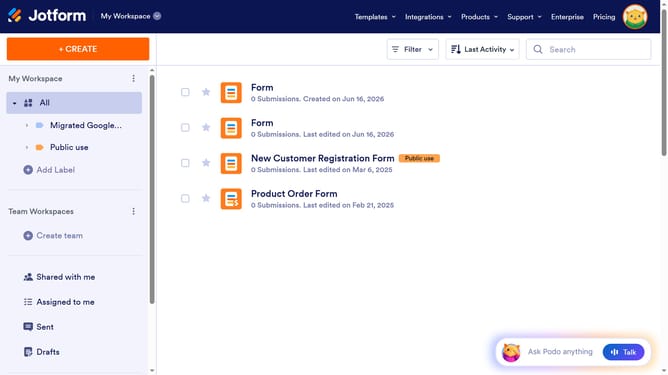
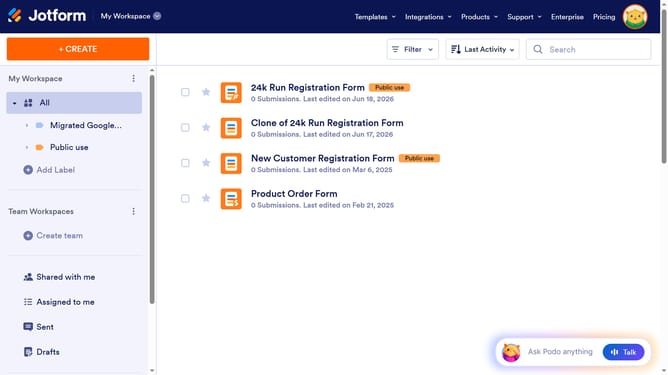
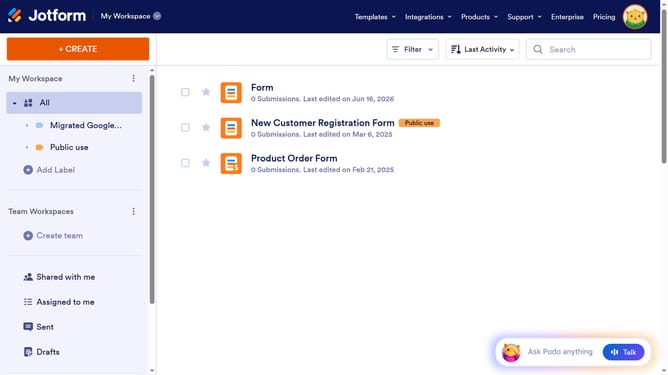
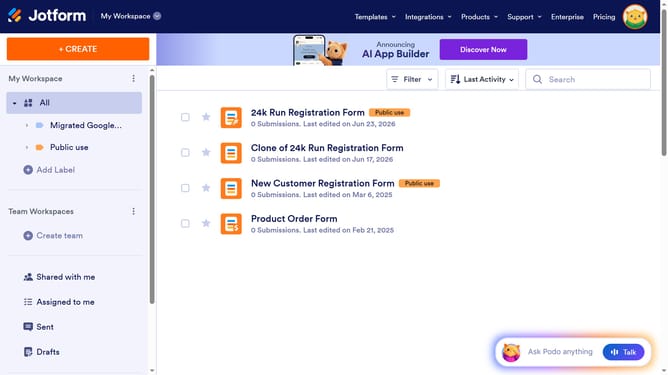
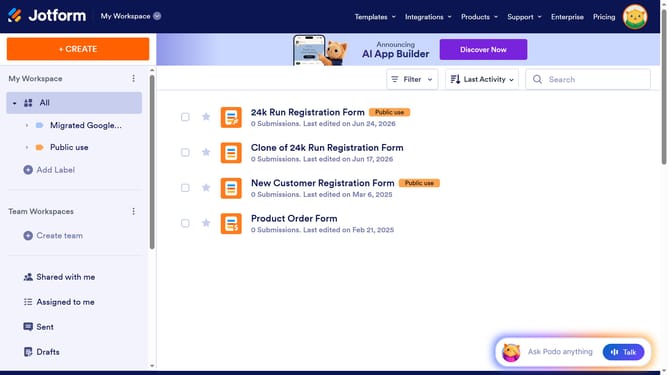
- First click on "All" in the left sidebar
- Then click on "Edit Form" button at the right side of the form name that you want to edit
- Then click on the "Add Element" button in the left sidebar
- Finally select "Divider" element in the left sidebar
Why should you add a divider in a registration form in Jotform
Jotform is a versatile tool designed to simplify form creation for users across various industries.
Adding a divider in a registration form within Jotform offers a seamless way to organize content and enhance readability. This feature allows you to break down the form into manageable sections, making it user-friendly and visually appealing.
By using dividers, users can focus on one section at a time, reducing cognitive load and error rates. This leads to a smoother registration process and increases form completion rates, benefiting both the form creator and the respondent.
Last update