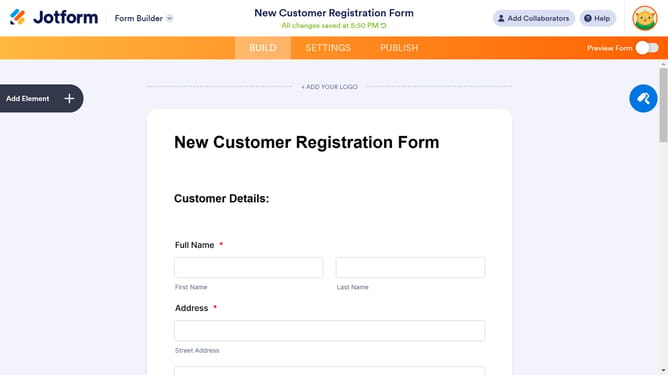
How to add a save and continue later text in a registration form in Jotform
Here is how to add a save and continue later text in a registration form in jotform
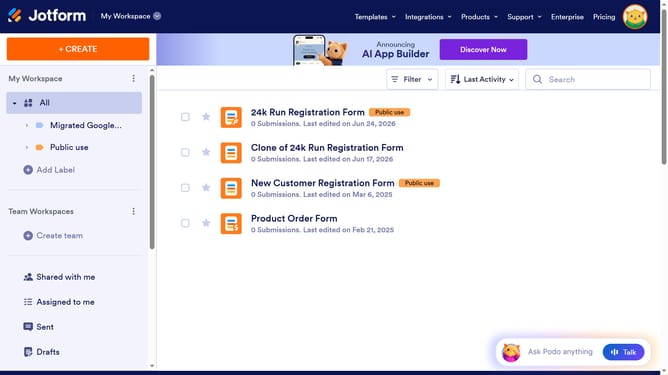
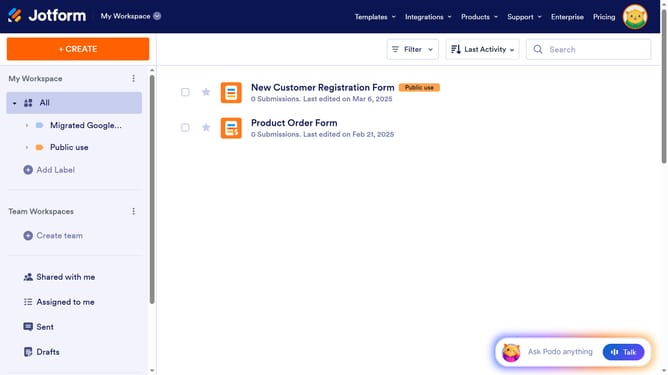
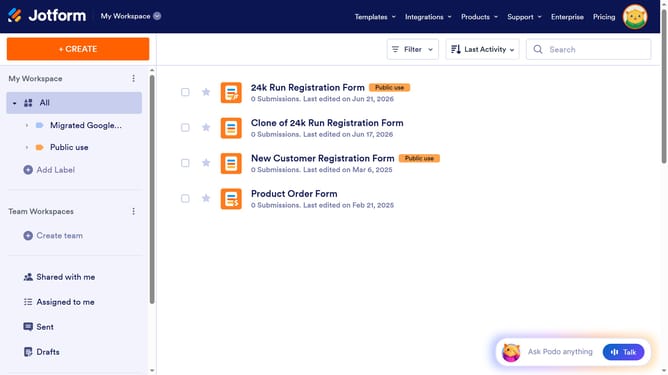
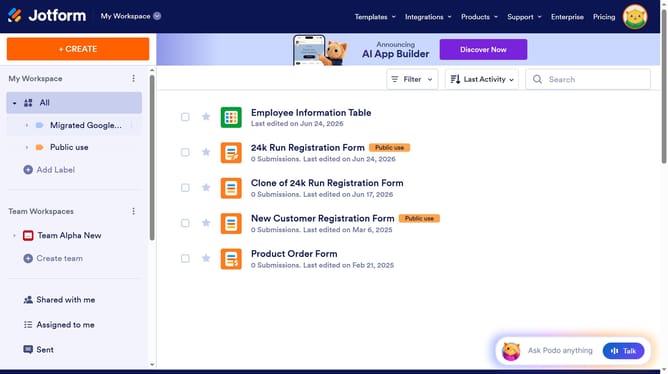
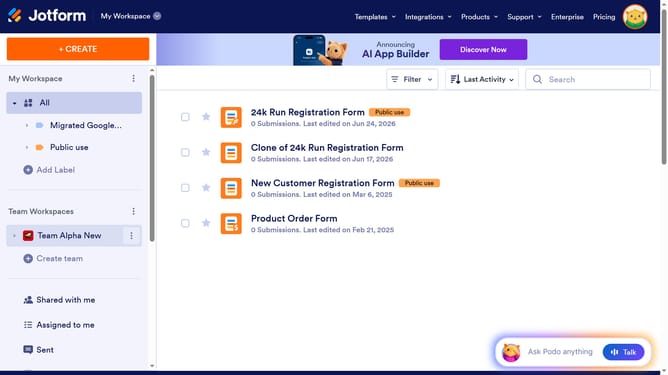
- First click on "All" in the sidebar
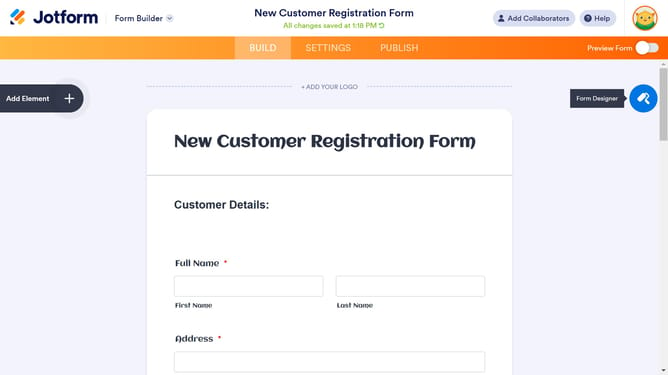
- Next click on "Edit Form" button at the right side of the form name that you want to manage
- Then click on the "Submit" button area
- Then click on "Properties" button
- Then click on "Advanced" tab
- Finally click on the toggle for "Save and Continue Later" to enable it
Why should you add a save and continue later text in a registration form in Jotform
Jotform is an intuitive online form builder designed to help anyone create custom forms with ease.
Adding a "save and continue later" feature in a registration form on Jotform empowers users to pause and resume form completion at their convenience.
This feature is tremendously beneficial as it enhances user experience, preventing frustration or abandonment when form completion needs to be delayed.
Incorporating this option caters to user flexibility, ensuring higher form completion rates and user satisfaction through personalized interaction.
Last update