How to not require Jotform login to view submission RSS in Jotform
Here is how to not require jotform login to view submission rss in jotform
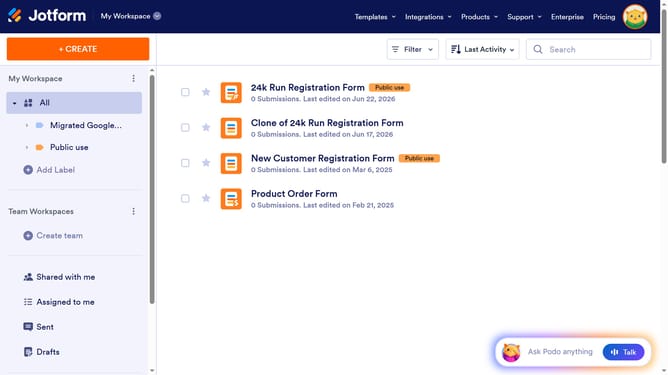
- First click on the profile icon in the header
- Then click on 'Settings' in the right sidebar
- Next click on 'Security' in the left sidebar
- Finally, uncheck the 'Require log-in to view submission RSS' checkbox
Why should you not require Jotform login to view submission RSS in Jotform
Jotform is a versatile form builder that simplifies data collection and management for businesses and individuals.
By enabling the feature to view submission RSS feeds without requiring a Jotform login, you streamline access for those who need it most.
This functionality is particularly advantageous for teams that thrive on efficiency, as it reduces barriers and saves time.
Overall, it encourages seamless collaboration by making essential data accessible instantly, ensuring that your team can stay informed and agile.
Last update