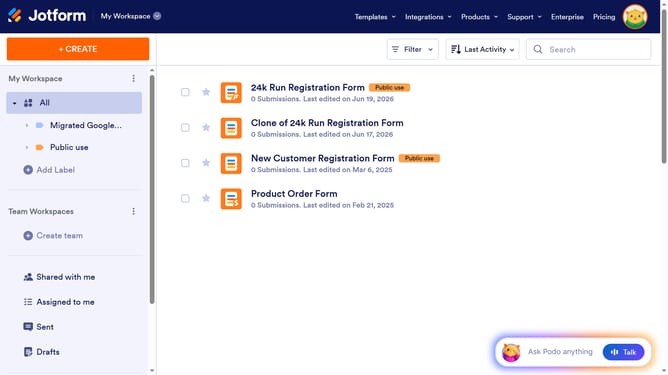
How to rename a column in a data table in Jotform
Here is how to rename a column in a data table in jotform
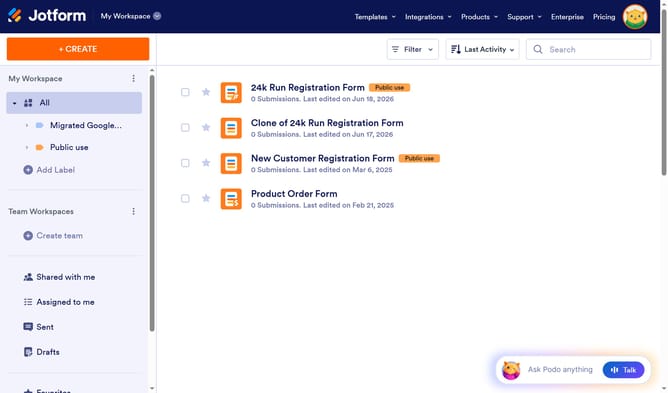
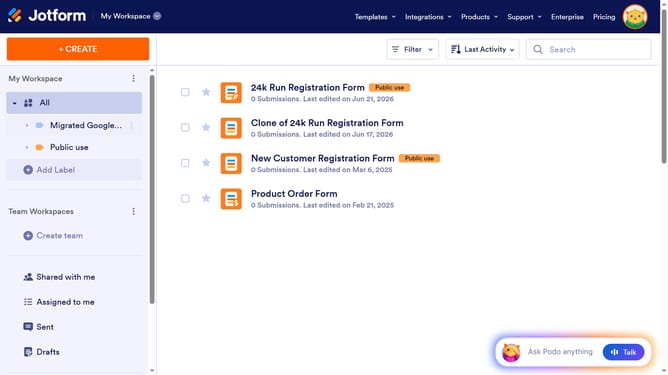
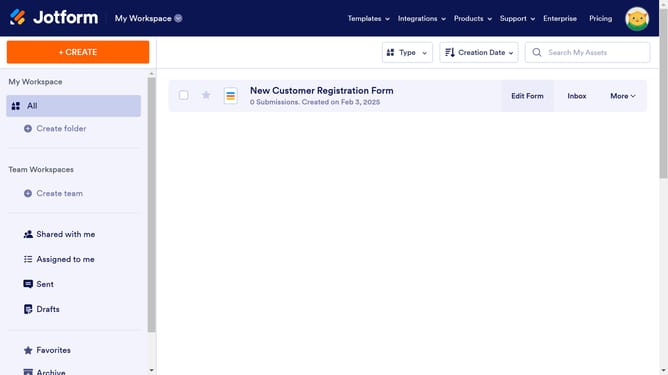
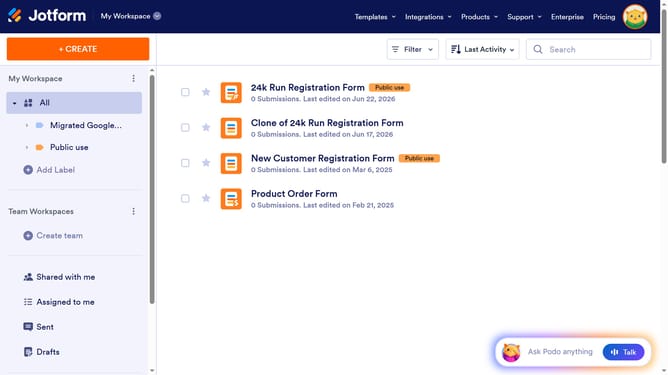
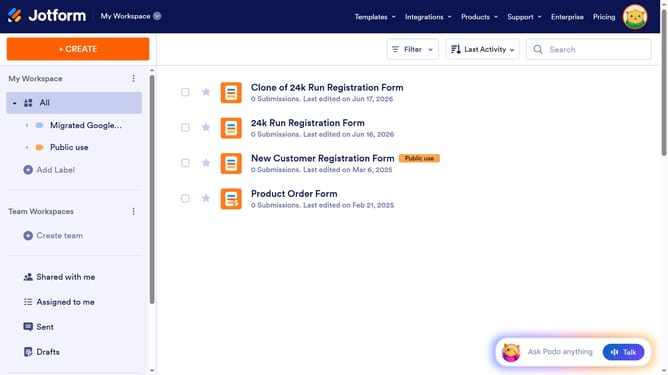
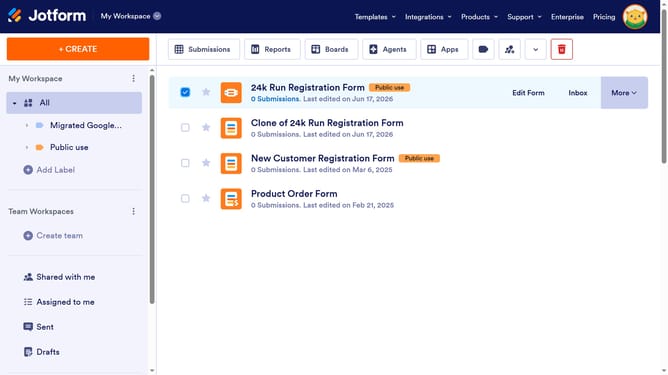
- First click on "All" item in the left sidebar
- Next click on "View Table" button at the right side of the table name that you want to manage
- Then click on the three dots next to the column header that you want to rename
- Finally rename the column header
Why should you rename a column in a data table in Jotform
Jotform is an intuitive online form builder designed to effortlessly create and manage forms.
Renaming a column in a data table within Jotform is a simple yet powerful feature that enhances organizational clarity. This functionality allows users to customize their data presentation, ensuring that each column label accurately reflects its contents.
Such customization leads to improved data accessibility and a smoother workflow, as team members can quickly understand and utilize the information presented.
Ultimately, this feature streamlines data management, promoting efficiency and precision in your tasks.
Last update