How to add label to a form in Jotform
Here is how to add label to a form in jotform
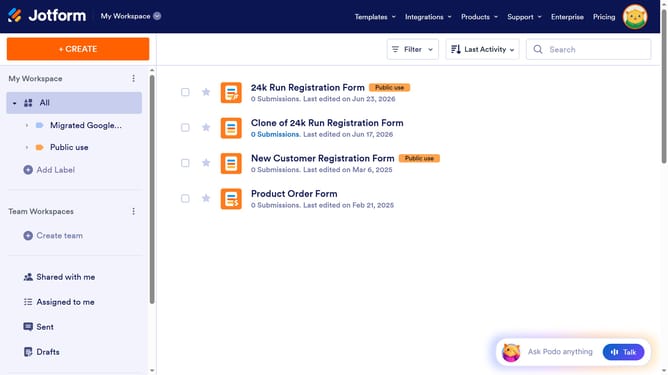
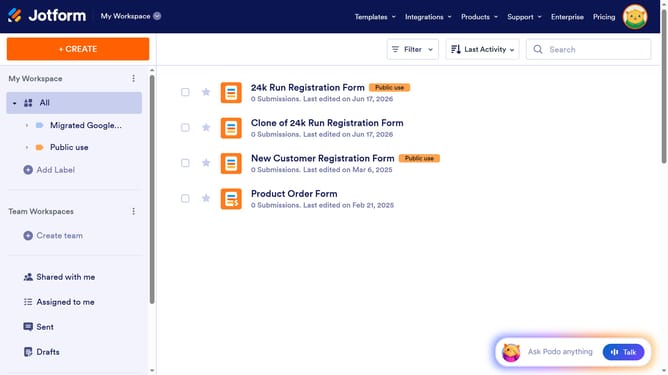
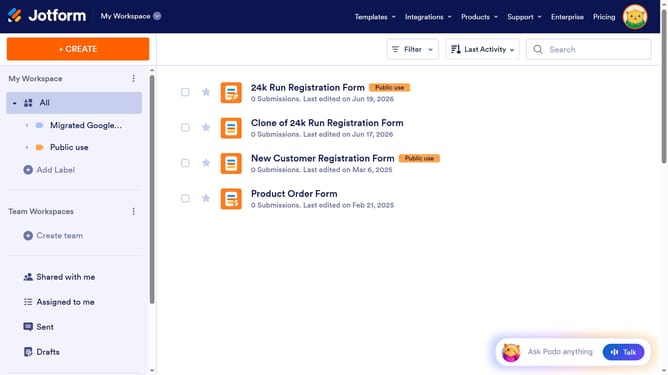
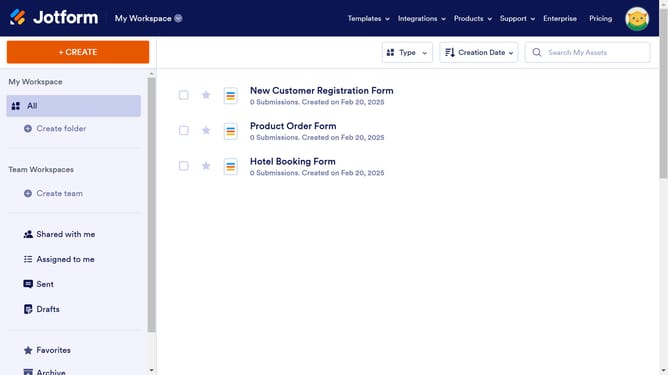
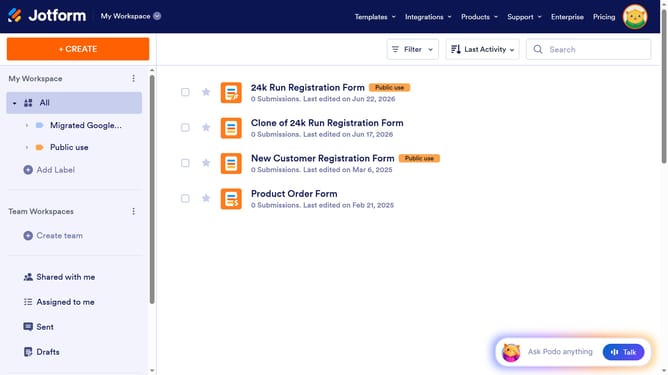
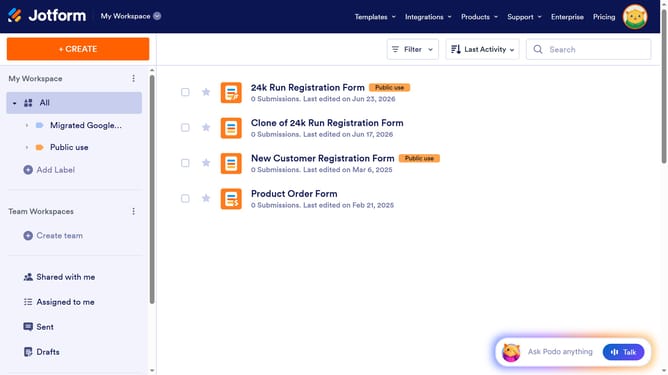
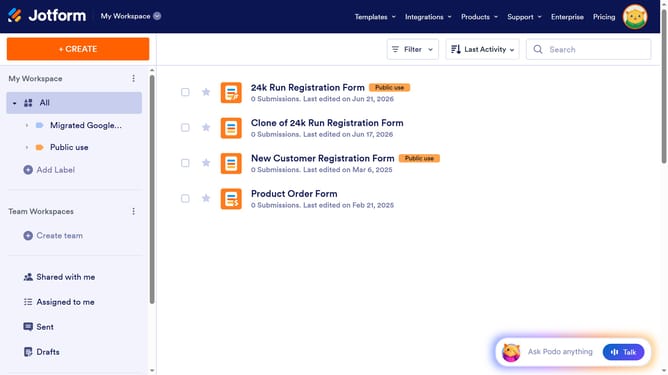
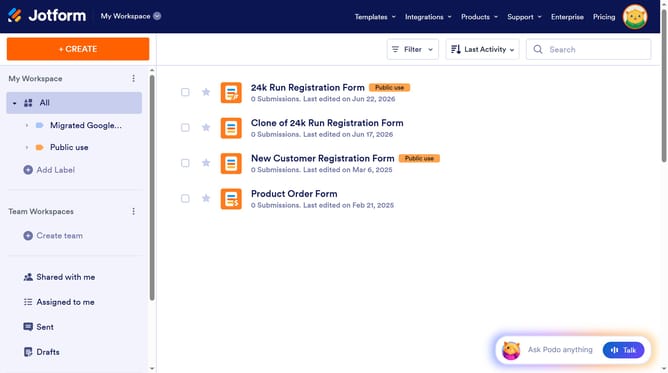
- First click on the "All" option in the left sidebar
- Then click on the checkbox next to the form you want to manage
- Next, click on the "More" dropdown in the top menu
- Then select "Label as" from the dropdown menu
- After that, click on your preferred label checkbox
- Finally, click on the "Apply" button
Why should you add label to a form in Jotform
Jotform is a versatile online platform designed to streamline form creation and management effortlessly.
Adding a label to a form in Jotform enhances clarity by letting users understand the purpose of each field quickly. This feature is integral in guiding users through the form, ensuring an accurate and efficient data collection process.
By implementing clear labels, organizations can improve user experience, reduce submission errors, and ensure the data collected is reliable and easy to analyze. It’s an elegant solution for effective communication and a smoother workflow.
Last update