How to add a Jetform form to webflow
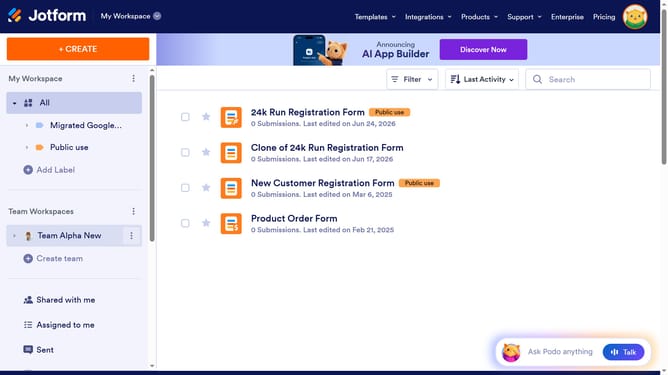
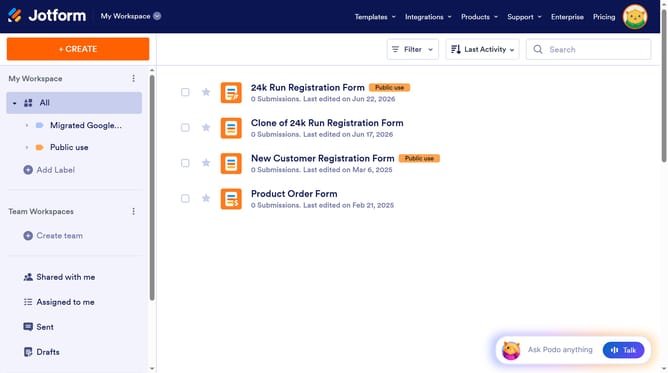
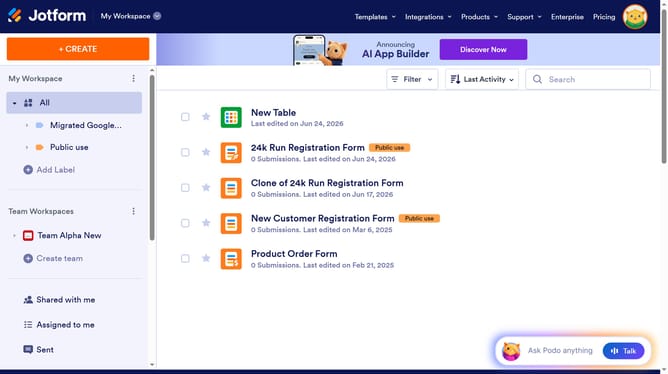
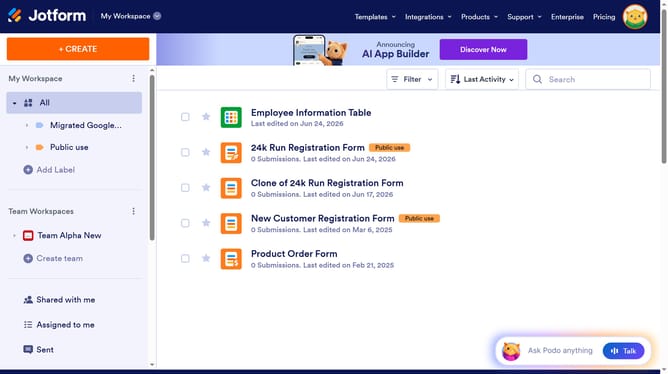
Here is how to add a jetform form to webflow
- First click on the "PUBLISH" button in the top navigation bar
- Then click on the "EMBED" option in the left sidebar menu
- Next click on the "COPY CODE" button in the main embed settings panel
- Finally paste the embed code in the HTML Embed Code Editor window
Why should you add a Jetform form to webflow
Jotform is a powerful online tool for building and managing forms with ease.
Incorporating a Jotform form into your Webflow site is an efficient way to streamline data collection. It brings enhanced functionality and design, seamlessly aligning with your site's aesthetics.
This integration offers flexibility and customization, providing an intuitive user experience. It's perfect for boosting engagement and simplifying user interactions.
Overall, adding a Jotform form elevates your website's capabilities, making data handling more effective and visually appealing.
Last update