How to rename column in a table field in a registration form in Jotform
Here is how to rename column in a table field in a registration form in jotform
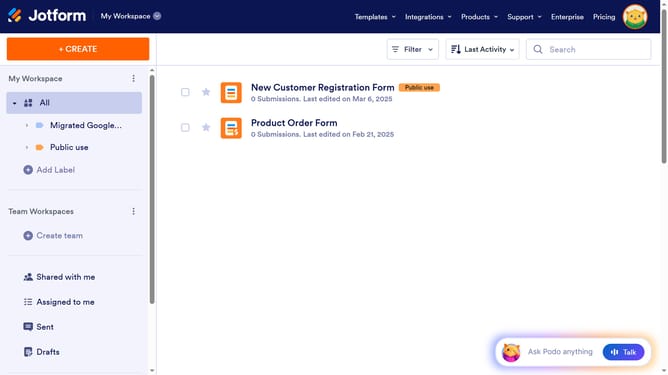
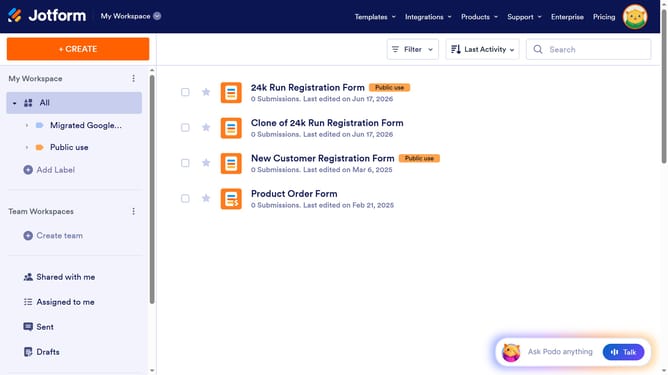
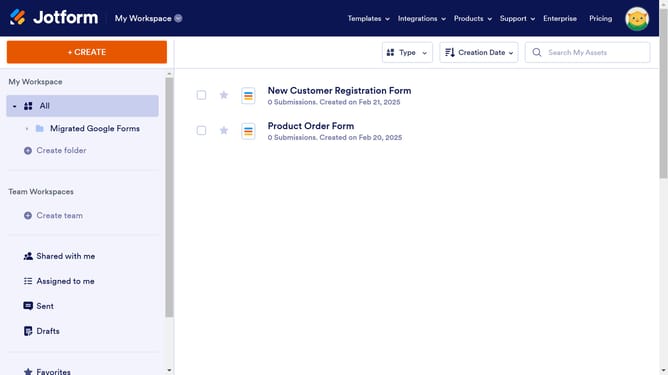
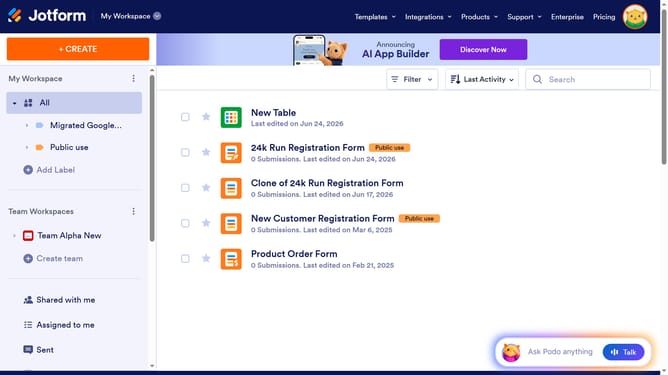
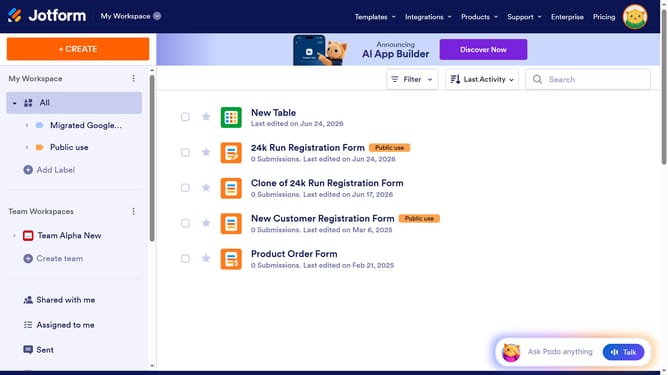
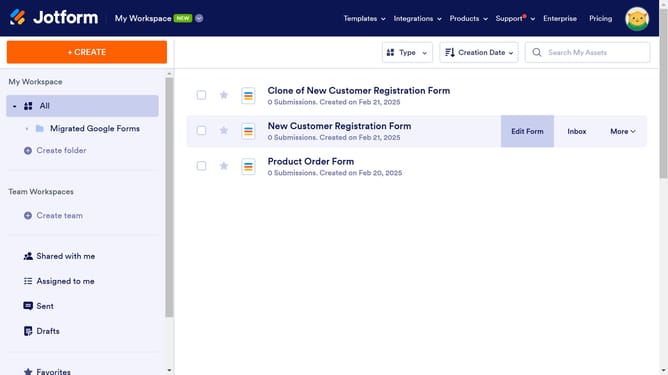
- First click on "All" in the left sidebar
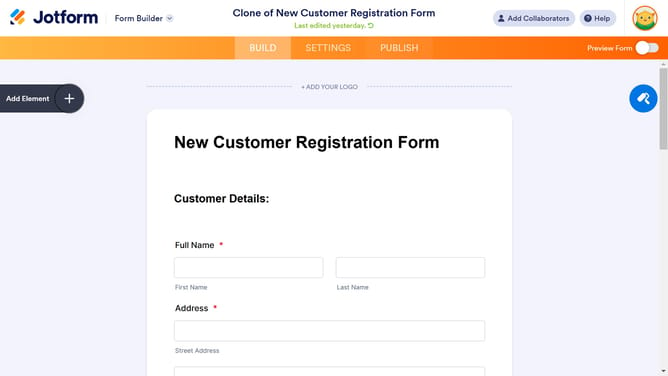
- Then click on the "Edit Form" button
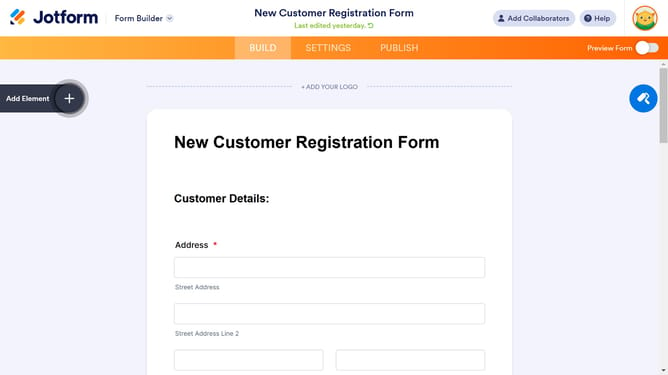
- Then click on the table input field in the form builder
- After that, click on the "Properties" button
- Then select the "Fields" tab
- Finally, click on the column header to edit it
Why should you rename column in a table field in a registration form in Jotform
Jotform is a versatile online form builder designed to simplify data collection with customizable forms.
The ability to rename columns in a table field within a registration form in Jotform enhances the clarity and usability of your data presentation. This feature is particularly advantageous for ensuring that column headings are intuitive and accurately represent the data they contain, improving the form users' experience and internal data processing efficiency.
By customizing column names, users can tailor their data fields to better align with specific business objectives or reporting needs. This helps to streamline data analysis and enhance communication within teams, ensuring everyone is on the same page.
Last update