How to enable geo stamping on your forms on Jotform
Here is how to enable geo stamping on your forms on jotform
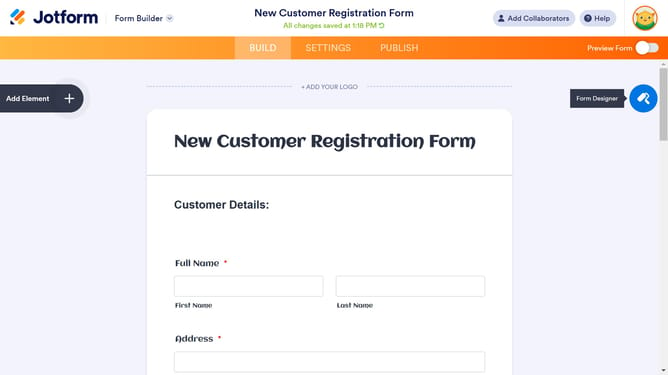
- First click on the "Add Element" button in the left sidebar
- Then click on the "WIDGETS" tab in the Form Elements panel
- Next click on the widgets search box and search "Geo"
- Click on "Geo Stamp" widget in the widgets list
- Click on the "UPDATE" in the Widget Settings panel
- Finally click on the "Preview" to check your "Geo Stamp" works
Why should you enable geo stamping on your forms on Jotform
Jotform is an intuitive online form builder designed to simplify data collection.
Enabling geo stamping on your forms within Jotform enhances your data with precise location context. This feature automatically records the geographical location of form submissions, giving you deeper insights and more strategic data utilization.
Geo stamping is particularly beneficial for businesses aiming to analyze location-based trends, make informed regional decisions, or tailor their services according to specific geographic demands. Embrace this feature for smarter data-driven outcomes.
Last update