How to add more options in a multiple selection column in a data table in Jotform
Here is how to add more options in a multiple selection column in a data table in jotform
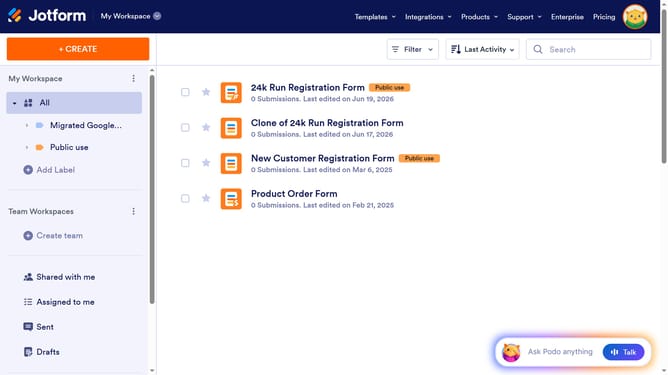
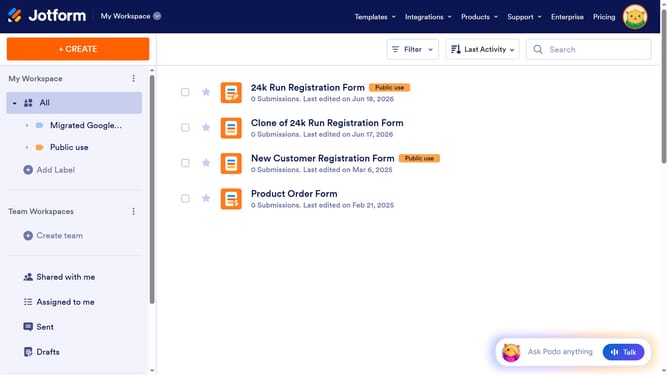
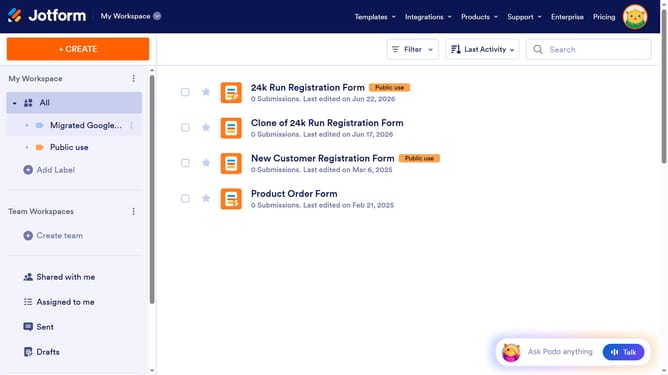
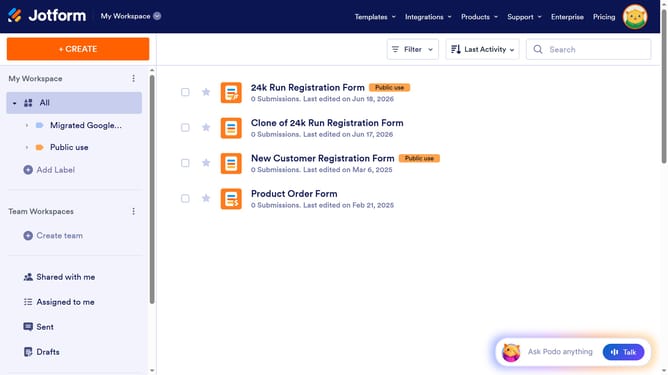
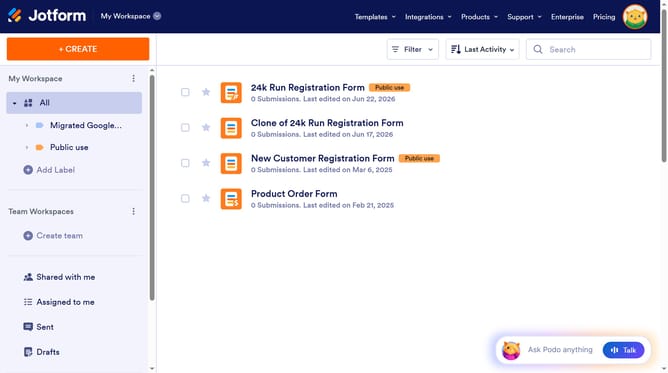
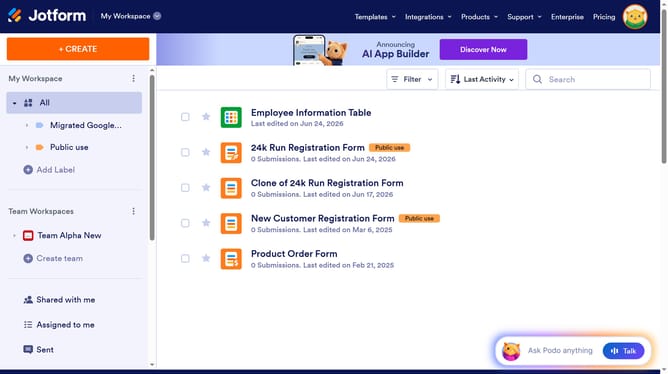
- First click on "All" item in the left sidebar
- Next click on "View Table" button at the right side of the table name that you want to manage
- Next, click on the three dots icon next to the column you want to manage
- Then click on the "ADD" button in the headerThen click on "Edit column preferences" from the dropdown menu
- Then click on the "Type an option here" input field and enter your additional option
- Then click on the "+ Add" button to add a new option
- Finally click on the "Apply Changes" button
Why should you add more options in a multiple selection column in a data table in Jotform
Jotform is a versatile online platform designed to simplify form creation and data management.
Adding more options in a multiple selection column within a Jotform data table boosts flexibility in handling diverse data entries.
This feature empowers users to tailor data collection precisely to their needs, enhancing the relevance of information captured.
Ultimately, it streamlines data analysis and reporting, making information sorting and tracking more efficient.
Last update