How to set rating icon in a registration form in Jotform
Here is how to set rating icon in a registration form in jotform
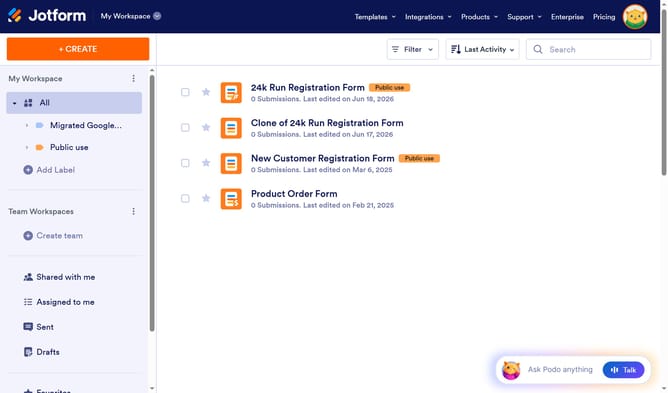
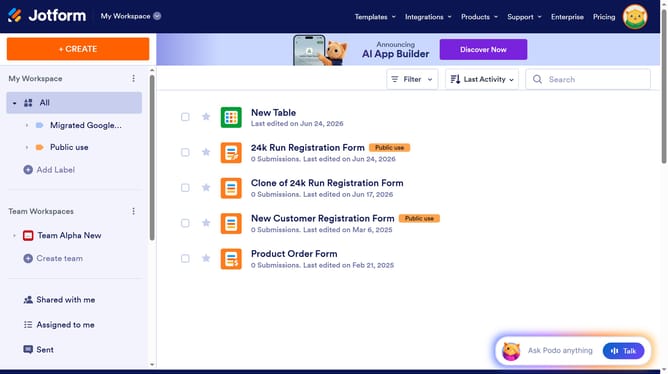
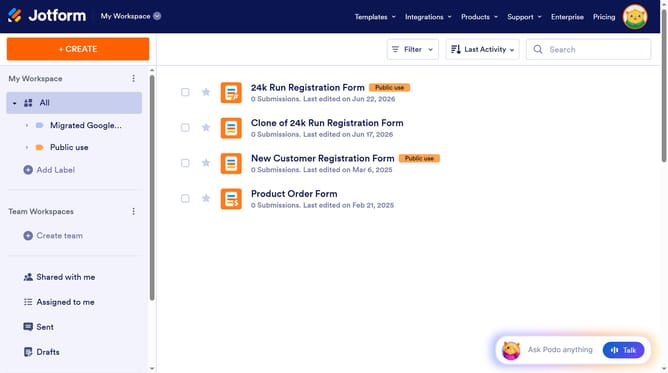
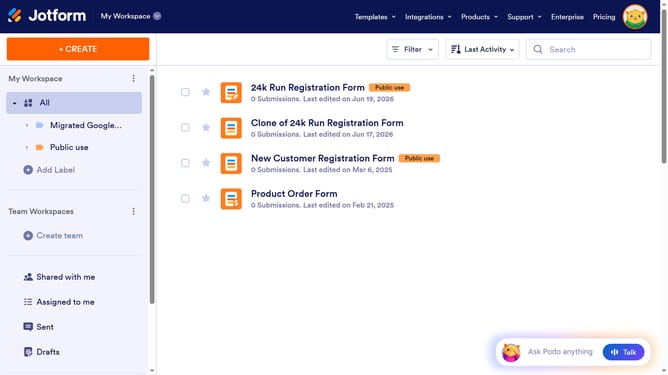
- First click on "All" in the Left Sidebar
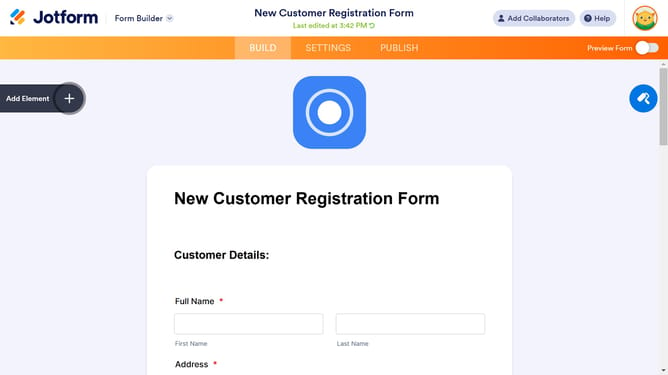
- Next click on "Edit Form" button at the right side of the form name that you want to manage
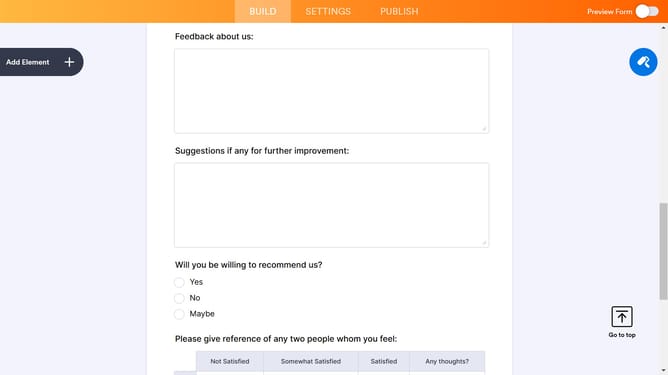
- Then click on the star rating field in the form
- Then click on "Properties" button next to the form element
- Then click on the "OPTIONS" tab in the "Star Rating Properties" modal
- Finally select an icon in the "Rating Icon" section
Why should you set rating icon in a registration form in Jotform
Jotform is a dynamic form builder designed to simplify data collection processes for businesses and individuals.
By setting a rating icon in a registration form within Jotform, you allow respondents to express preferences or feedback effortlessly. This feature enhances the registration form by making it visually appealing and interactive.
Using a rating icon helps gather nuanced data, offering a straightforward way for users to share their opinions quickly. This can lead to better insights and more informed decisions, all while ensuring the registration experience remains user-friendly.
Last update