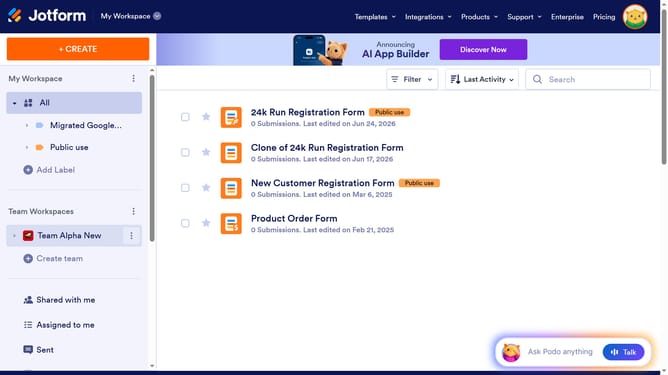
How to require Jotform login to see submissions in Jotform
Here is how to require jotform login to see submissions in jotform
- First click on the user icon in the header
- Then click on "Settings" in the Admin Console
- Then click on the "Security" tab in the left sidebar
- Finally click on the "Required log-in to see submission." checkbox
Why should you require Jotform login to see submissions in Jotform
Jotform is a versatile online form builder designed to facilitate smooth data collection and management.
Requiring a Jotform login to view submissions ensures a layer of security, safeguarding sensitive data from unauthorized access. This feature not only elevates privacy protocols but also maintains the integrity of the information collected.
By having login requirements, teams can have peace of mind, knowing that data access is limited to designated individuals. This enhances trust and transparency within an organization, aligning with modern privacy expectations.
Last update