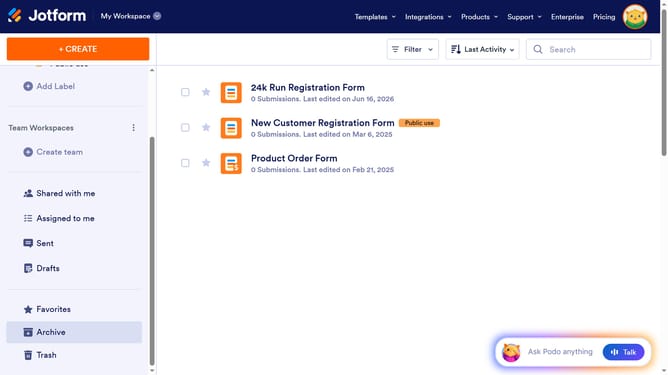
How to change team image in Jotform
Here is how to change team image in jotform
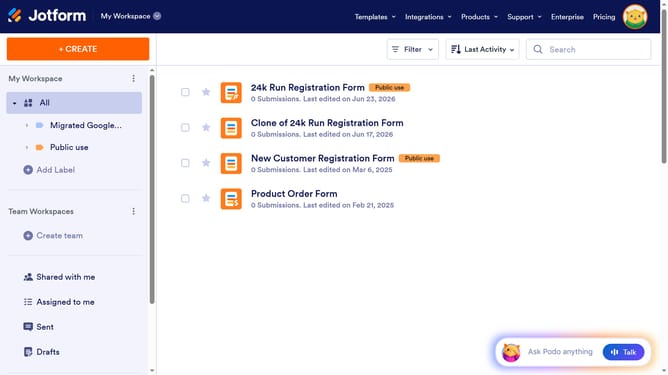
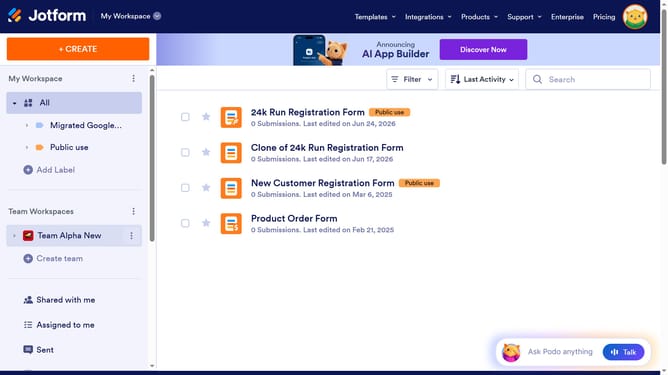
- First click on the three dots next to the team name in the sidebar
- Then click on "Team Settings" from the menu that appears
- Next, click on the image icon in the header section
- Then click on the "Image" button within the modal
- Finally, select an image from the image section
Why should you change team image in Jotform
Jotform is a versatile tool designed to simplify the creation of customizable online forms for any purpose.
Changing the team image in Jotform is a straightforward feature that enhances teamwork and brand identity. It allows organizations to present a cohesive and professional look, resonating with team values and company culture.
This visual customization helps improve brand recognition and fosters a sense of unity among team members, providing an engaging and personalized collaborative environment.
Last update