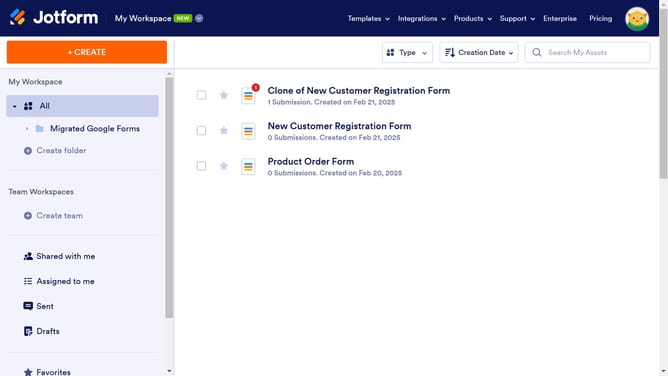
How to underline words in a paragraph field in a registration form in Jotform
Here is how to underline words in a paragraph field in a registration form in jotform
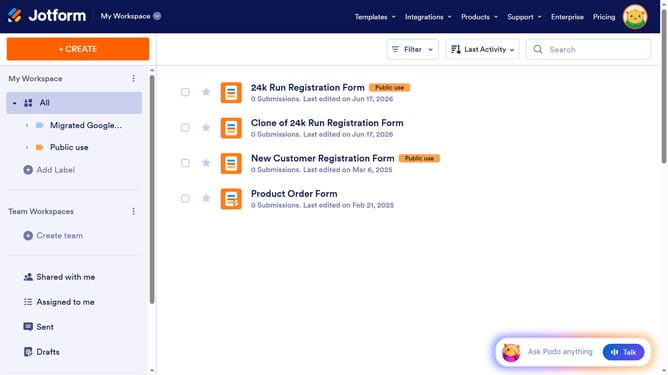
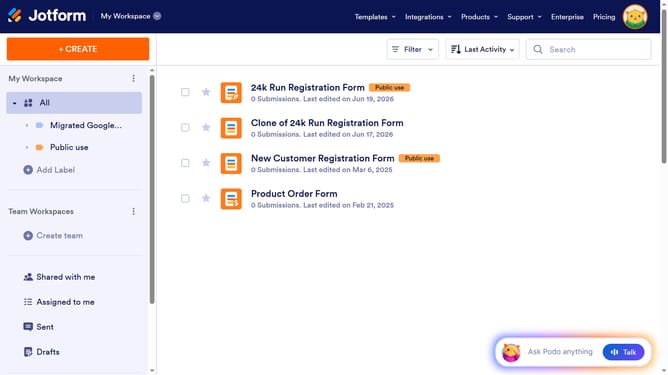
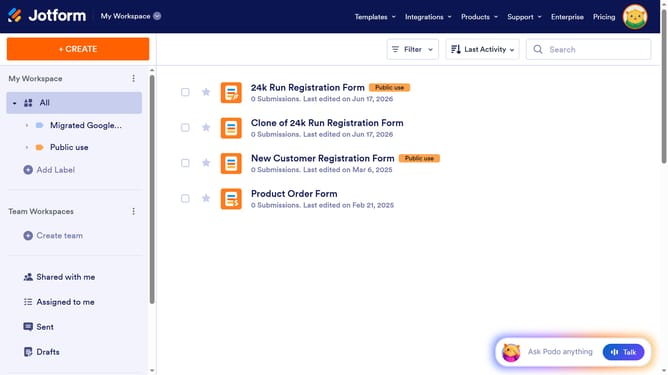
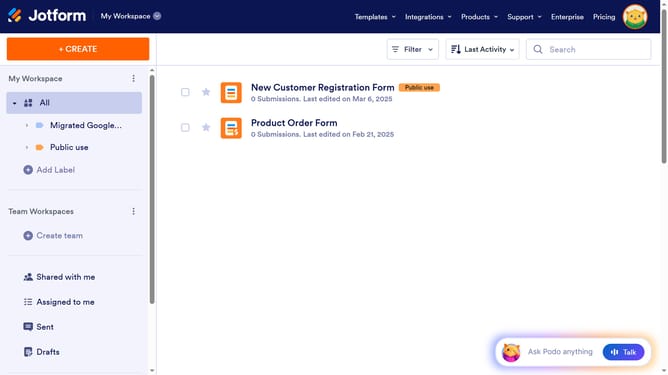
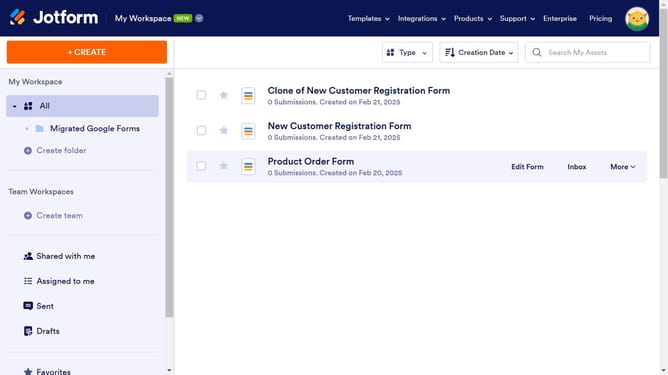
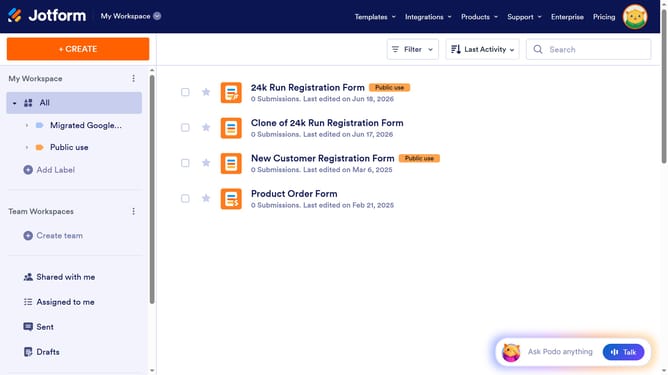
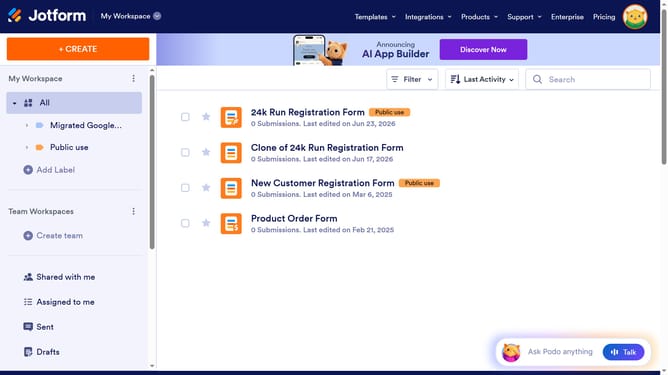
- First click on "All" item in the left sidebar
- Next click on "Edit Form" button at the right side of the form name that you want to manage
- Then click on the paragraph field in the form builder
- Then click on the "Edit Text" button
- Then select the text you want to format by highlighting it
- Then click on the "U" icon to underline the text
- Finally click on the "Save" button
Why should you underline words in a paragraph field in a registration form in Jotform
Jotform, a dynamic online form builder, empowers users to create customizable forms with ease and efficiency.
Enhancing your registration forms by underlining specific words in a paragraph field can significantly improve readability and emphasis without clutter. This feature allows important details to stand out, ensuring that users don't miss essential information.
Incorporating underlined text boosts the user experience by directing attention where it's needed most. This subtle yet effective way of highlighting can lead to better form completion rates and overall satisfaction.
Last update