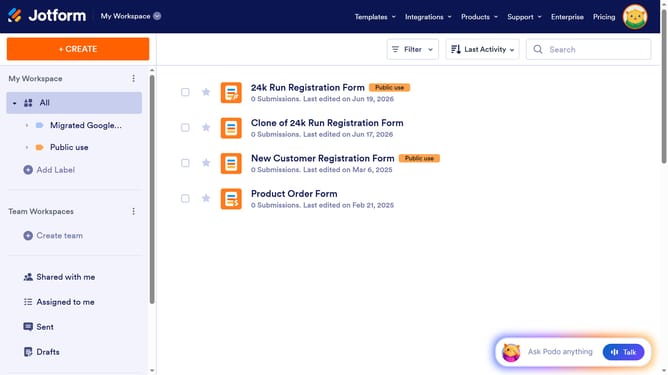
How to enable prefix in a registration form in Jotform
Here is how to enable prefix in a registration form in jotform
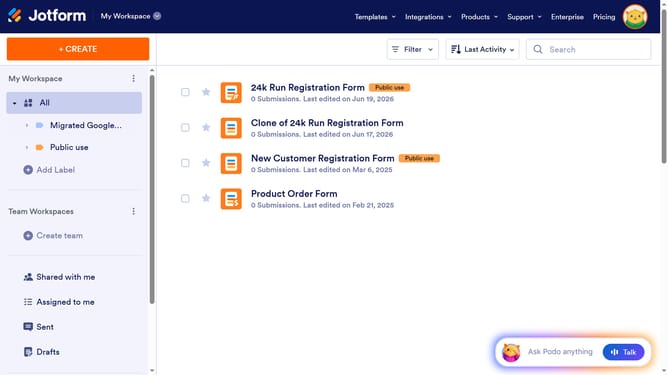
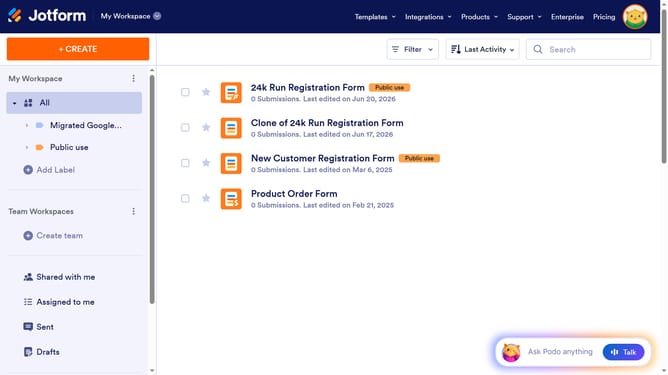
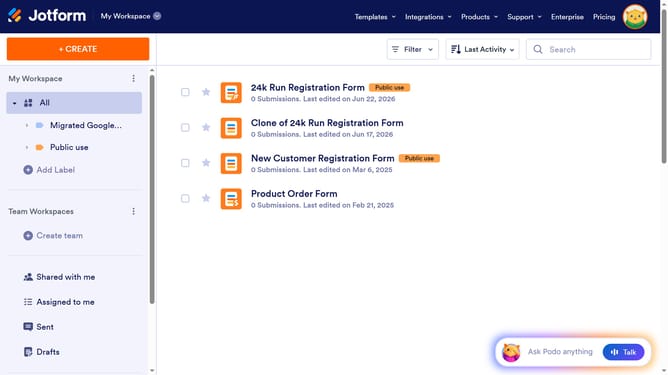
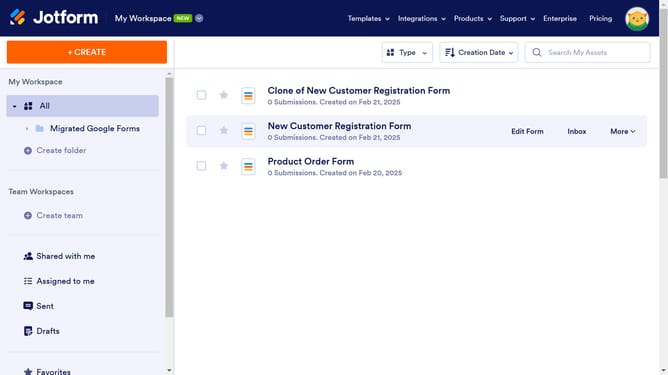
- First, in the left sidebar, click on "All" to view your workspace
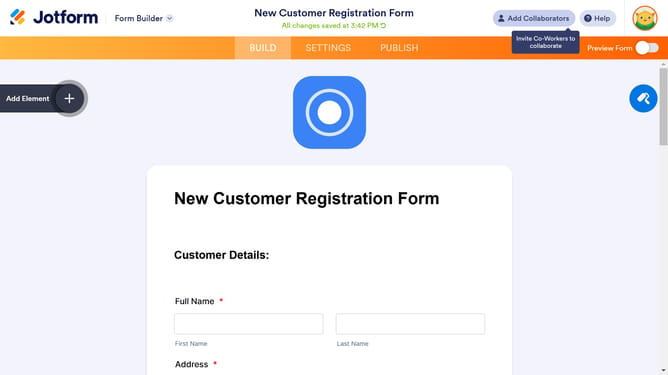
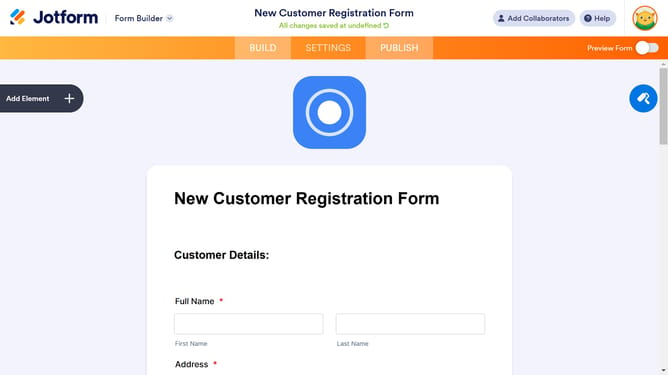
- Next, click on the "Edit Form" button to open the form editor
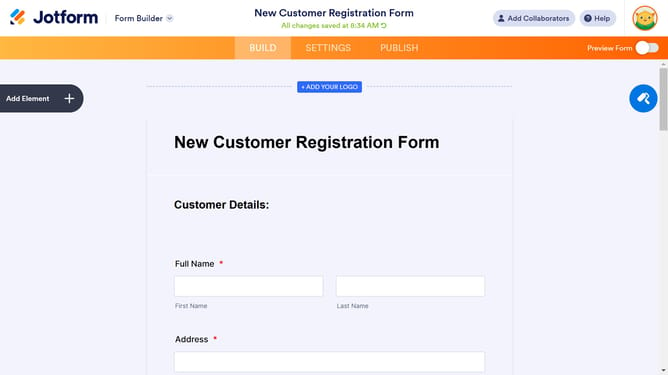
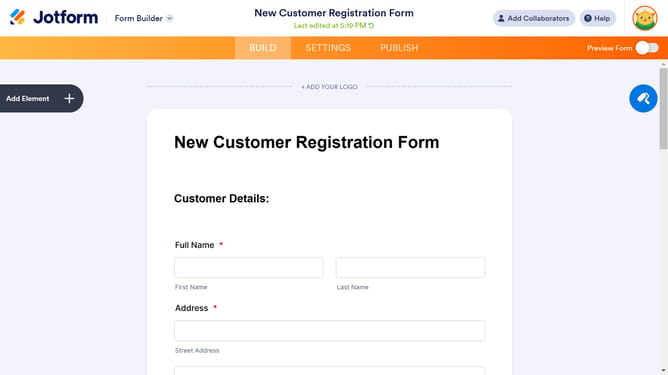
- Then, click on the "Name" field in the form
- After that, click on the "Properties" button with the gear icon
- Then, select the "Options" tab within the form properties panel
- Finally click on the "Prefix" toggle to enable it
Why should you enable prefix in a registration form in Jotform
Jotform is a versatile platform designed to streamline form creation and data collection effortlessly.
Enabling a prefix in a registration form on Jotform enhances user experience by adding clarity and personalization to data entry. This feature allows registrants to enter their details with precision, ensuring that titles such as Mr., Ms., or Dr. are included, which can be crucial for formal communications and data segmentation.
By offering the option to select a prefix, your form not only becomes more professional but also respects users' identities, leading to more accurate and respectful interactions.
Last update