How to set start day of the week in a registration form in Jotform
Here is how to set start day of the week in a registration form in jotform
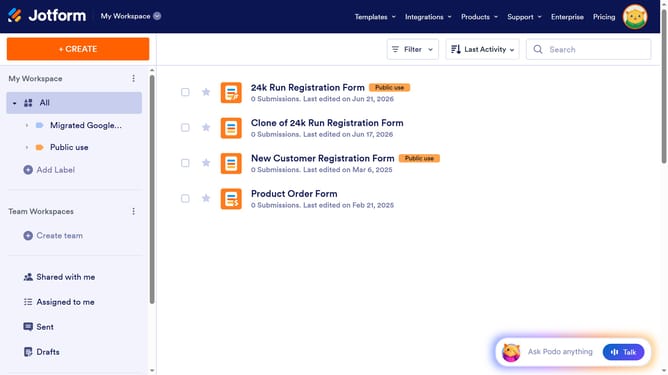
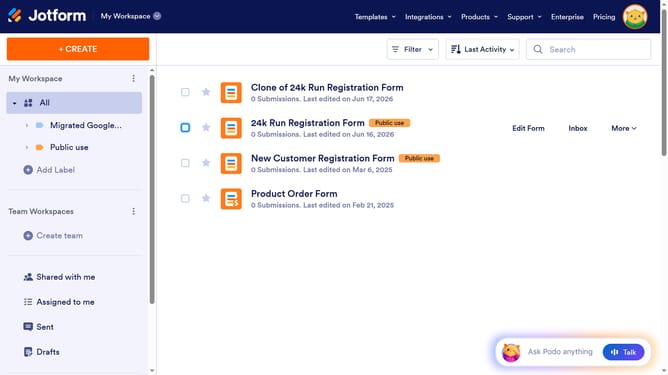
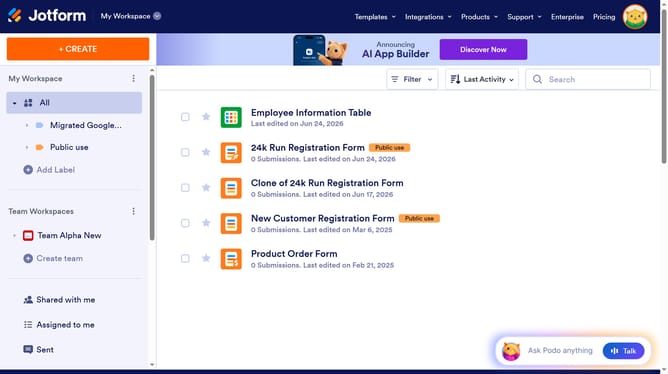
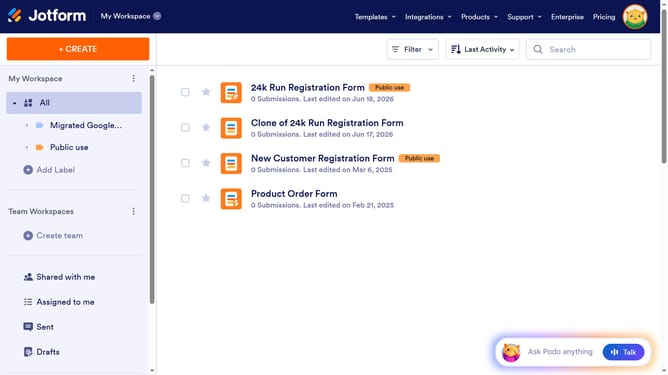
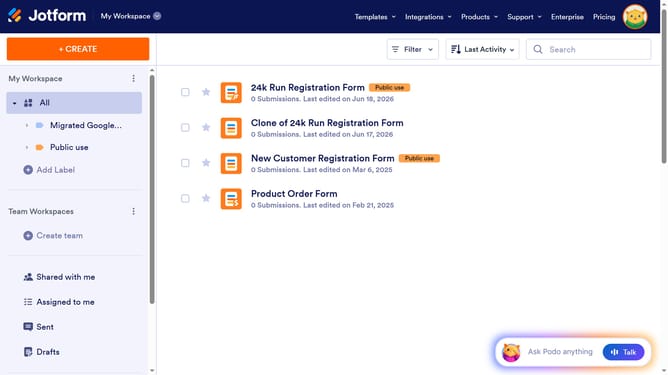
- First click on "All" in the left sidebar
- Then click on "Edit Form" button
- Then click on the "Date" field
- Then click on the "Date" field again
- Then click on "OPTIONS" tab
- Finally click on "Sunday" button to start the week
Why should you set start day of the week in a registration form in Jotform
Jotform is an intuitive online platform that simplifies the creation of customized forms and surveys for various needs.
Setting the start day of the week in a registration form enhances user experience by aligning with participants' scheduling habits.
This feature adds flexibility, accommodating regional or organizational preferences for a smoother form interaction.
Implementing this adjustment ensures clarity, helping registrants select dates with ease, ultimately fostering accurate data collection.
Last update