How to unlock data in column in a data table in Jotform
Here is how to unlock data in column in a data table in jotform
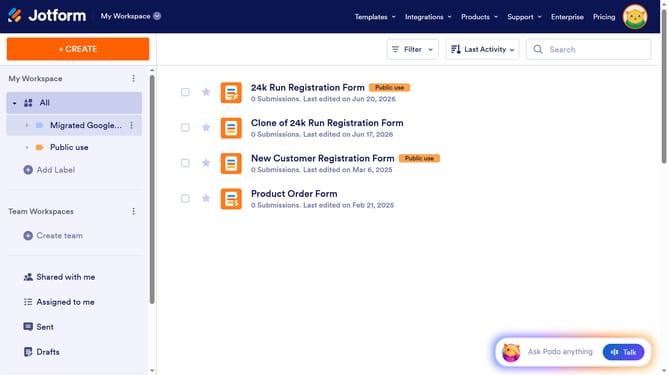
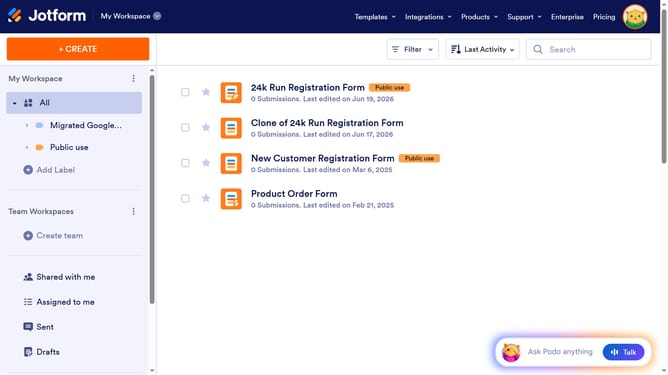
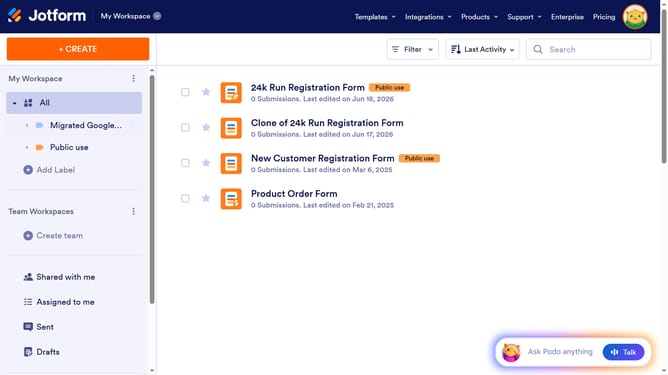
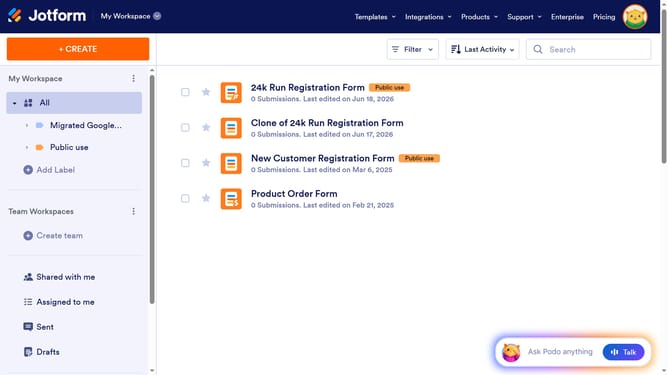
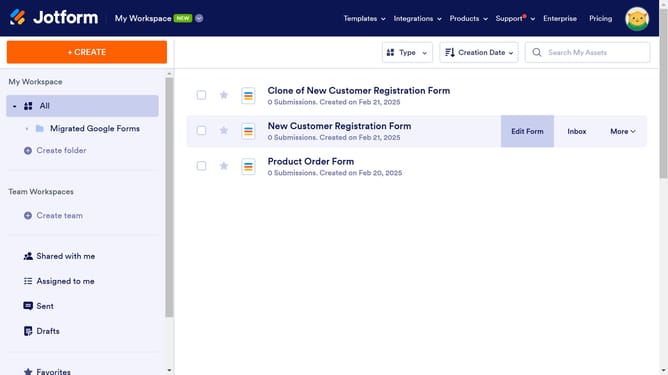
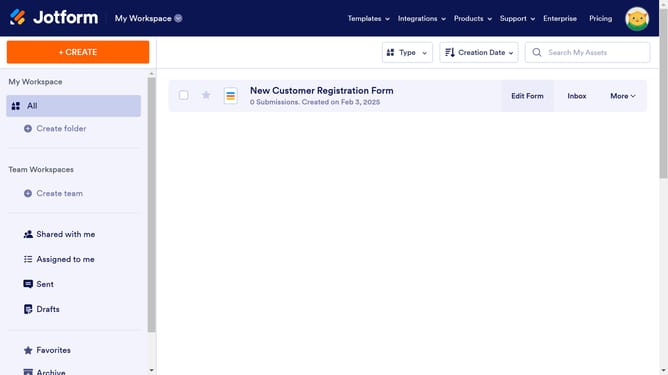
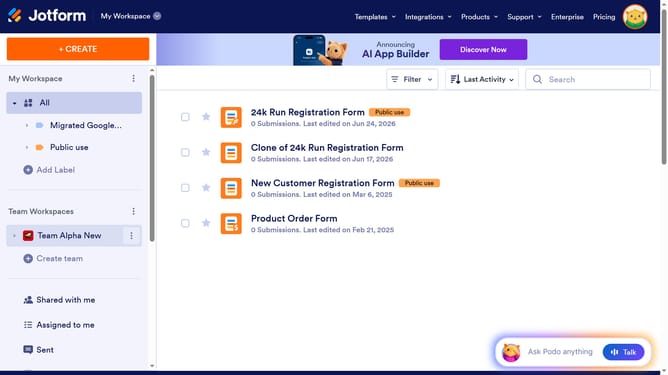
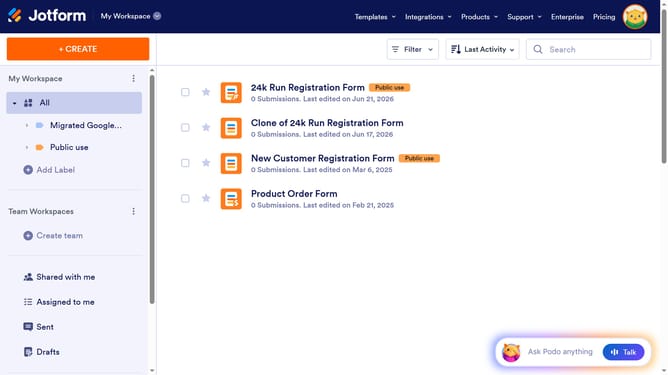
- First click on "All" item in the left sidebar
- Then click on the "View Table" button in the main content area
- Next click on the three dots icon next to the column header that you want to unlock
- Finally click on the "Unlock data in column" option from the context menu
Why should you unlock data in column in a data table in Jotform
Jotform is an intuitive form builder designed to simplify data collection and management.
Unlocking data in a column within a Jotform data table streamlines accessibility and enhances user productivity.
This feature supports a secure collaboration environment while allowing authorized team members to easily access and analyze essential information.
By enabling flexible data management, Jotform ensures that crucial insights are always within reach, facilitating efficient decision-making processes.
Last update