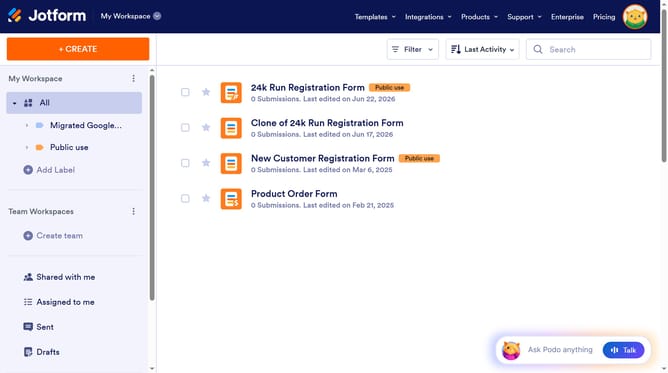
How to set name alignment in a registration form in Jotform
Here is how to set name alignment in a registration form in jotform
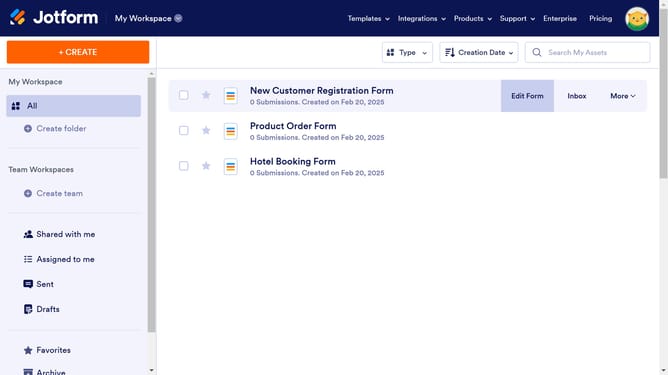
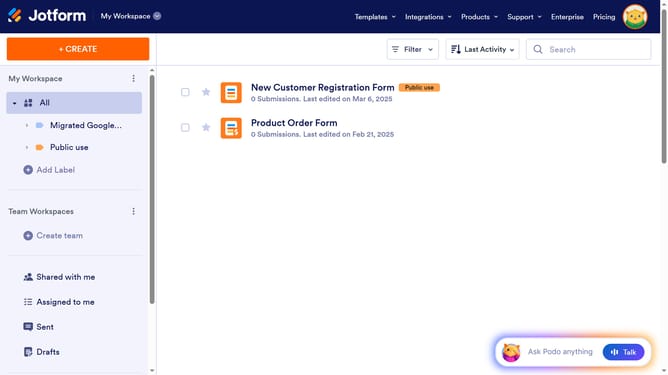
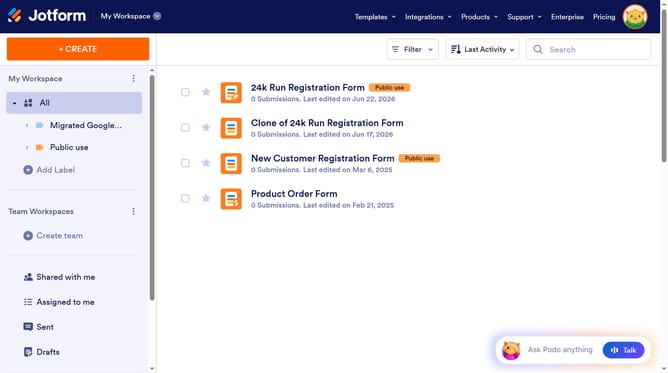
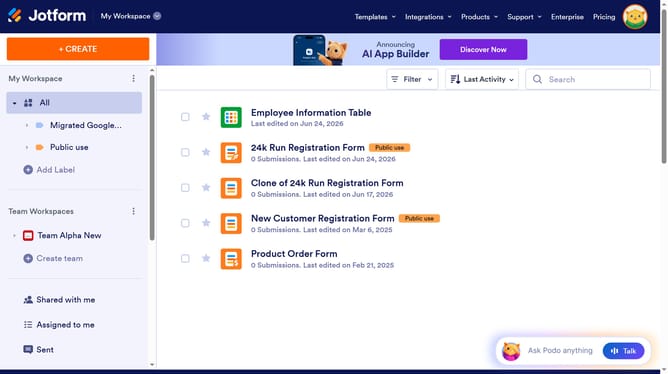
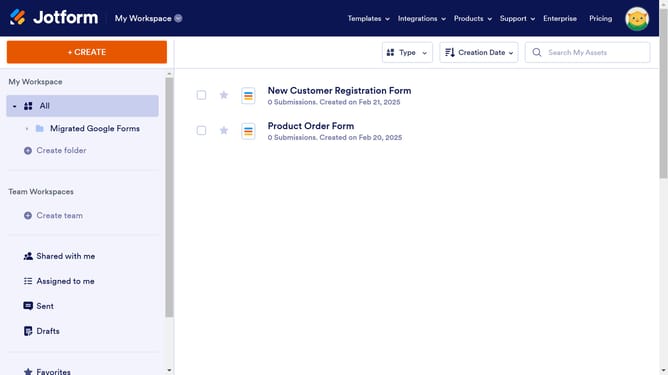
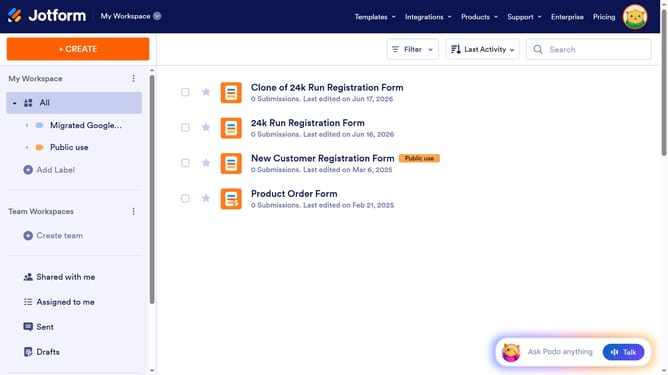
- First click on "All" in the left sidebar
- Then click on "Edit Form" button at the right side of the form name that you want to edit
- Next click on the "Name" field
- Then click on the "Properties" button
- Finally select an option for label alignment
Why should you set name alignment in a registration form in Jotform
Jotform is a versatile online platform designed to streamline the creation of customizable forms for various needs.
One handy feature in Jotform is the ability to set name alignment in registration forms. This allows users to tailor the visual presentation of their forms, ensuring a neat and professional appearance.
Proper alignment of names can significantly enhance user experience by optimizing readability, thereby ensuring faster and smoother form completion. This small detail contributes to more effective data collection and attractive form design.
Last update