How to add an email address column in a data table in Jotform
Here is how to add an email address column in a data table in jotform
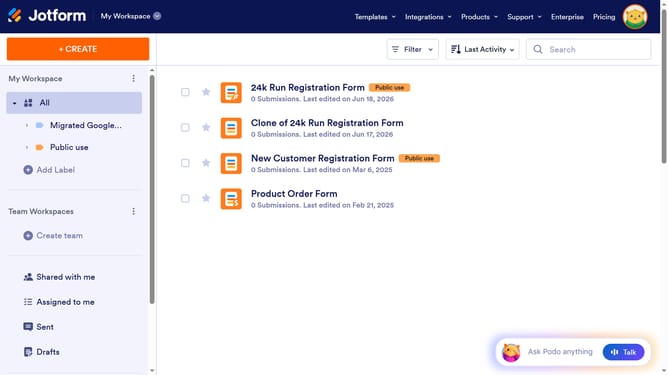
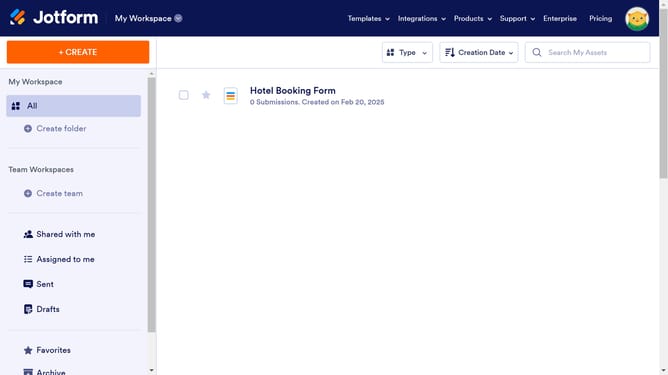
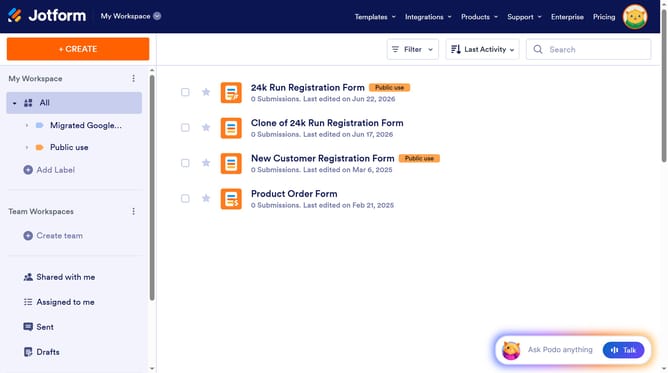
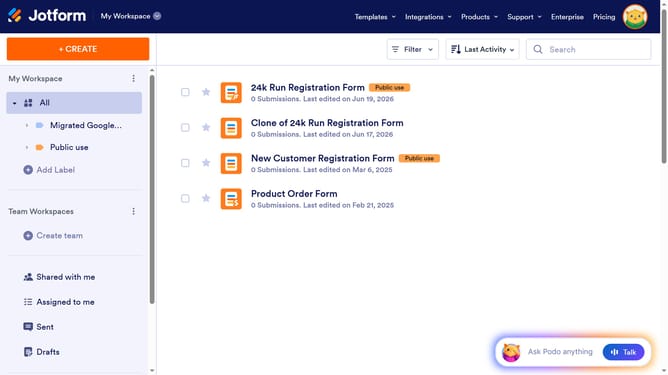
- First click on the "All" option in the left sidebar
- Next click on "View Table" button at the right side of the table name that you want to manage
- Next, click on the "+ ADD" button
- Then, select "Email Address" from the list of column types
- After that, click on the "NEXT" button
- Next, click on the "ENTER A COLUMN NAME" input field and enter column name
- Finally, click on the "CREATE COLUMN" button
Why should you add an email address column in a data table in Jotform
Jotform is an intuitive online form builder designed to simplify data collection and management.
Adding an email address column in a data table in Jotform is a seamless experience that enhances data organization. By doing so, you can efficiently manage and analyze contact information directly within your forms. This process significantly streamlines communication and facilitates better user engagement.
Utilizing this feature ensures that all email data is neatly stored in one accessible location, enhancing the ability to quickly act on responses and improving overall productivity.
Last update