How to remove a number field for country code in a registration form in Jotform
Here is how to remove a number field for country code in a registration form in jotform
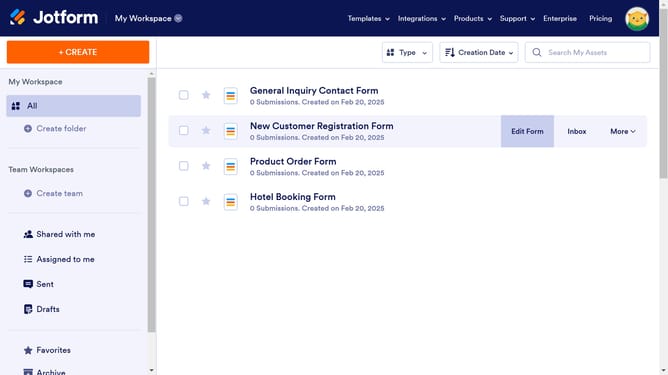
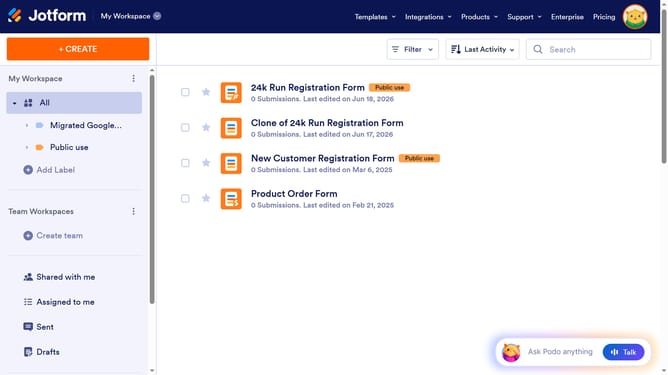
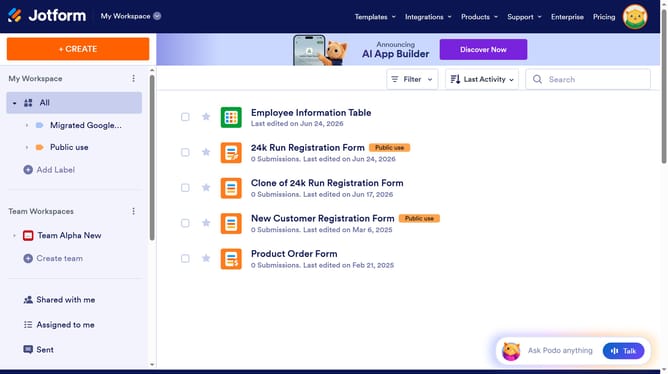
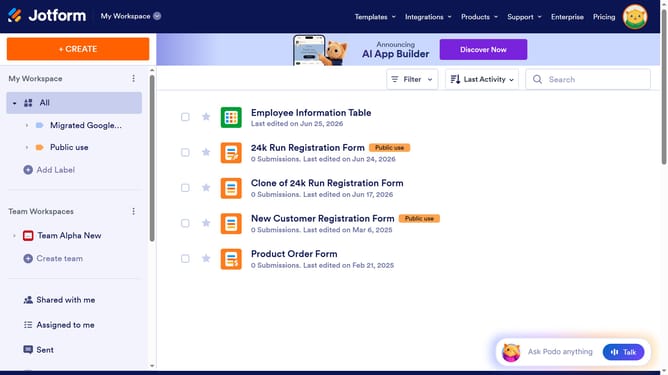
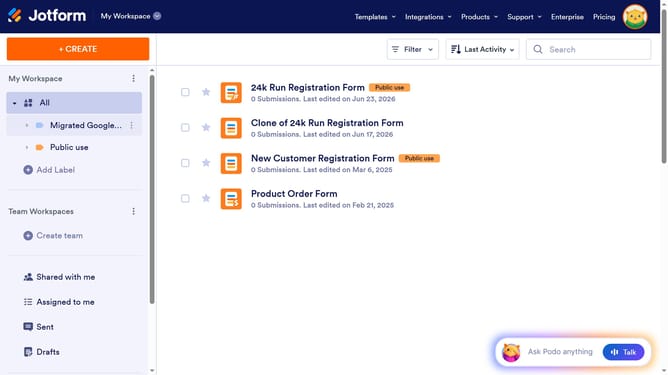
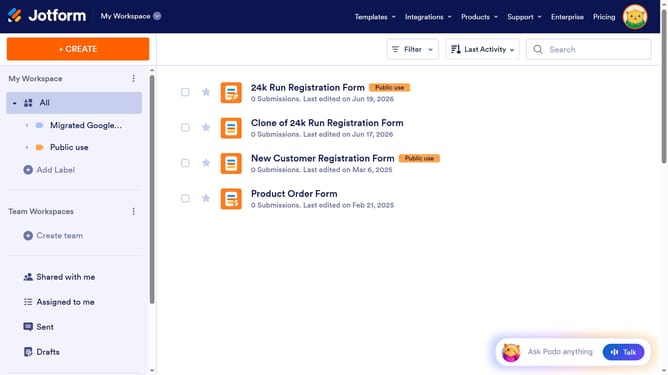
- First click on the "All" item in the left sidebar.
- Next click on "Edit Form" button at the right side of the form name that you want to edit
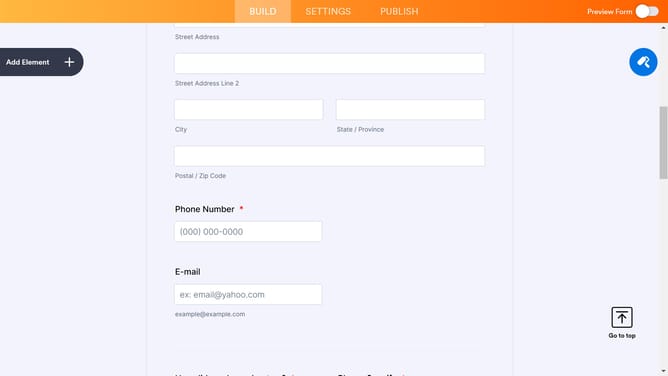
- Next, click on the "Phone Number" input field in the main form area
- Then click on the settings icon next to the "Phone Number" field
- After that, select the "OPTIONS" tab in the settings panel
- Finally slide on the "Country Code" slider to the left to disable it
Why should you remove a number field for country code in a registration form in Jotform
Jotform, a versatile form builder, simplifies the process of creating customized forms for any purpose.
Removing a number field for the country code in a registration form enhances user experience, making it more intuitive and seamless.
By eliminating unnecessary fields, you streamline the registration process, reducing potential friction for your users.
This not only speeds up the form completion rate but also increases the likelihood of successful submissions, ultimately benefiting your data collection efforts.
Last update