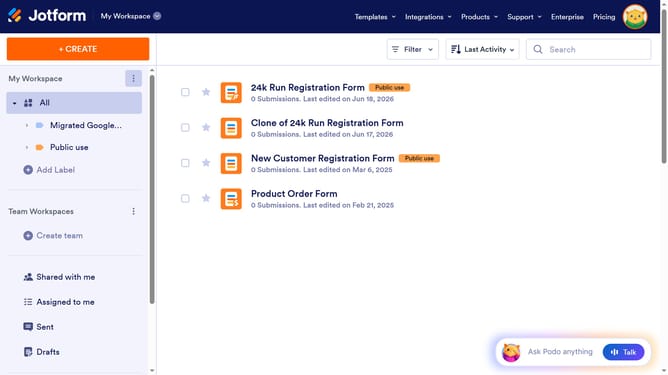
How to italicize words in a paragraph field in a registration form in Jotform
Here is how to italicize words in a paragraph field in a registration form in jotform
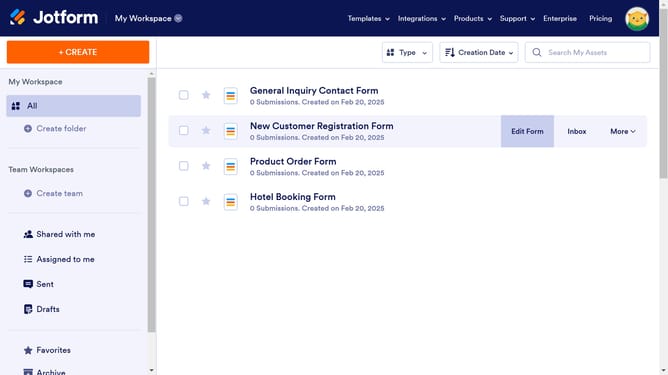
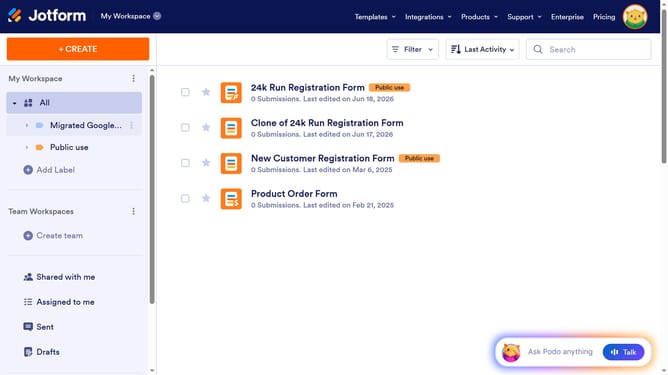
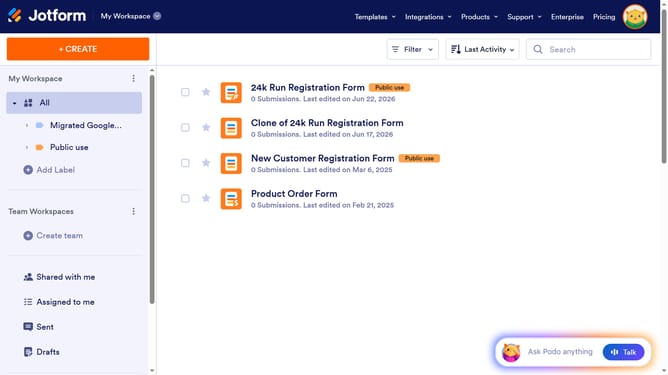
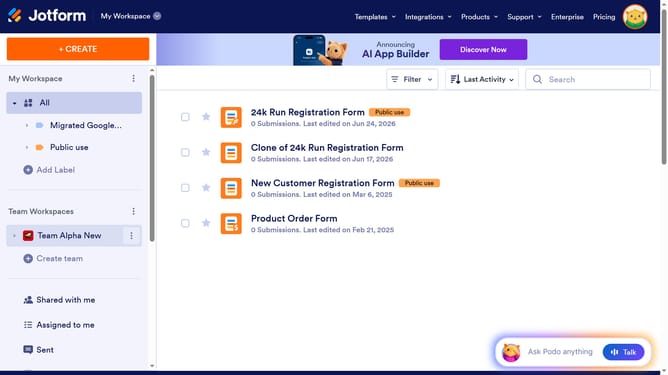
- First click on the "All" filter in the left sidebar
- Next click on "Edit Form" button at the right side of the form name that you want to manage
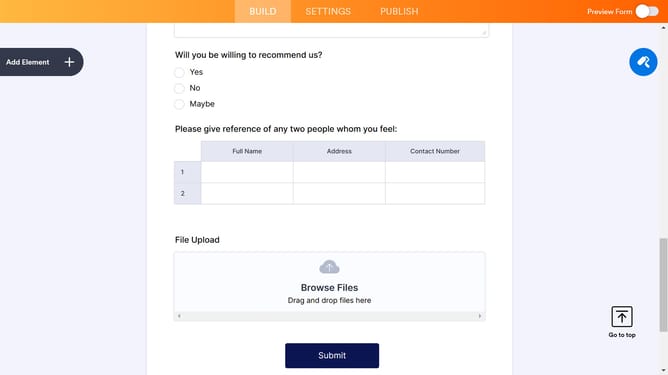
- Then click on the paragraph field in the form builder
- Then click on the "Edit Text" button
- Next click on the text that you want to manage to highlight it
- Finally click on the "I" icon to make the text italic
Why should you italicize words in a paragraph field in a registration form in Jotform
Jotform is a versatile online platform designed to streamline creating custom forms with ease.
One invaluable feature in Jotform is the ability to italicize words within a paragraph field in a registration form. This subtle yet powerful tool allows you to emphasize key information, ensuring certain words or phrases capture the attention they deserve.
Using italics can enhance readability by drawing focus to important details without overwhelming the user, fostering a clear and engaging communication style that enriches the user's experience.
Last update