How to add a middle name field in a registration form in Jotform
Here is how to add a middle name field in a registration form in jotform
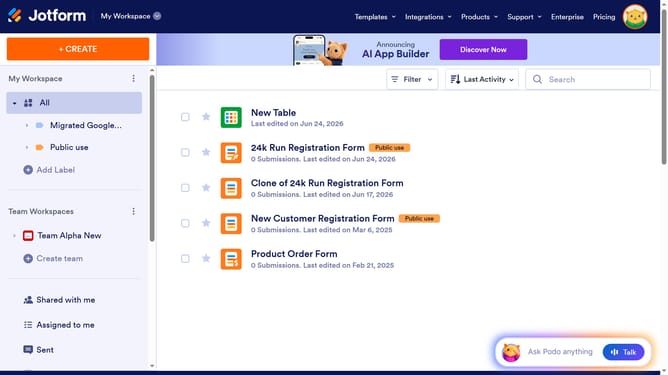
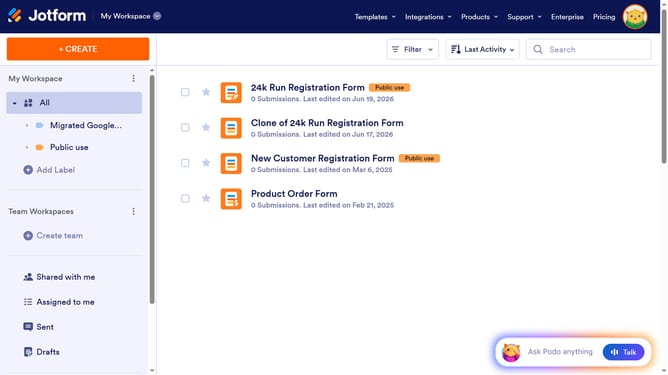
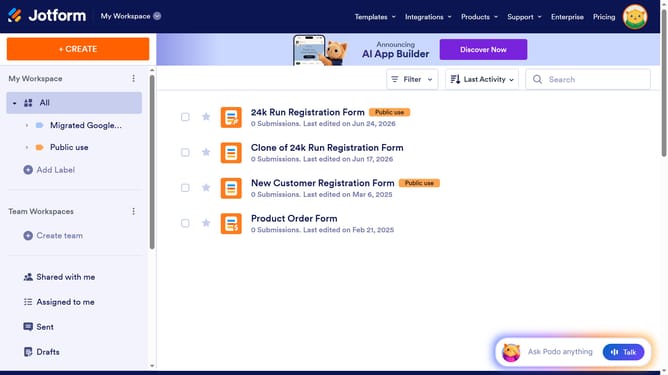
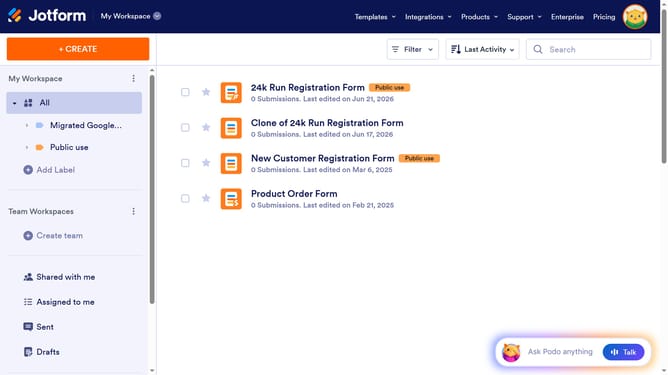
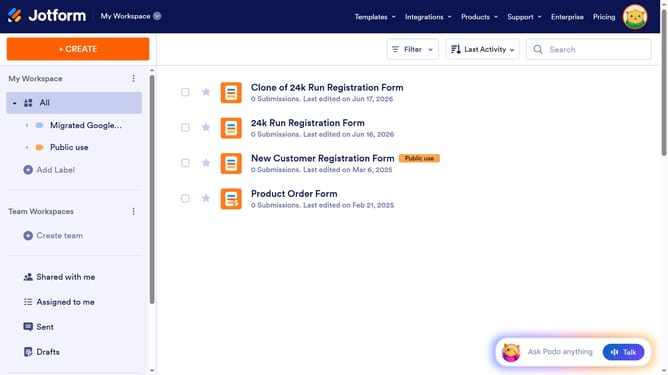
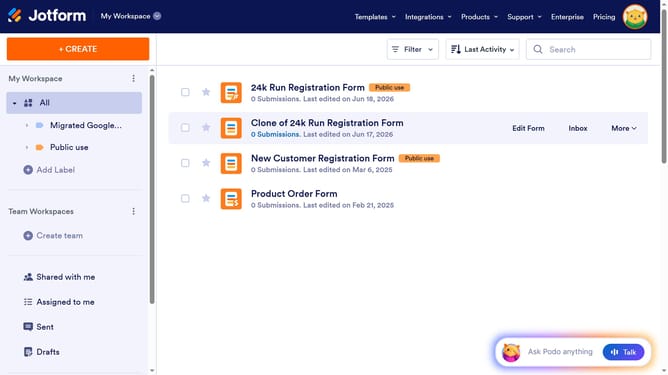
- First click on "All" in the left sidebar
- Then click on "Edit Form" button at the right side of the form name that you want to edit
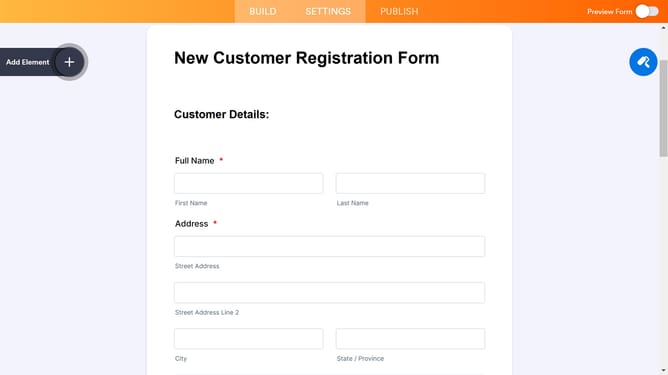
- Next click on the "Name" field in the form editor
- Then click on the "Properties" button
- After that click on the "Options" tab
- Finally click on the "Middle Name" toggle to enable it
Why should you add a middle name field in a registration form in Jotform
Jotform is a versatile tool for creating customizable online forms effortlessly.
Adding a middle name field in a registration form using Jotform enhances data precision. This simple addition allows users to provide complete personal information, reflecting importance in formal settings or maintaining accurate documentation for organizations.
Using a middle name field helps ensure that the identity of registrants is captured correctly, minimizing ambiguity and fostering trust. This feature enriches data, promoting more personalized communication and professional record-keeping.
Last update