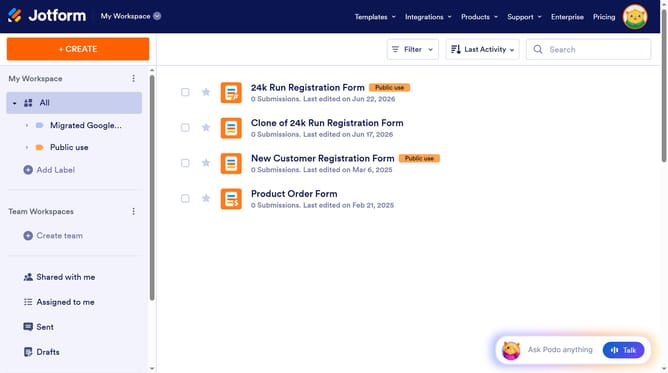
How to change print button text in a registration form in Jotform
Here is how to change print button text in a registration form in jotform
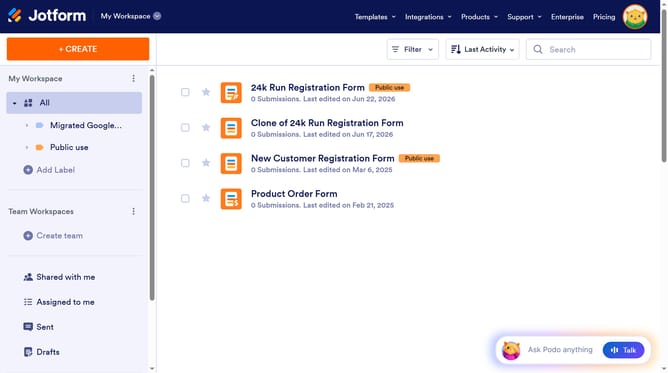
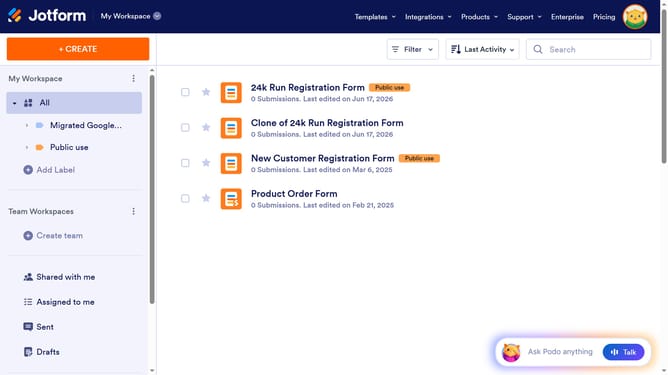
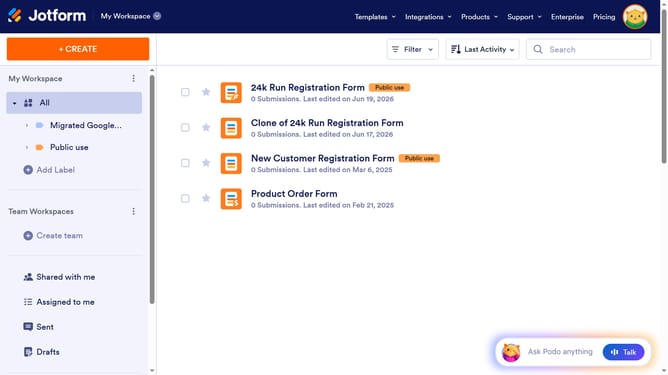
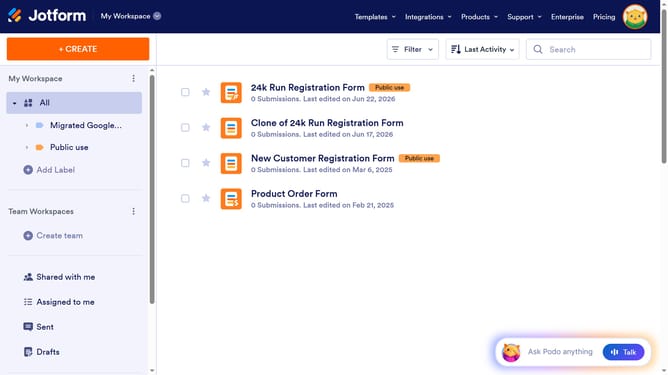
- First, click on the "All" filter in the left sidebar
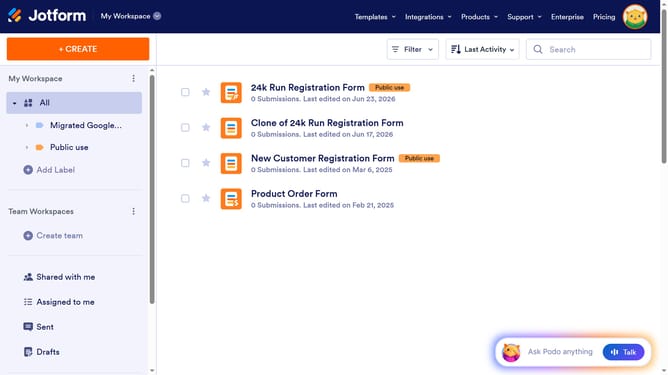
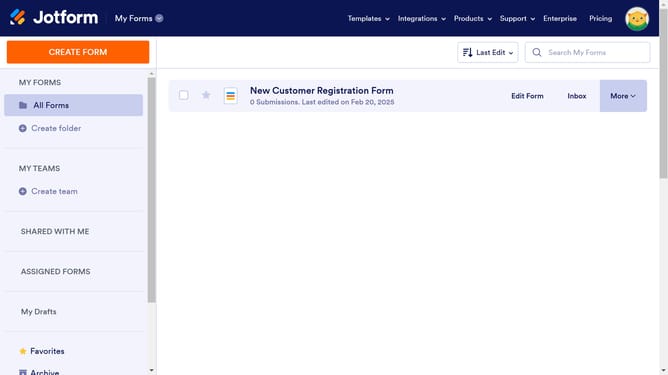
- Next click on "Edit Form" button at the right side of the form name that you want to manage
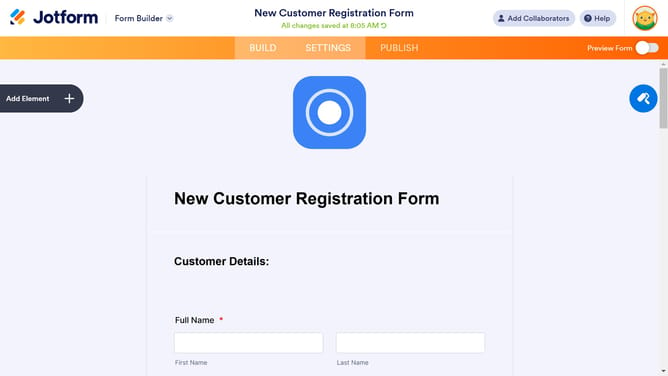
- Then click on the "Submit" button area
- Then, click on the "Properties" icon
- Next, click on the "ADVANCED" tab
- Finally, click on the print button text input and edit it
Why should you change print button text in a registration form in Jotform
Jotform is an intuitive online platform that empowers users to create custom forms with ease.
Changing the print button text in a registration form within Jotform is a straightforward feature that enhances user experience by offering clear instructions.
This customization ensures users understand the button's purpose instantly, leading to improved form completion rates.
By tailoring the print button text to suit your audience, you make your registration forms more accessible and user-friendly, reflecting a thoughtful approach to form design.
Last update