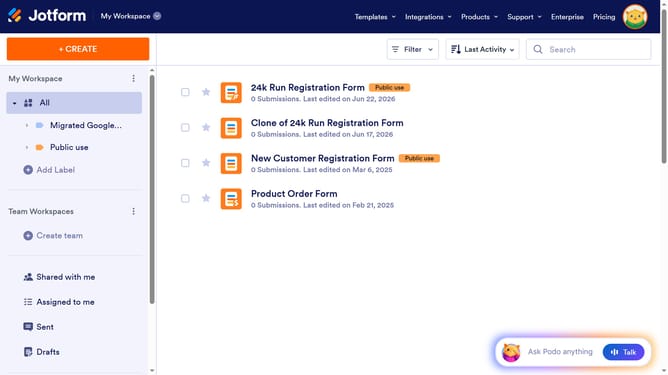
How to add row in a table field in a registration form in Jotform
Here is how to add row in a table field in a registration form in jotform
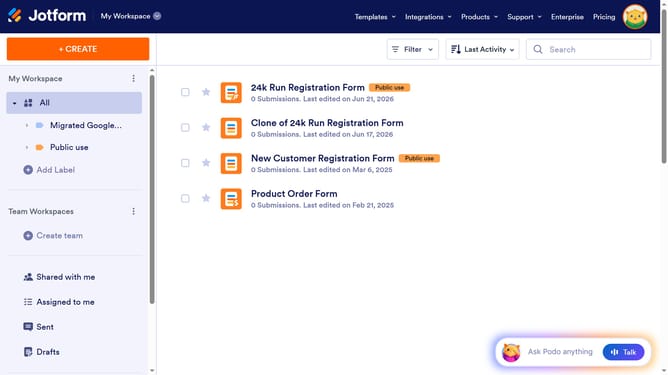
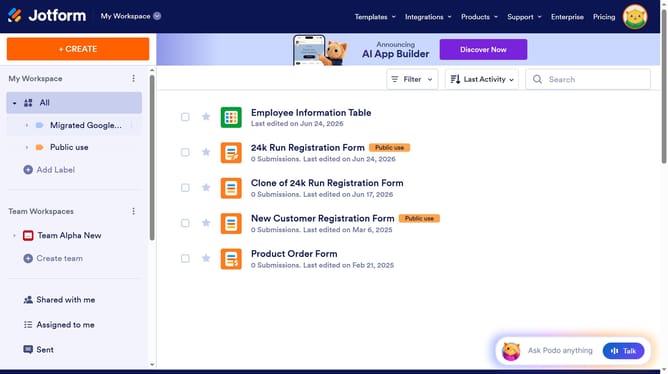
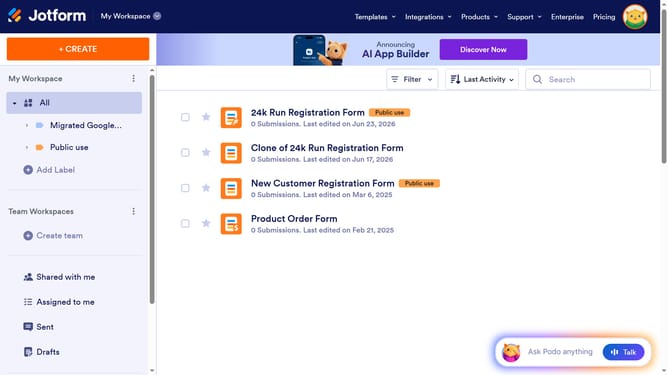
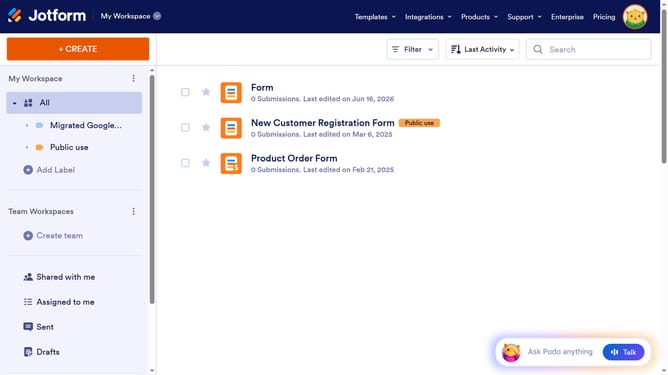
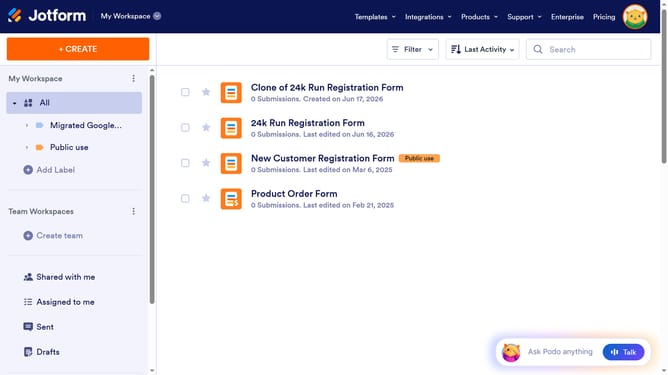
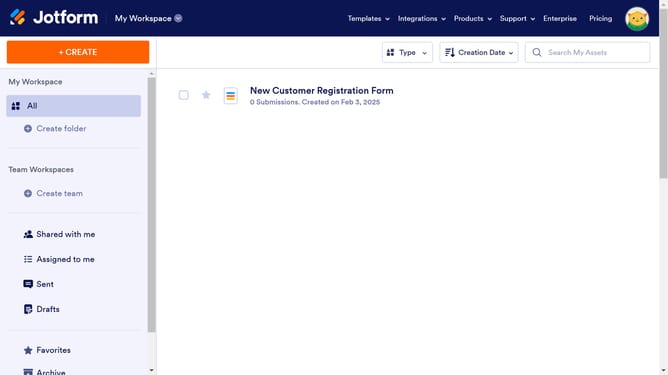
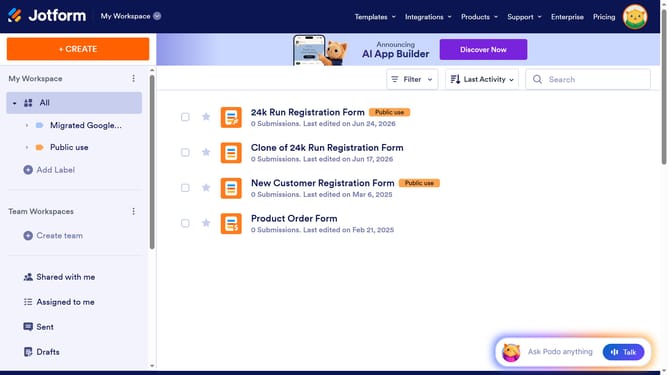
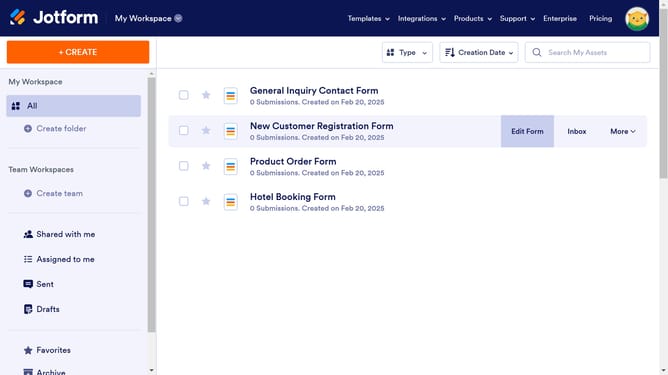
- First click on the "All" item in the left sidebar
- Next click on "Edit Form" button at the right side of the form name that you want to manage
- Then click on the table input field in the form builder
- Next click on the "Properties" button
- Then click on the "FIELDS" tab
- Click on the "+ Add Row" button
- Finally click on the newly added row text field and enter row name
Why should you add row in a table field in a registration form in Jotform
Jotform is a versatile platform designed to simplify form creation and data collection.
Adding a row in a table field on a registration form in Jotform enables dynamic data entry, allowing users to input multiple pieces of information seamlessly.
This feature is especially beneficial in scenarios requiring detailed data collection, such as training sign-ups or multi-session event registrations.
With enhanced flexibility and user-friendliness, this feature empowers users to tailor forms to diverse needs effortlessly.
Last update