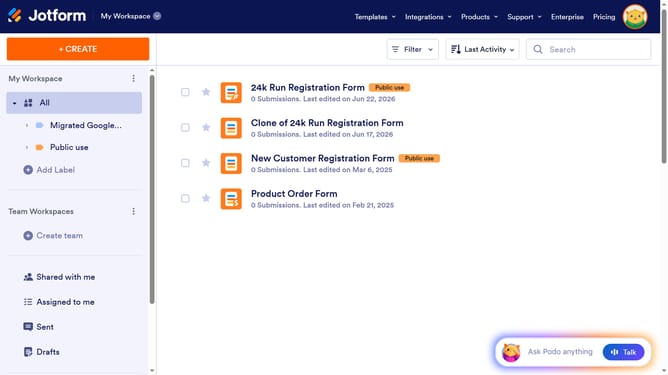
How to archive a form in Jotform
Here is how to archive a form in jotform
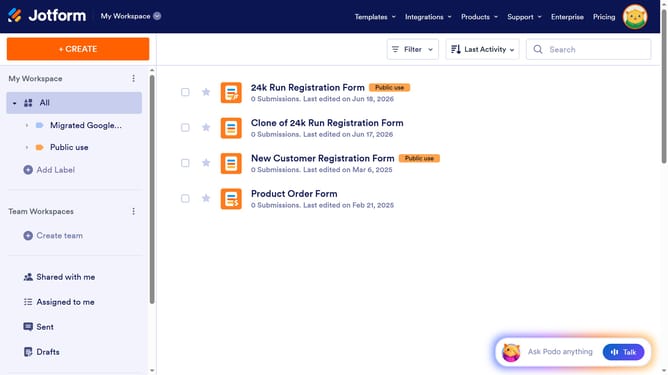
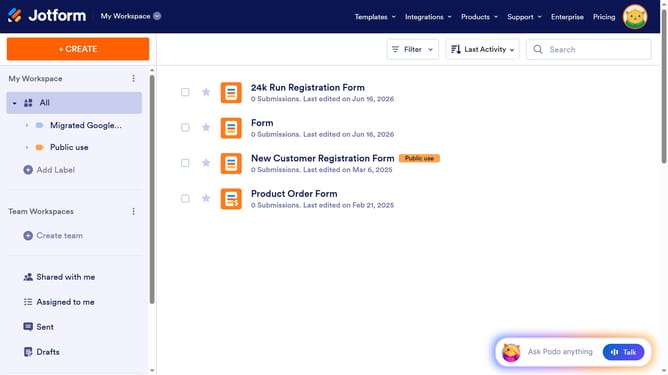
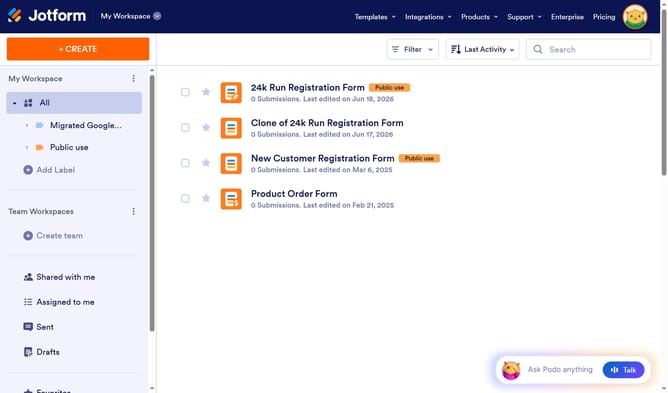
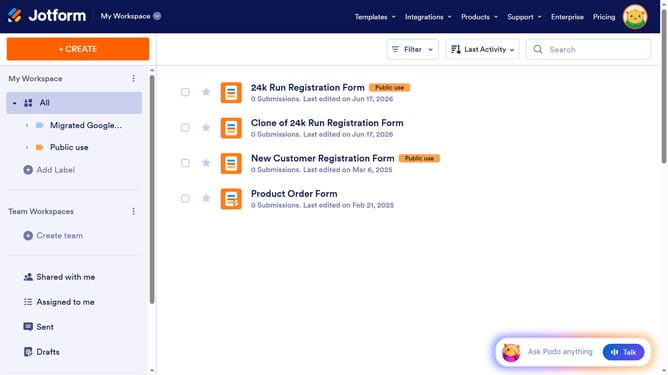
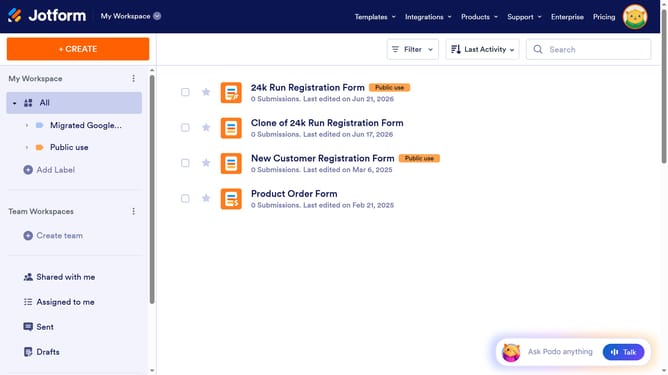
- First click on "All" in the left sidebar
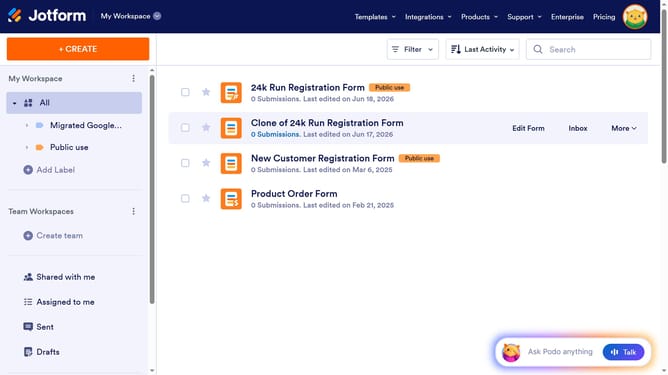
- Then click on the square checkbox next to the form you want to archive
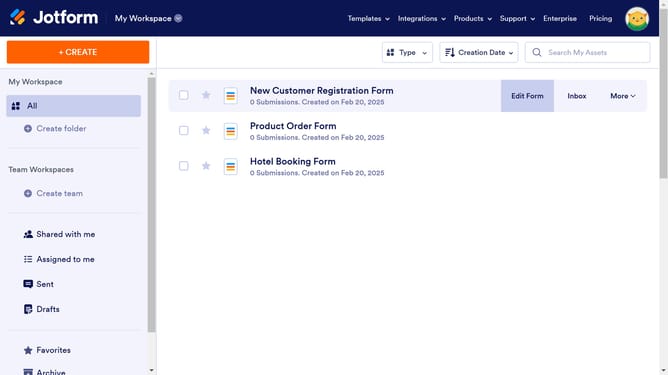
- Then click on the "More" button
- Finally click on "Archive" in the dropdown menu
Why should you archive a form in Jotform
Jotform is a versatile online tool that simplifies creating, sharing, and managing forms.
Archiving forms in Jotform is a valuable feature that helps streamline your workspace by allowing you to remove inactive forms from the clutter without permanently deleting them.
Utilizing this feature can keep your dashboard organized, making it easier to focus on current tasks and projects.
This ensures all your forms are preserved and easily retrievable whenever needed, boosting efficiency and clarity in managing your documents.
Last update