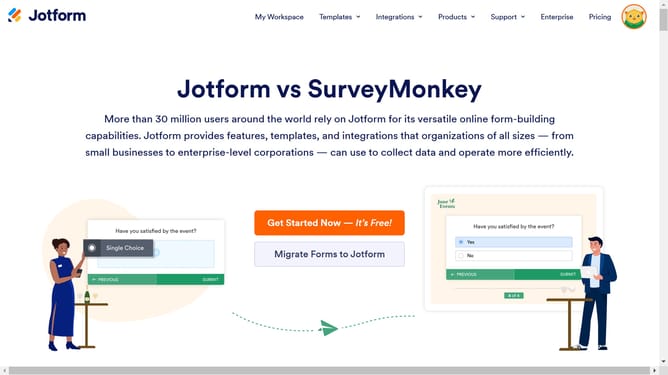
How to add a multiple choice field to a registration form in Jotform
Here is how to add a multiple choice field to a registration form in jotform
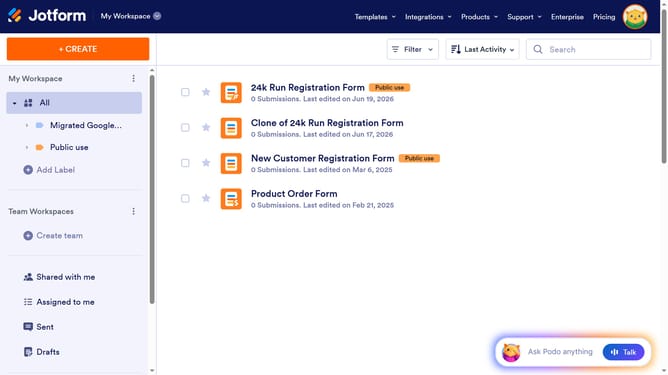
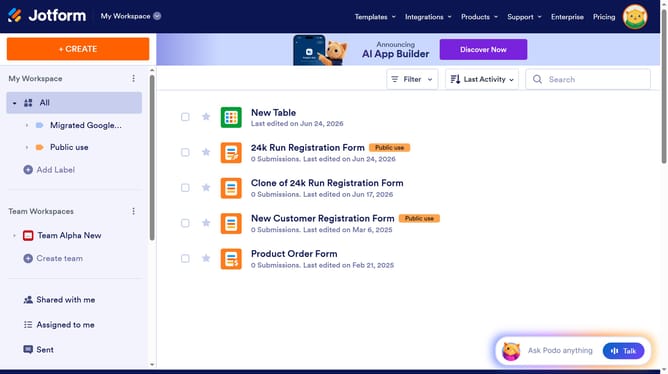
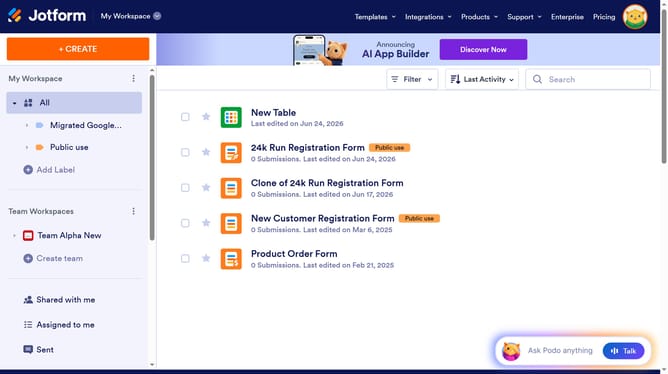
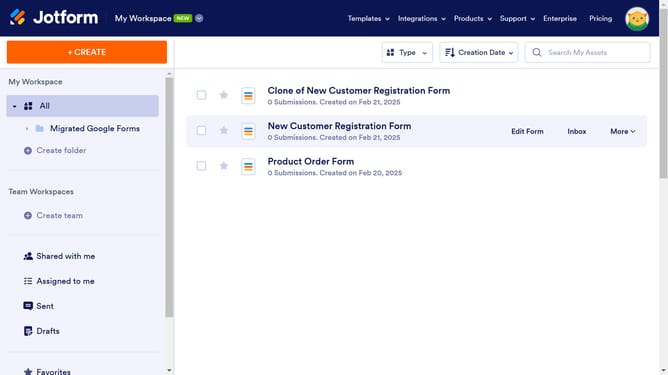
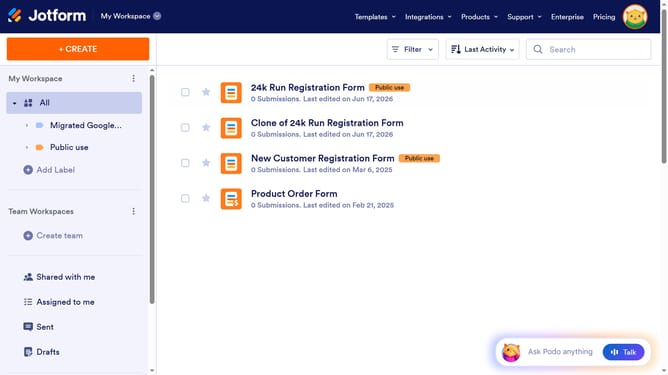
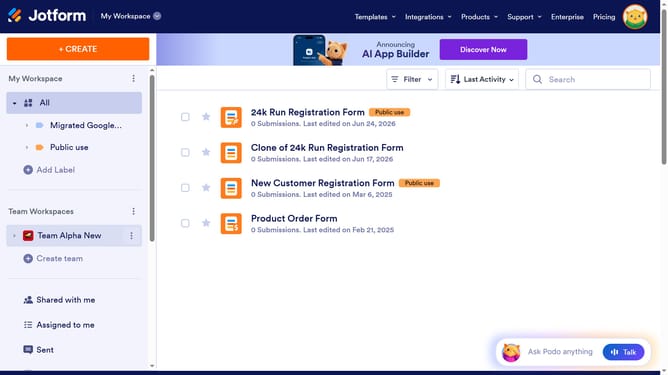
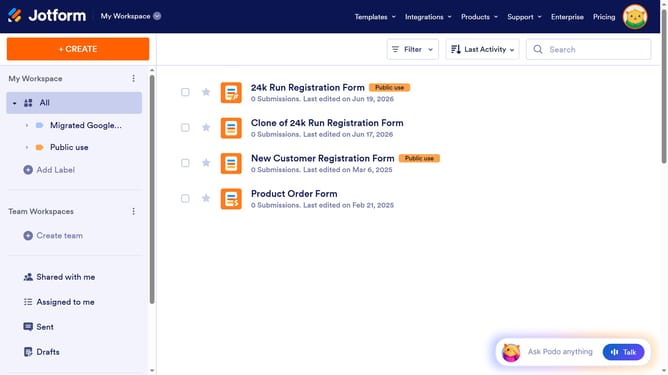
- First click on "All" in the left sidebar
- Then click on "Edit Form" button at the right side of the form name that you want to edit
- Next click on "Add Element" button in the left sidebar
- Finally select "Multiple Choice" element from the list
Why should you add a multiple choice field to a registration form in Jotform
Jotform is a powerful online form builder designed to help users create custom forms with ease.
Adding a multiple-choice field to a registration form in Jotform enhances the data collection process by allowing respondents to select answers that best represent their preferences or requirements.
This feature aids in capturing diverse responses, offering both flexibility and precision. Utilizing a multiple-choice field simplifies data analysis, providing valuable insights for informed decision-making.
Ultimately, it results in a smoother user experience, encouraging higher response rates and better engagement.
Last update