How to lock all data in column in a data table in Jotform
Here is how to lock all data in column in a data table in jotform
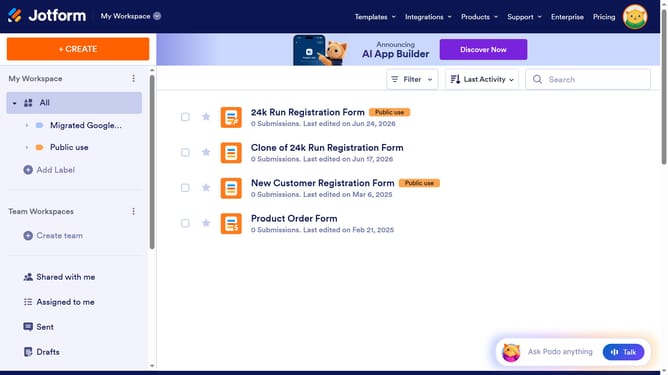
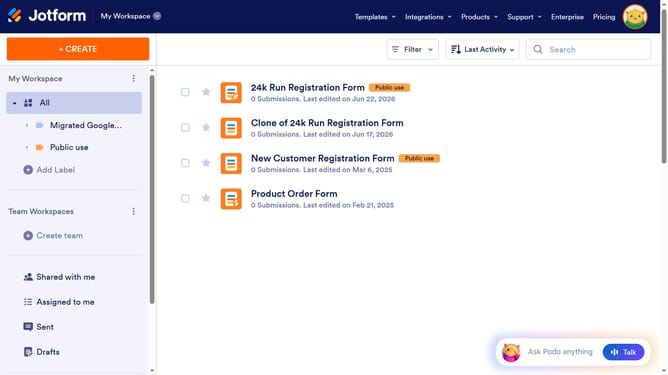
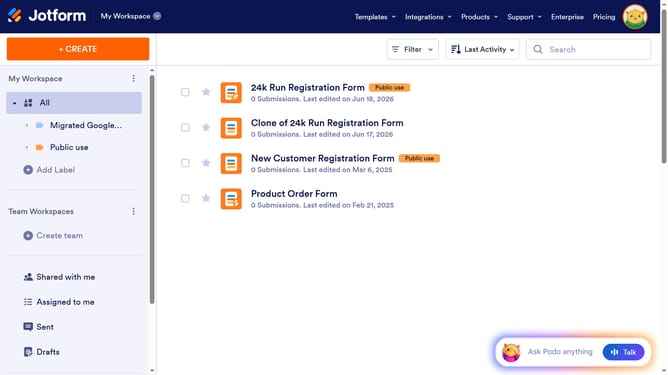
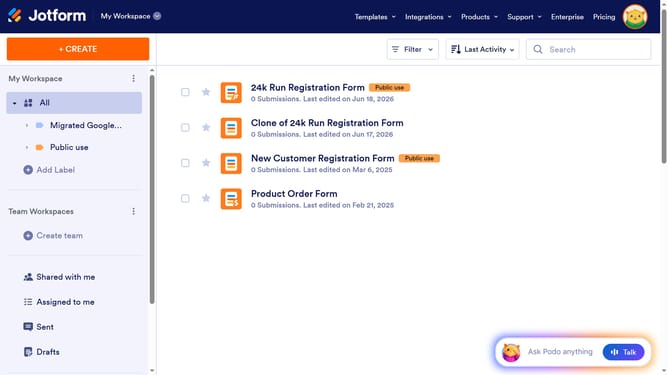
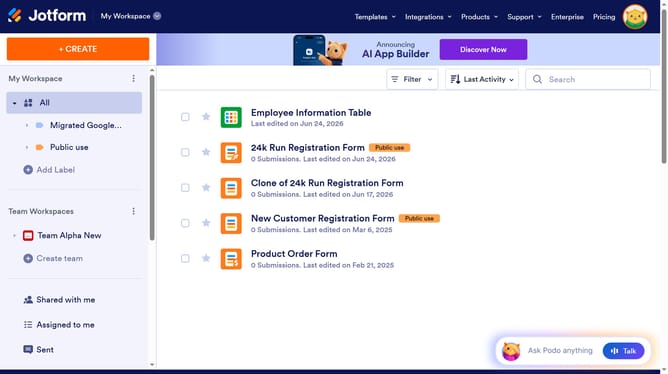
- First click on "All" item in the left sidebar
- Next click on "View Table" button at the right side of the table name that you want to manage
- Next click on "Columns & AI" button in the header
- Finally click on "Lock All" button in the dropdown menu
Why should you lock all data in column in a data table in Jotform
Jotform is a versatile platform empowering users to create and manage online forms effortlessly.
Locking all data in a column within a Jotform data table is a powerful feature designed to enhance data integrity and streamline workflow efficiency. This feature ensures that vital information remains unchanged, reducing the chances of accidental edits and thus maintaining consistent records.
By using this functionality, teams can safeguard critical data with ease, providing peace of mind and a more organized data management process. Moreover, it enhances collaboration by allowing multiple users to access the data without risking inadvertent modifications, ultimately boosting productivity and accuracy.
Last update