How to add a row in a data table in Jotform
Here is how to add a row in a data table in jotform
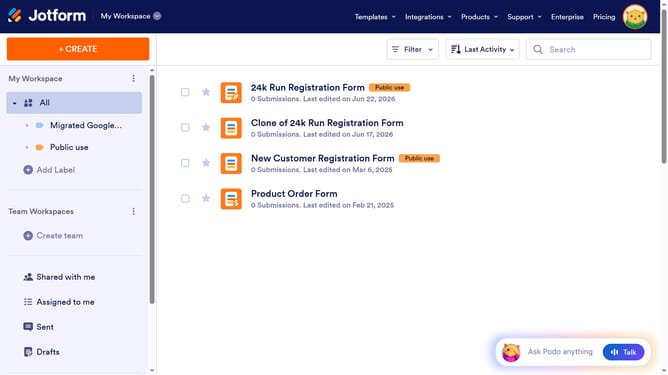
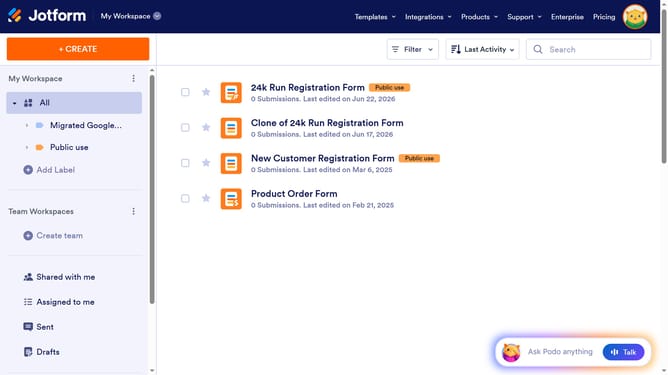
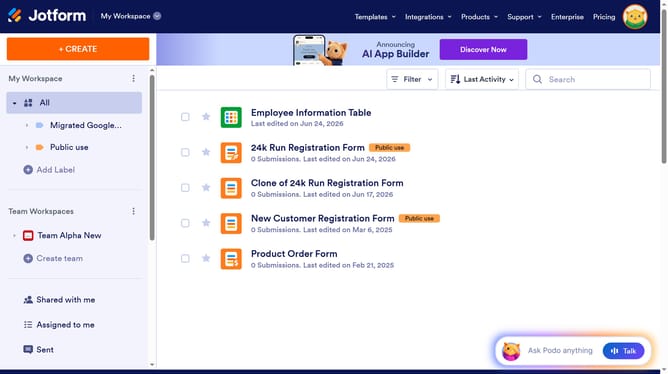
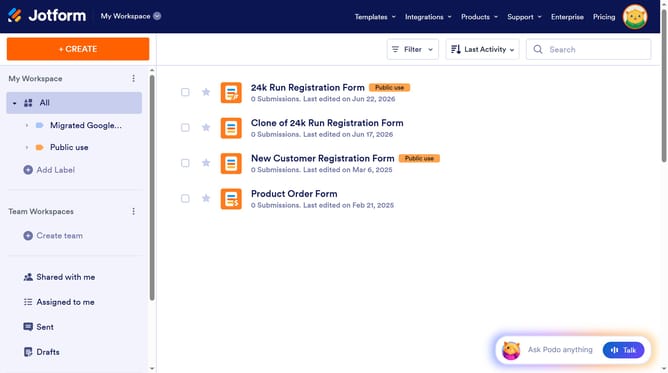
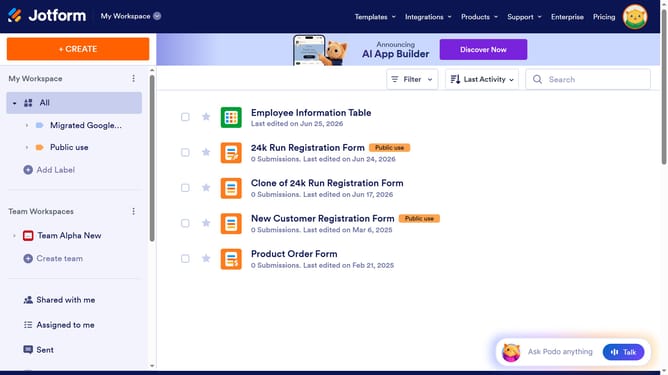
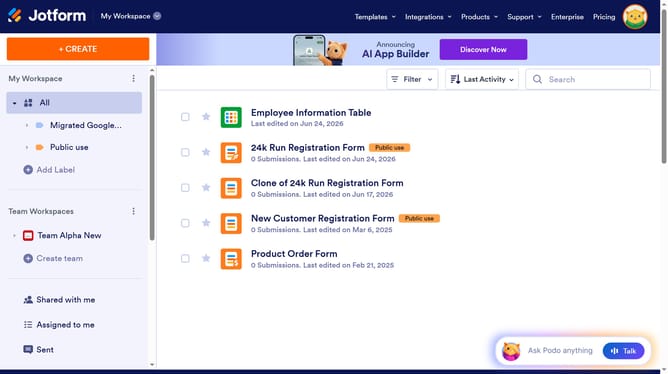
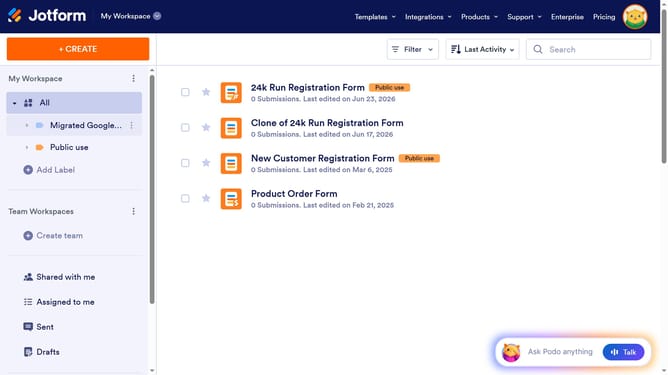
- First click on "All" button in the left sidebar
- Next click on "View Table" button at the right side of the table name that you want to manage
- Finally click on "Add" button under the row
Why should you add a row in a data table in Jotform
Jotform is a dynamic tool designed for creating customized forms and managing data effortlessly.
One of the valuable features Jotform offers is the ability to add a row in a data table easily. This enhances the way you organize and manipulate data, ensuring you can accommodate new information without any hassle.
Adding a new row allows for seamless data entry and updates, making it simple to maintain comprehensive records. It elevates your data management process, facilitating better analysis and decision-making.
Experience the efficiency and flexibility of Jotform’s data handling, ensuring your workflow remains fluid and effective.
Last update