How to add an attachment column in a data table in Jotform
Here is how to add an attachment column in a data table in jotform
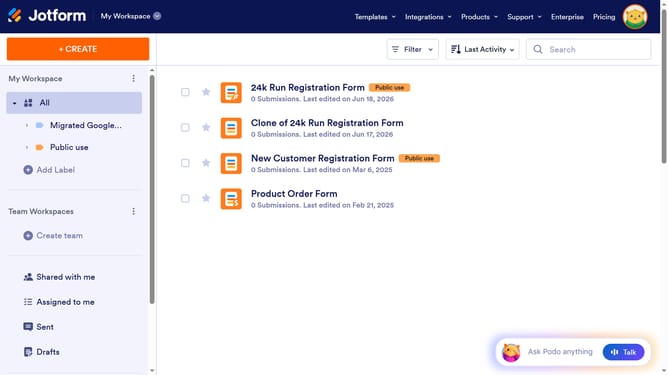
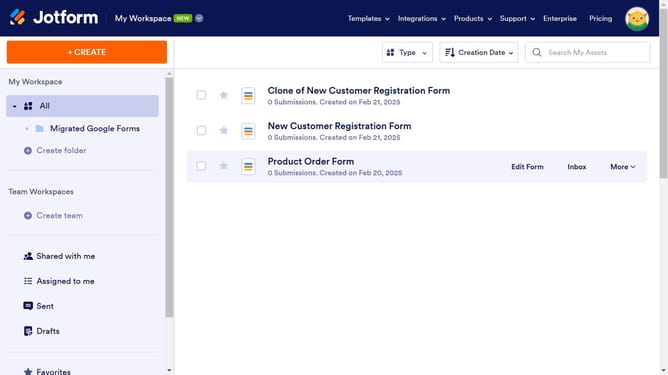
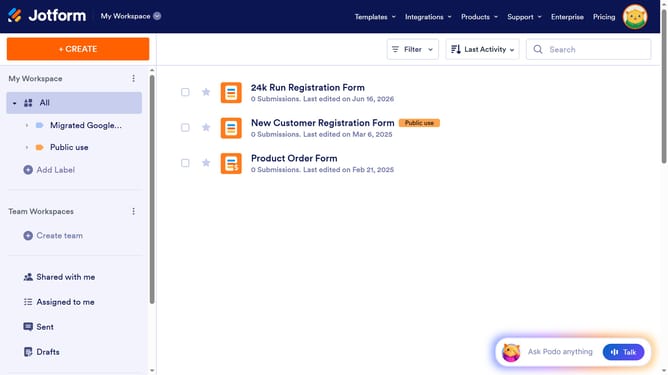
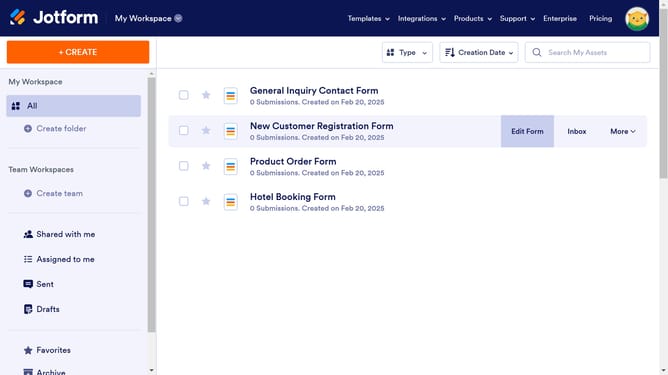
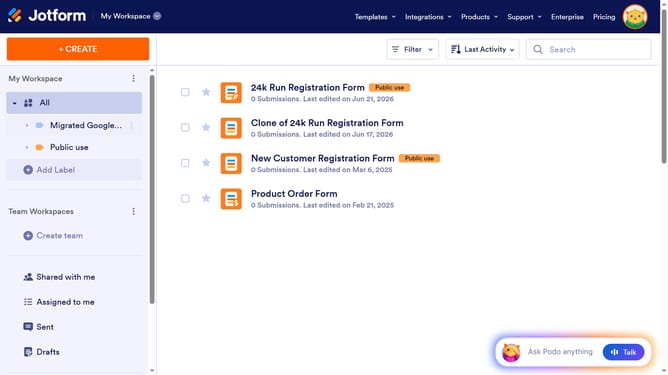
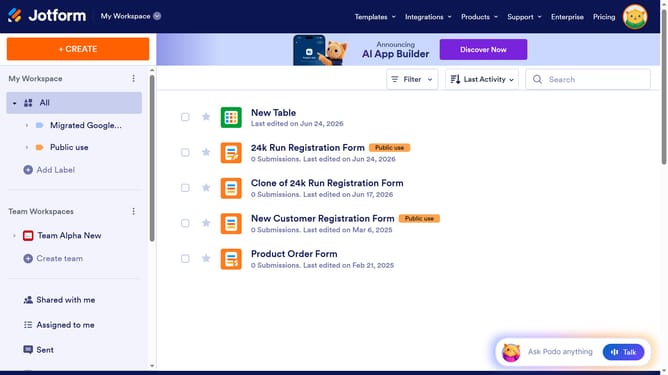
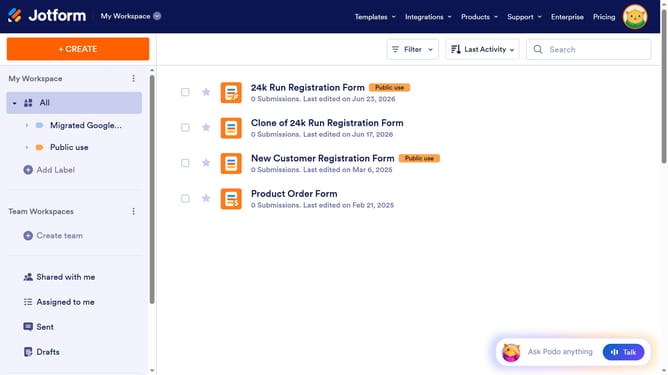
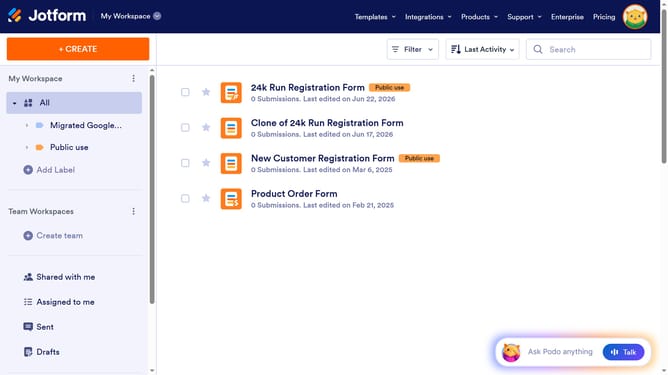
- First click on "All" in the left sidebar
- Next click on "View Table" button at the right side of the table name that you want to manage
- Then click on the purple "ADD" button
- Then select "Attachment" option from the column types
- Then click on the "NEXT" button
- Then click on the input field to enter a column name
- Finally click on the "CREATE COLUMN" button
Why should you add an attachment column in a data table in Jotform
Jotform is an intuitive platform designed for creating powerful online forms effortlessly.
Adding an attachment column in a Jotform data table elevates the functionality and organization of your data management. This feature allows users to seamlessly attach files within their data entries, ensuring all relevant information is consolidated in one place.
This enhancement streamlines workflows by reducing the need to search for related files, boosting productivity and enhancing collaboration among team members. In essence, attaching files directly to a data table in Jotform fosters a more cohesive data environment.
Last update