How to lock data in column in a data table in Jotform
Here is how to lock data in column in a data table in jotform
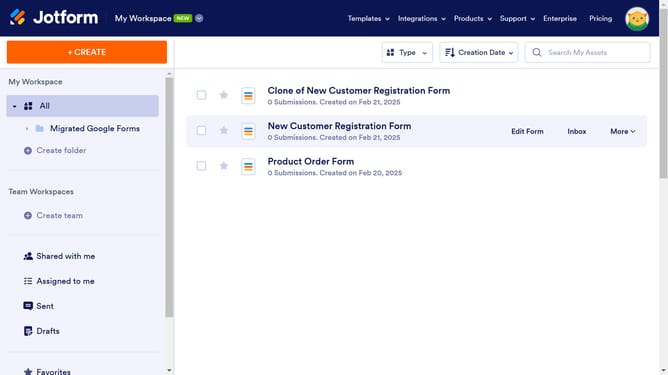
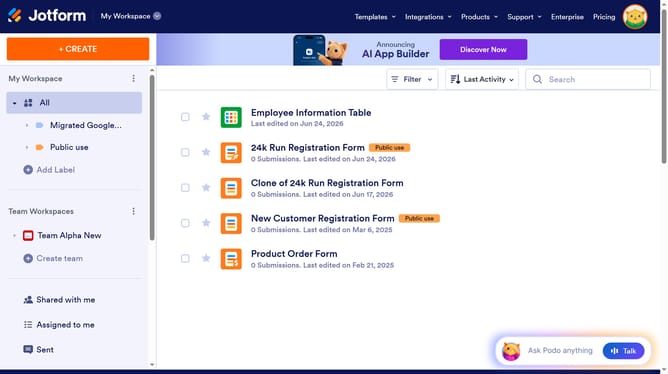
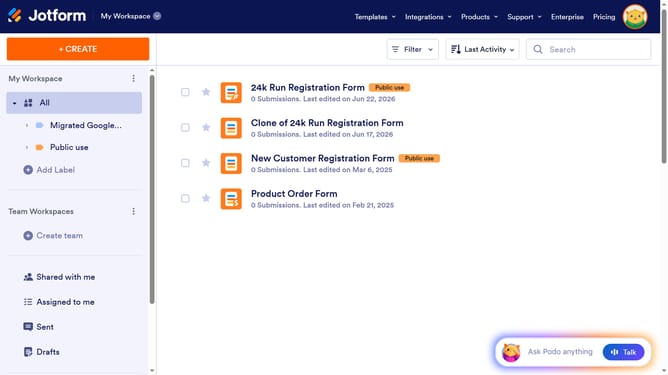
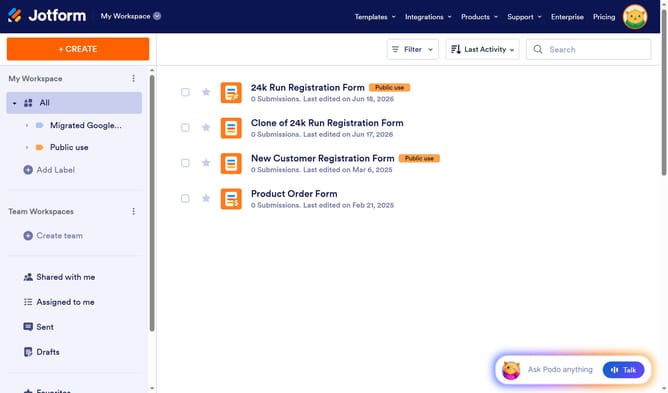
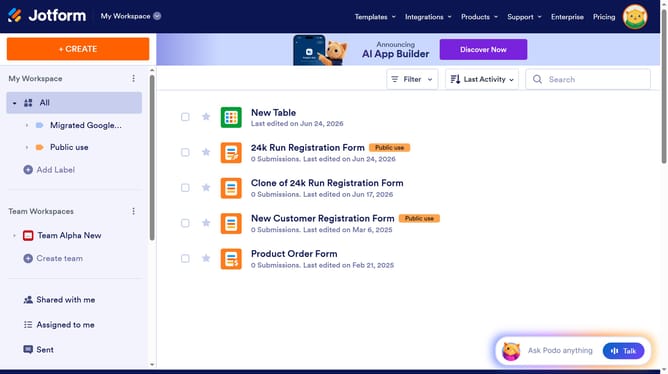
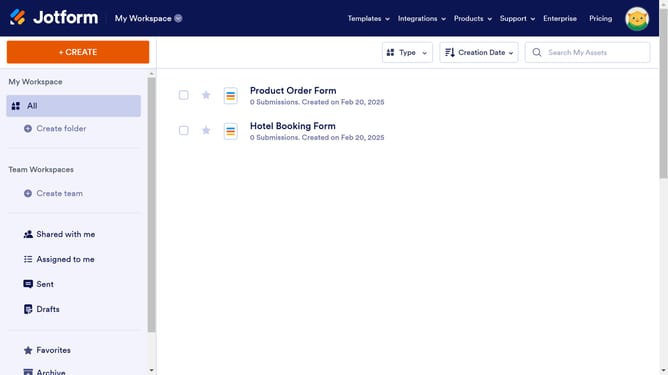
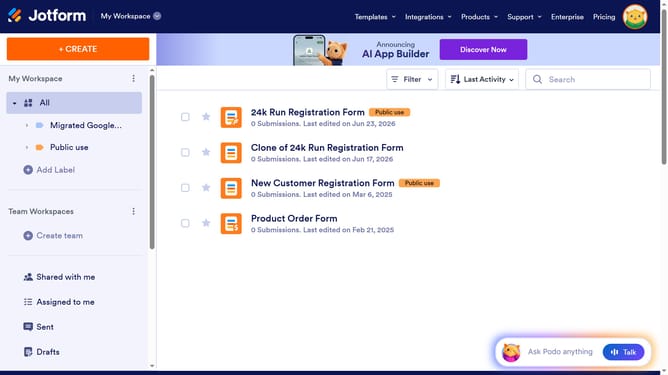
- First click on the "All" item in the sidebar
- Next click on "View Table" button at the right side of the table name that you want to manage
- Then click on the three dots next to the column header that you want to lock
- Finally click on the "Lock data in column" option in the dropdown menu
Why should you lock data in column in a data table in Jotform
Jotform is a versatile online form builder designed to streamline data collection for individuals and businesses alike.
In the realm of Jotform's diverse data management capabilities, locking data in a column of a data table stands out as a powerful feature. This setting allows users to secure specific information, preventing accidental edits or deletions, thus ensuring data integrity.
By locking a column, collaborators can safely interact with other parts of the table without risking crucial data. This enhances team collaboration, reduces errors, and preserves vital information, proving invaluable for maintaining organized and reliable datasets.
Last update