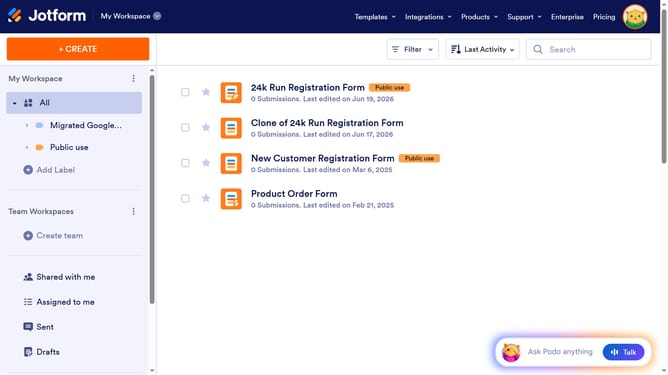
How to add a single choice field to a registration form in Jotform
Here is how to add a single choice field to a registration form in jotform
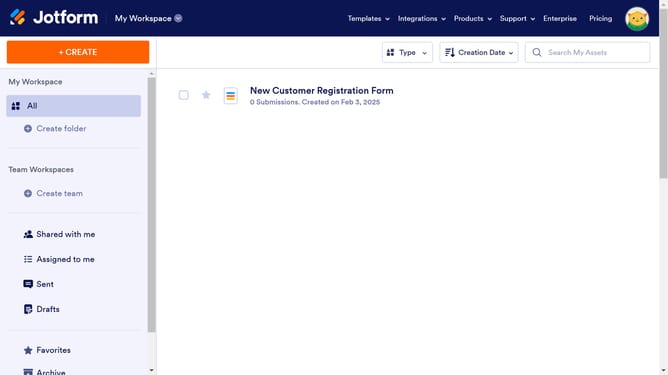
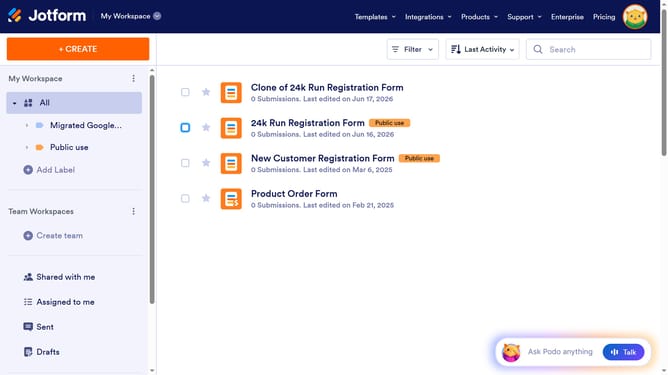
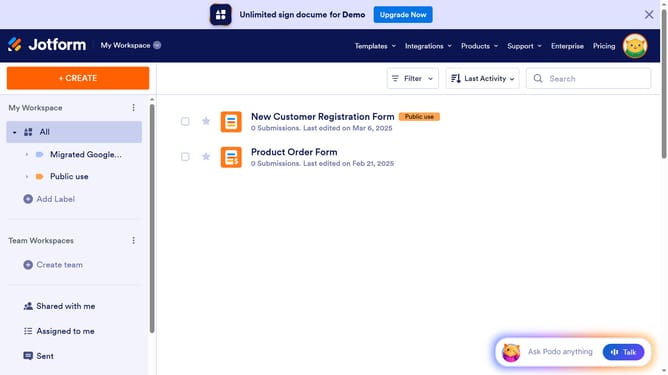
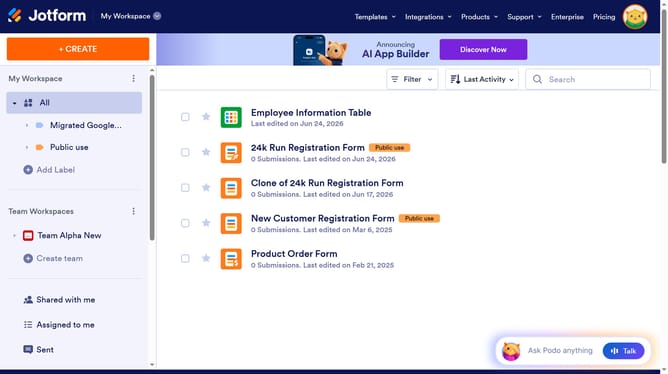
- First click on "All" in the left sidebar
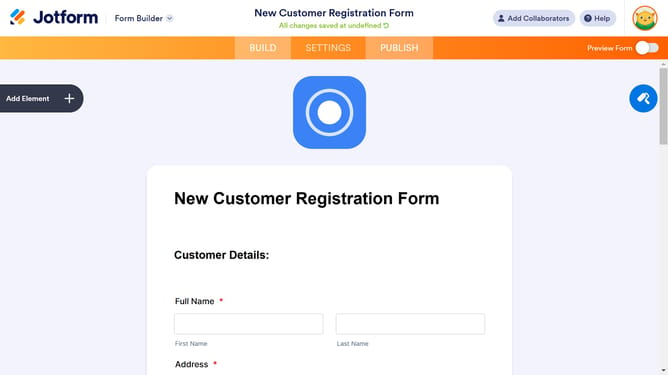
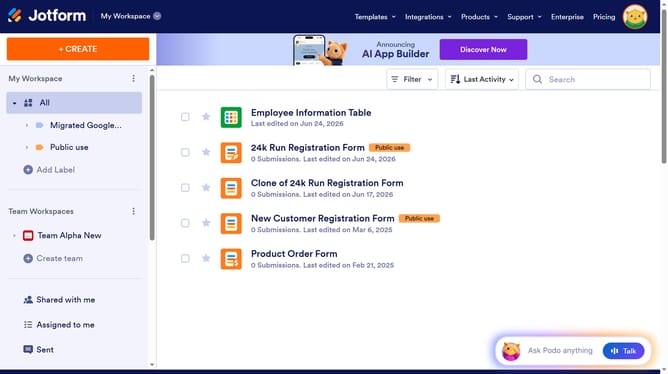
- Then click on "Edit Form" button at the right side of the form name that you want to edit
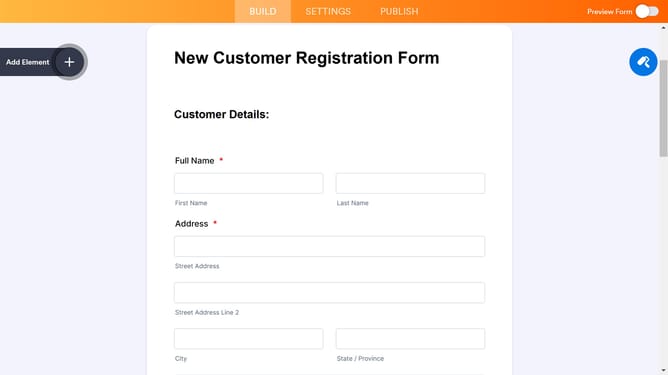
- Next click on "Add Element" button in the left sidebar
- Finally select "Single Choice" element from the list
Why should you add a single choice field to a registration form in Jotform
Jotform empowers users to create seamless online forms with ease and efficiency.
Adding a single choice field to a registration form is a key feature within Jotform’s versatile toolkit. This feature allows form creators to provide respondents with a clear and concise choice selection, ensuring that the data collected is both specific and relevant.
Utilizing single choice fields benefits users by streamlining responses and reducing confusion for respondents, ultimately leading to higher-quality data collection.
It enhances the user experience by making forms more intuitive and engaging, thus increasing completion rates.
Last update