How to allow save and continue later option to a form in Jotform
Here is how to allow save and continue later option to a form in jotform
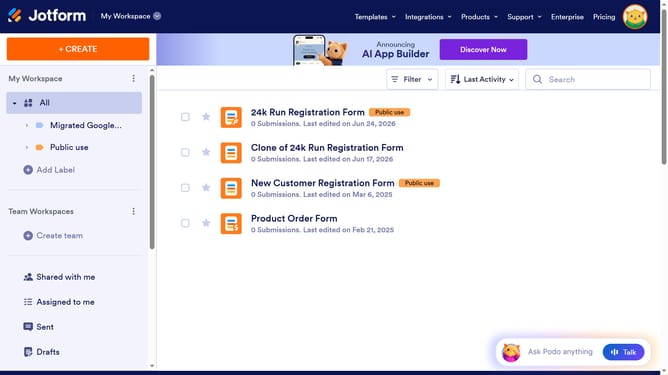
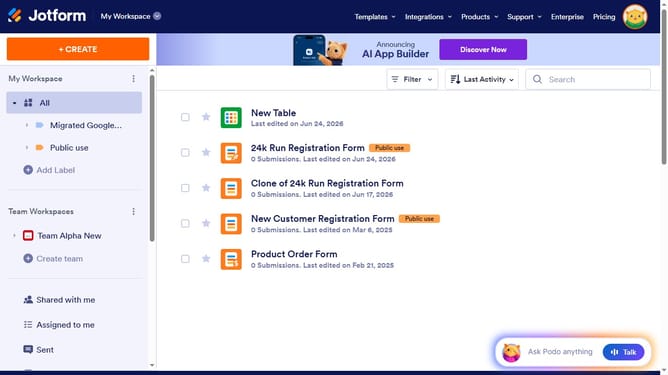
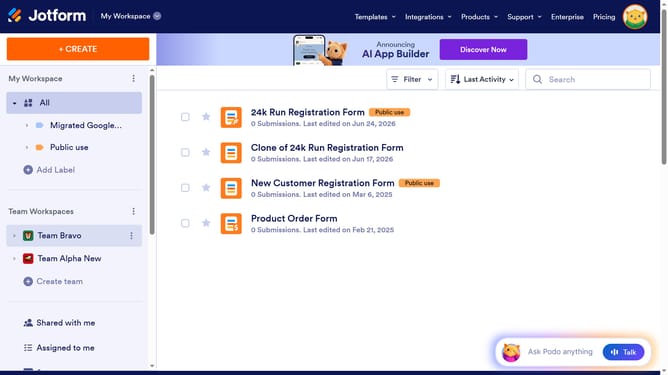
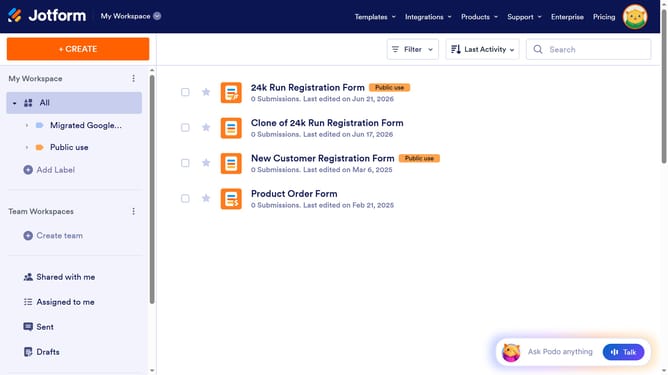
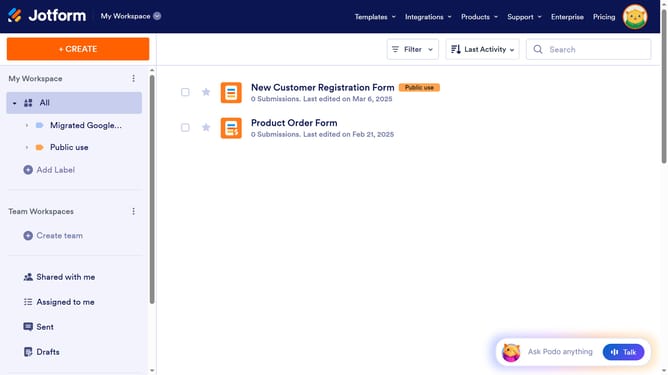
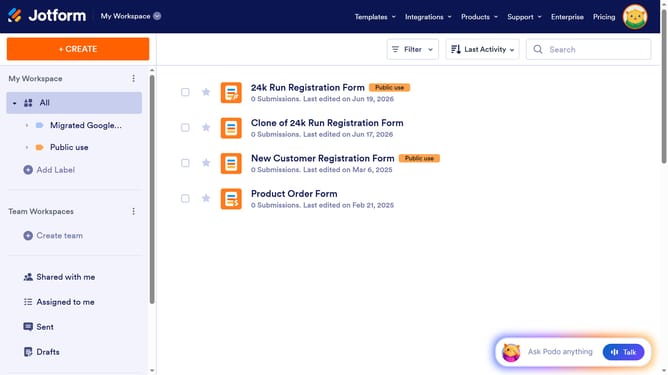
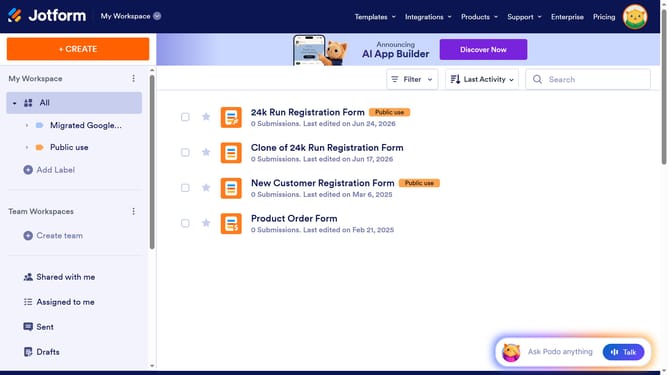
- First click on "All" in the left sidebar
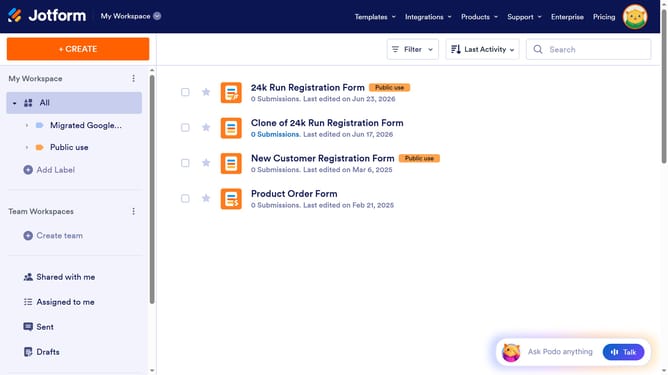
- Then click on the checkbox next to the form you want to manage
- Next, click on the "More" button
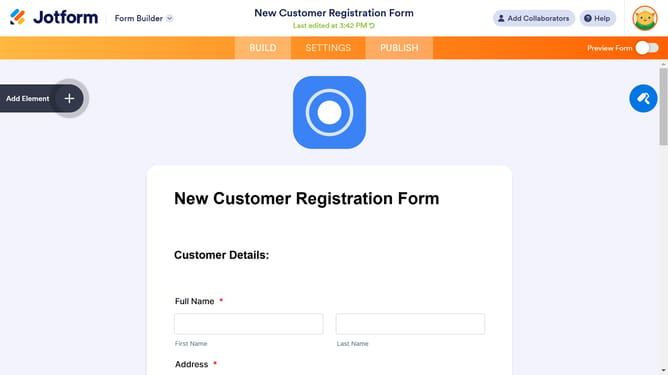
- After that, select "Settings" from the dropdown menu
- Then click on the "Show More Options" button
- Finally, click on the dropdown menu for "Save and Continue Later" and select "Enabled"
Why should you allow save and continue later option to a form in Jotform
Jotform is a versatile platform that simplifies the creation and management of online forms for various needs.
A noteworthy feature of Jotform is the "Save and Continue Later" option, which empowers users to pause and resume form completion at their convenience.
This feature is particularly beneficial for users dealing with lengthy forms, ensuring they don’t lose progress due to time constraints or interruptions.
Enabling this function enhances user experience and increases form completion rates, fostering user satisfaction and engagement.
Last update