How to unfreeze a column in a data table in Jotform
Here is how to unfreeze a column in a data table in jotform
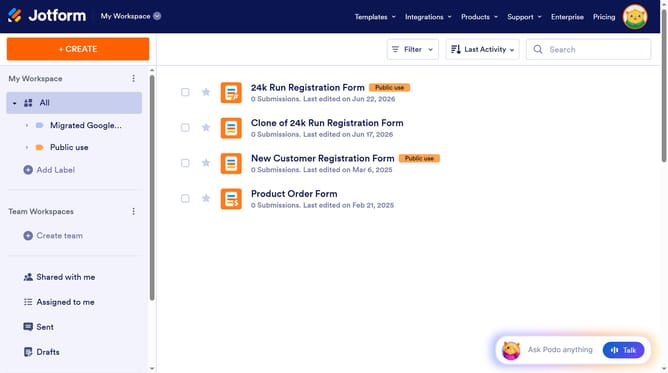
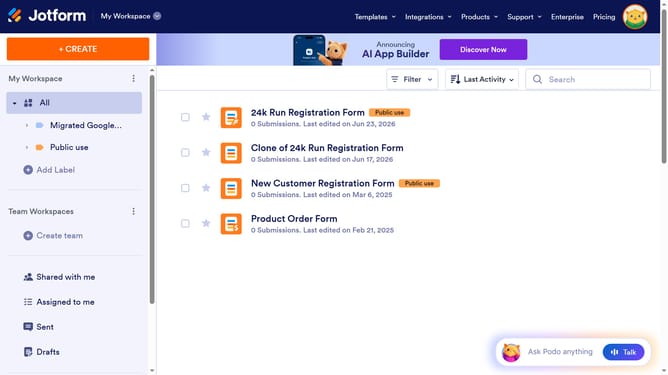
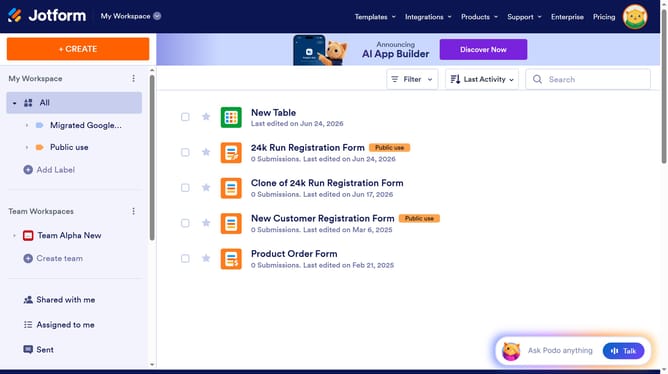
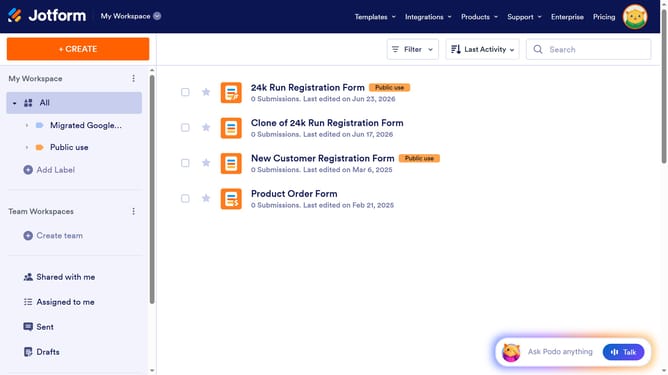
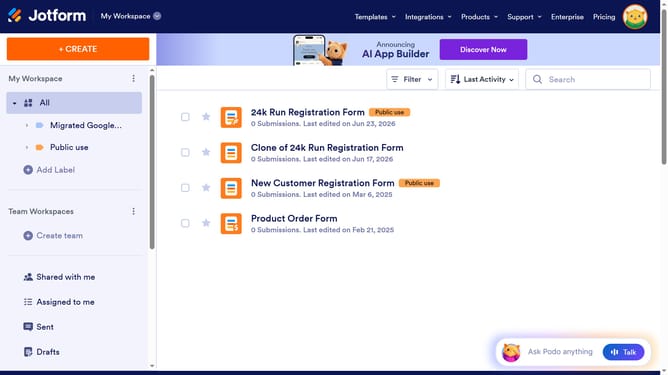
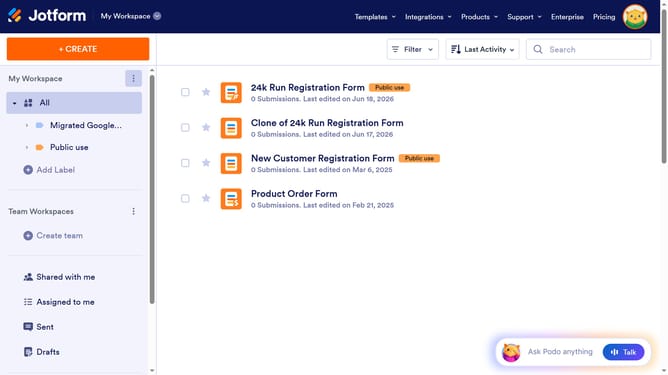
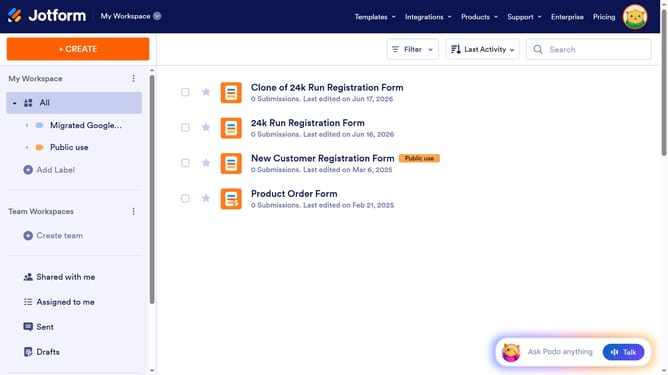
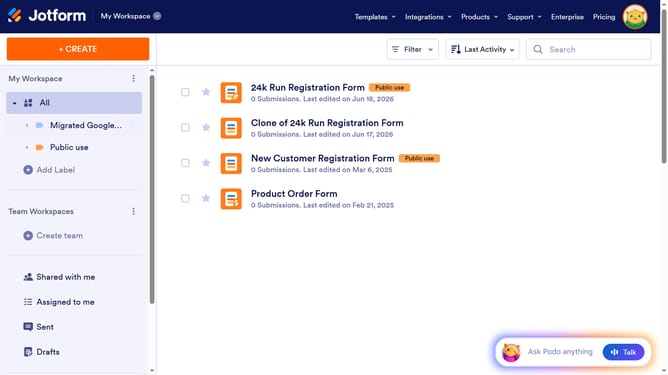
- First, click on "All" in the sidebar menu
- Next click on "View Table" button at the right side of the table name that you want to manage
- Next, click on the three vertical dots icon in the column header that you want to unfreeze
- Finally, select "Unfreeze column" from the dropdown menu
Why should you unfreeze a column in a data table in Jotform
Jotform is a versatile platform designed to simplify form creation and data management.
Unfreezing a column in a data table within Jotform allows you to manage and analyze your data more efficiently. By unfreezing a column, users can easily navigate large datasets without any immovable constraints. It enhances the visibility of your data, contributing to effective analysis and decision-making.
Using this feature ensures your data remains flexible, making comparisons and updates straightforward, while fostering a more organized workflow.
Last update