How to add column in a table field in a registration form in Jotform
Here is how to add column in a table field in a registration form in jotform
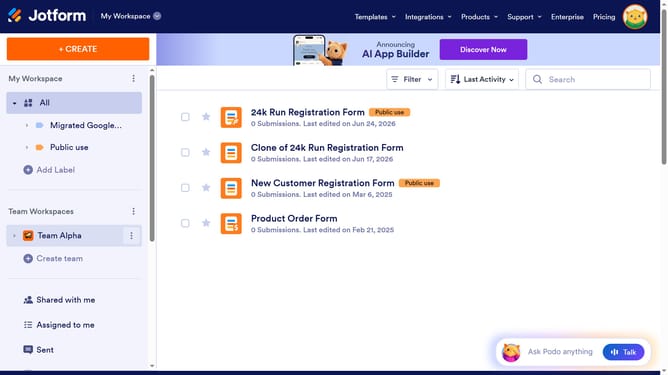
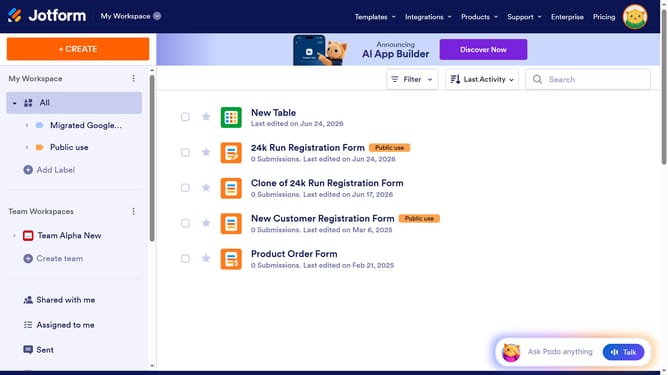
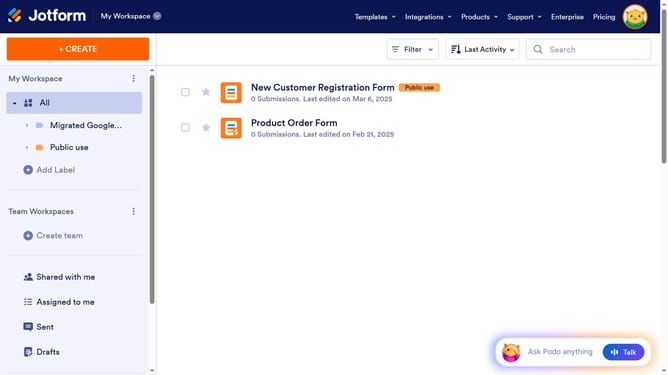
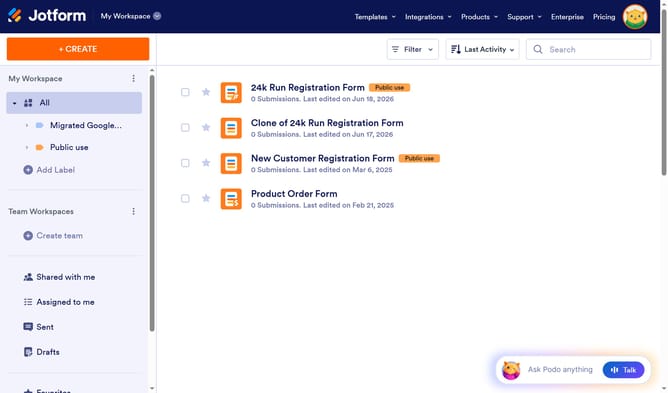
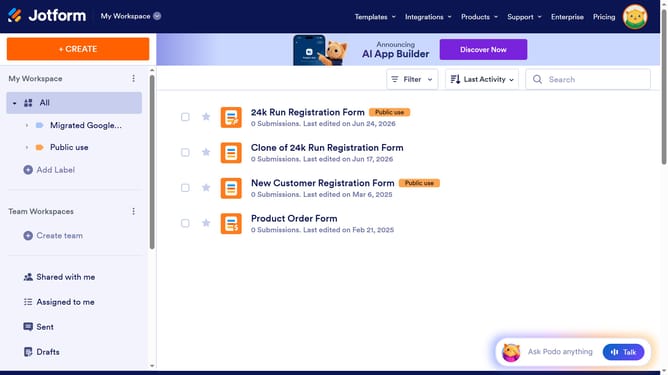
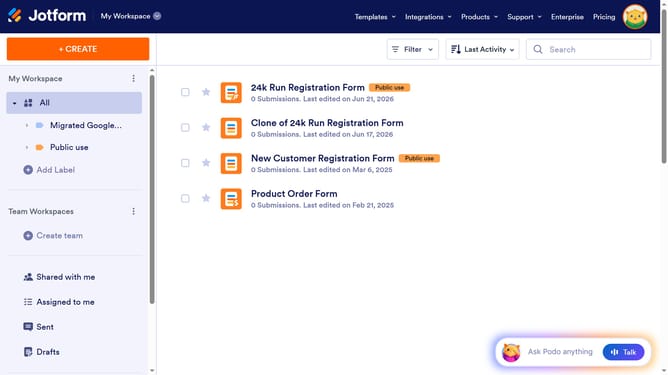
- First click on "All" in the left sidebar
- Next click on "Edit Form" button at the right side of the form name that you want to manage
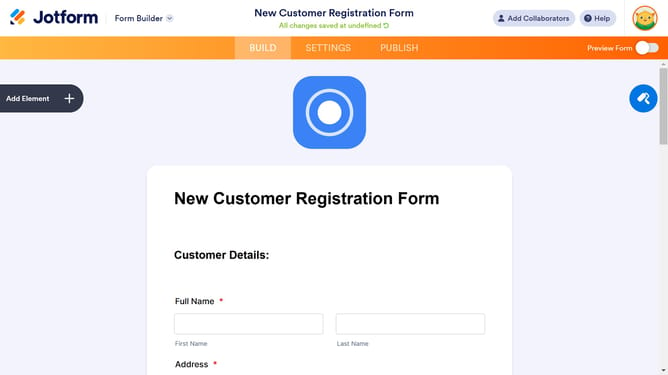
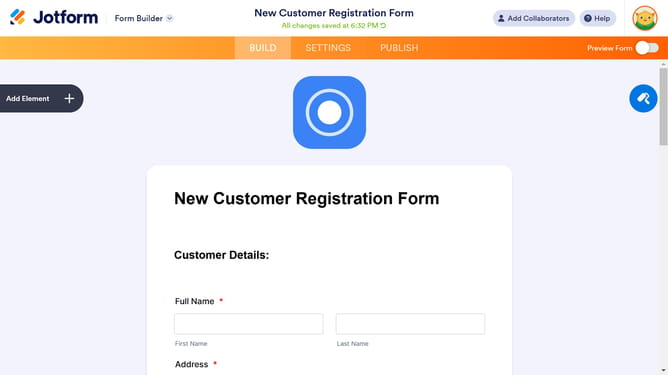
- Then click on the table input field in the form builder
- Next, click on the "gear" icon within the form builder
- Then, select the "Fields" tab
- Next, click on "+ Add Column" button
- Finally click on the newly added column text field and enter column name
Why should you add column in a table field in a registration form in Jotform
Jotform is a versatile tool designed to simplify and enhance form creation tailored to your needs.
Adding a column to a table field within a registration form offers a streamlined way to organize and present data effectively. This feature stands out for its ability to enhance visibility and clarity, providing users with a precise and organized layout.
Using this feature elevates the user experience by ensuring information can be grouped neatly, allowing both form creators and respondents to interact with data more efficiently.
Ultimately, leveraging Jotform's flexible table field options leads to more comprehensive data collection and analysis, empowering better decision-making.
Last update