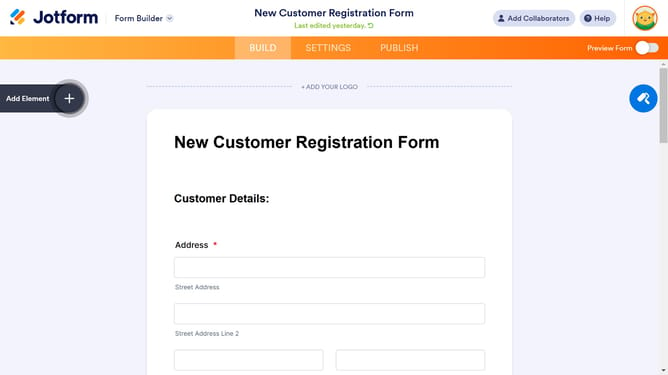
How to add a number field to a registration form in Jotform
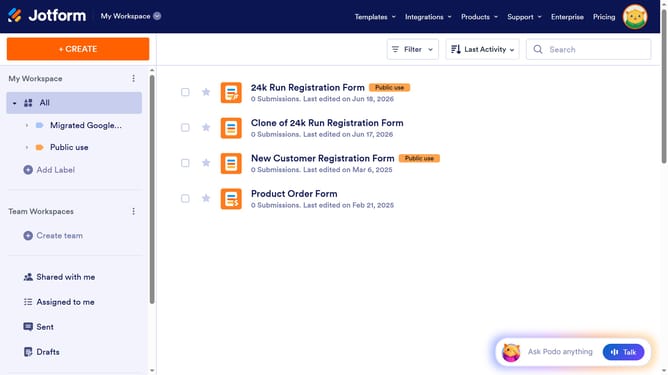
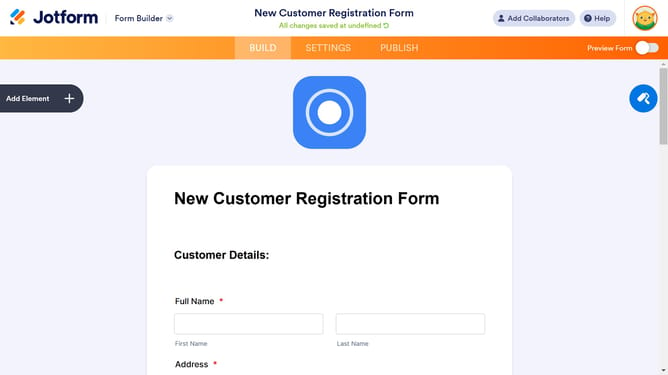
Here is how to add a number field to a registration form in jotform
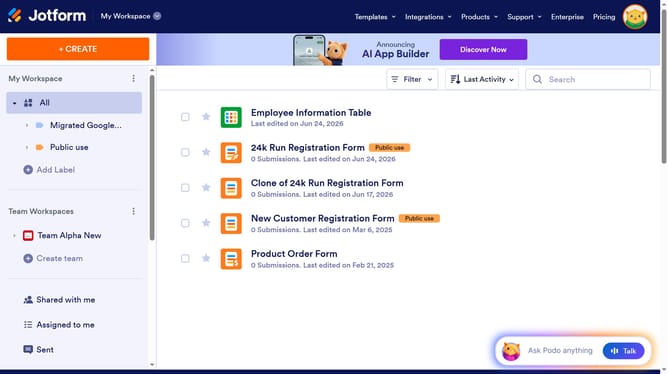
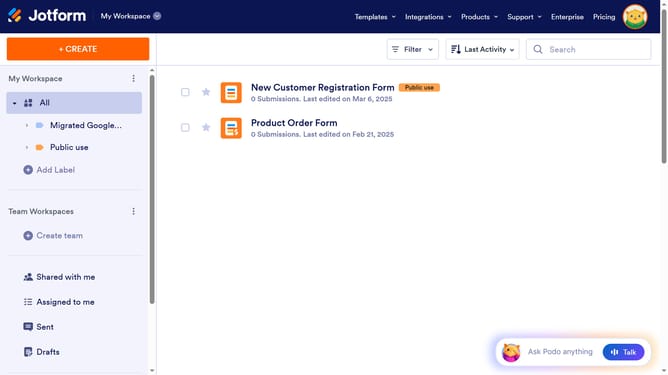
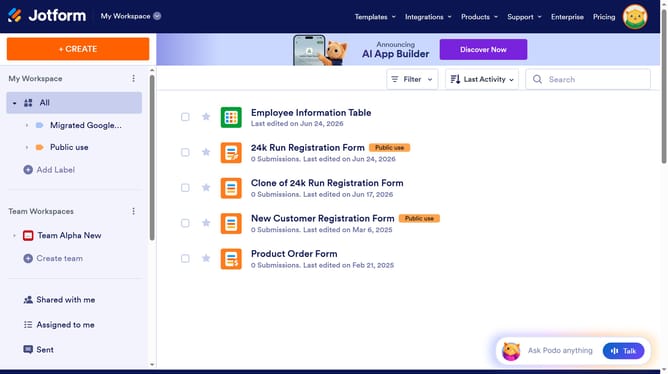
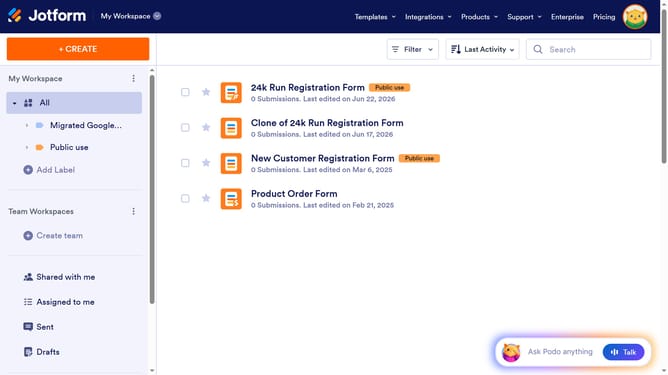
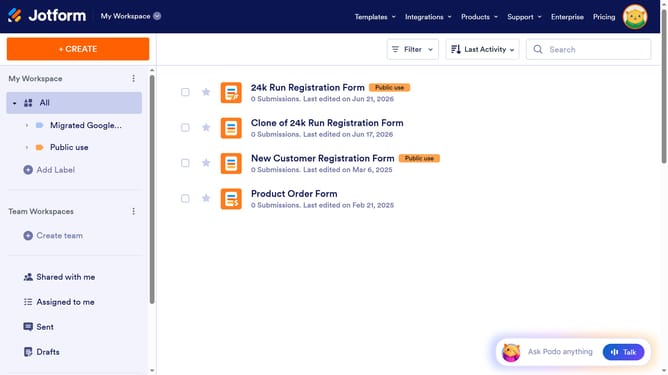
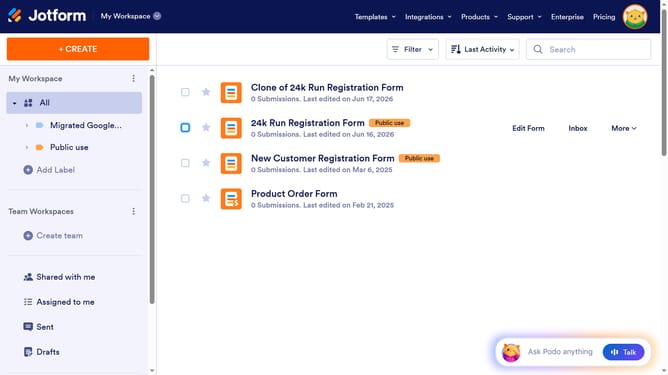
- First click on "All" in the left sidebar
- Then click on "Edit Form" button at the right side of the form name that you want to edit
- Next click on "Add Element" button in the left sidebar
- Finally select "Number" element from the list
Why should you add a number field to a registration form in Jotform
Jotform is a versatile, user-friendly form builder designed to simplify data collection.
Adding a number field to your registration form in Jotform ensures accurate data entry and seamless processing. This feature allows users to input numeric data only, avoiding any text entry errors.
Utilizing number fields streamlines data management and enhances the precision of collected information. This is especially beneficial for registrations requiring numerical data like phone numbers, ages, or membership IDs, improving overall form efficiency.
Last update