How to require verification to change email in Jotform
Here is how to require verification to change email in jotform
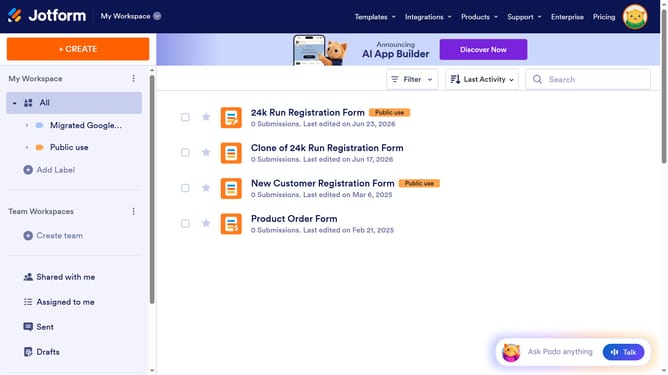
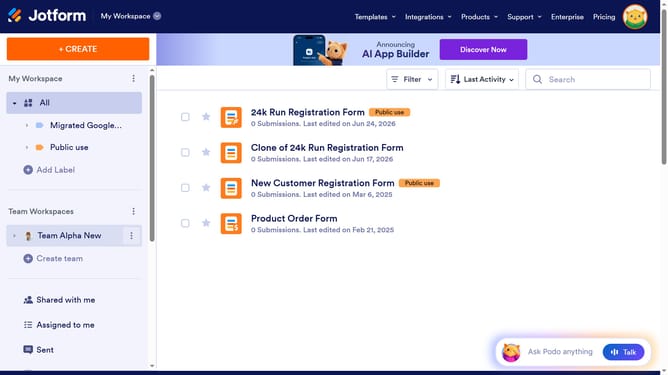
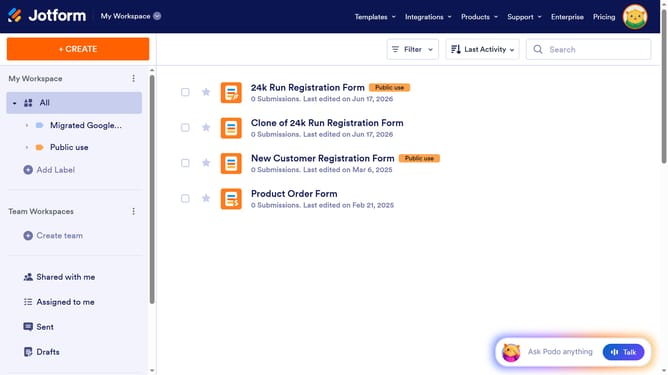
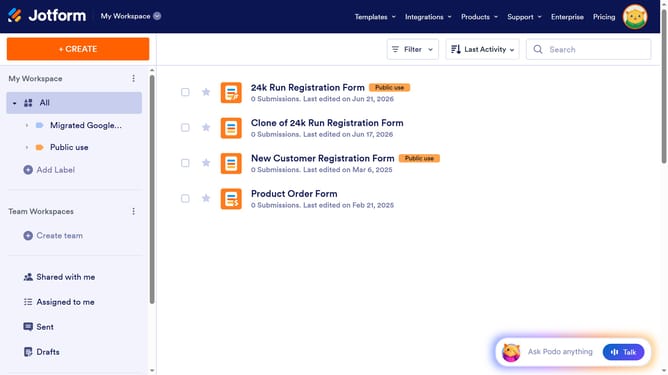
- First click on the user profile icon in the top right corner
- Then click on "Settings" in the Admin Console
- Next click on "Security" in the left sidebar
- Finally select "Require verification to change email" checkbox
Why should you require verification to change email in Jotform
Jotform is a versatile online tool that empowers users to create custom forms effortlessly.
One of its valuable features is the ability to require verification when changing an email address, enhancing security.
By implementing email verification, users can ensure that any change requests are legitimate, preventing unauthorized access and potential data breaches.
This feature not only fortifies user account protection but also builds trust, knowing that only verified requests will be processed.
Last update