How to allow free addresses on email field in a registration form in Jotform
Here is how to allow free addresses on email field in a registration form in jotform
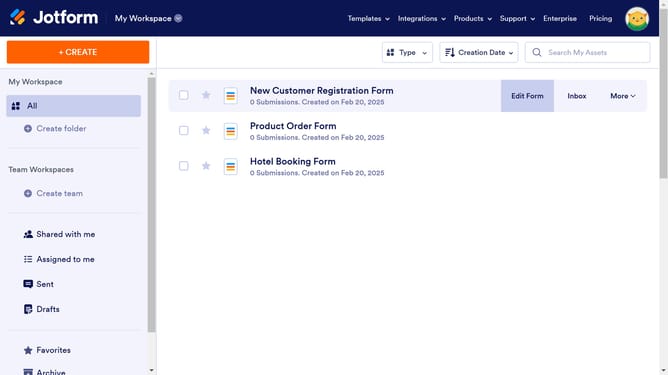
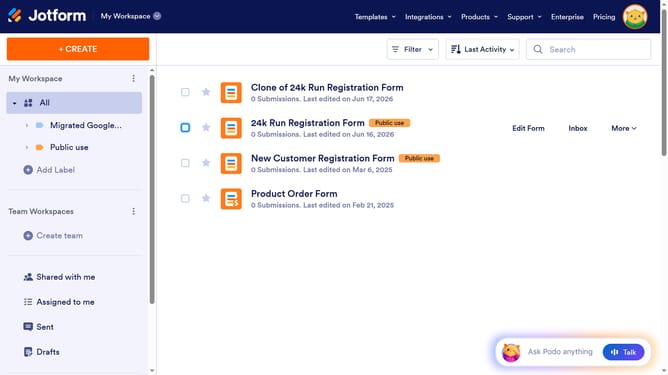
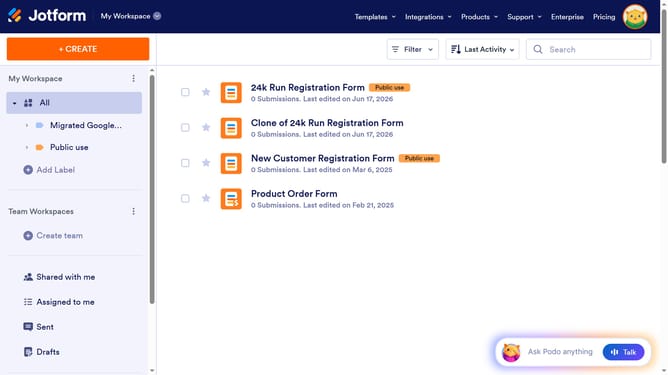
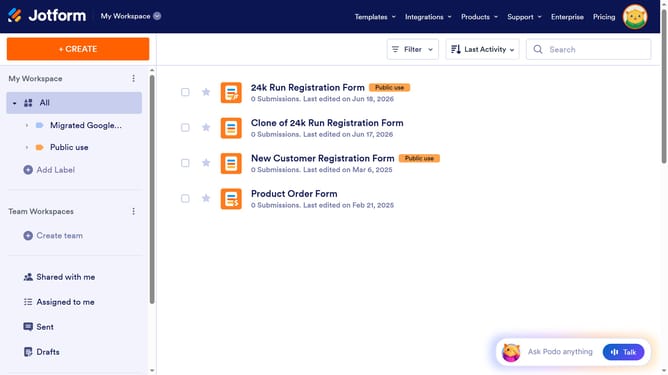
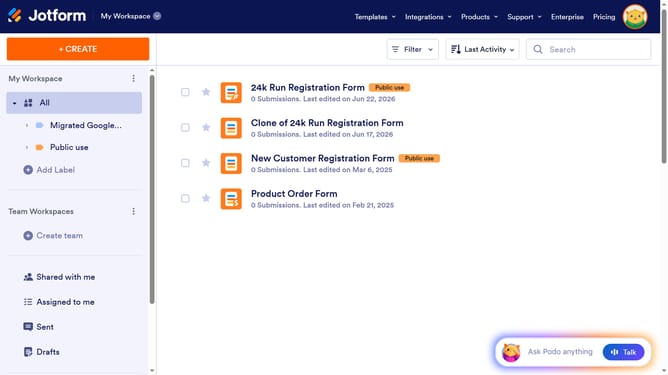
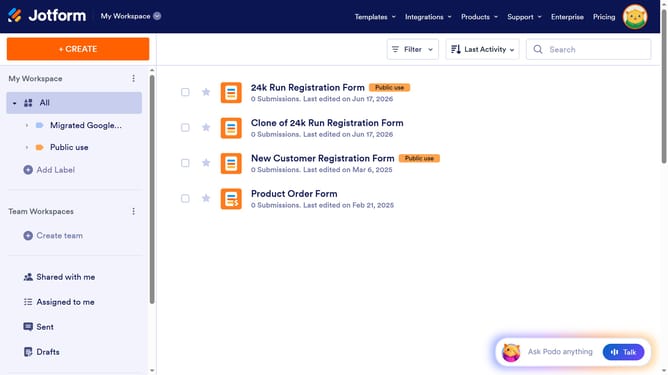
- First click on "All" item in the left sidebar
- Then click on "Edit Form" button in the main content area
- Then click on the "Email" field in the form
- Then click on the "Properties" button
- Then click on the "OPTIONS" tab in the "Email Properties" panel
- Finally slide OFF the "Disallow Free Addresses" toggle
Why should you allow free addresses on email field in a registration form in Jotform
Jotform is an intuitive platform designed for creating versatile and customizable forms effortlessly.
One of its advantageous features is the ability to allow free addresses on the email field in a registration form. This flexibility ensures that users can freely enter their preferred email providers, enhancing inclusivity and user experience.
Such an option fosters higher registration rates by removing restrictions, enabling seamless communication. It's particularly useful for businesses aiming to accommodate diverse audiences and improve engagement.
Last update