How to show signature style picker in a registration form in Jotform
Here is how to show signature style picker in a registration form in jotform
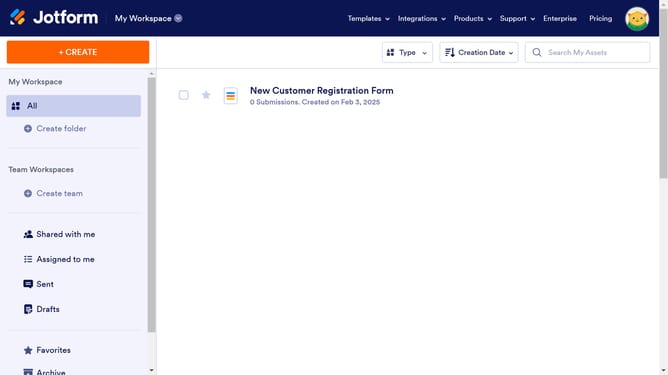
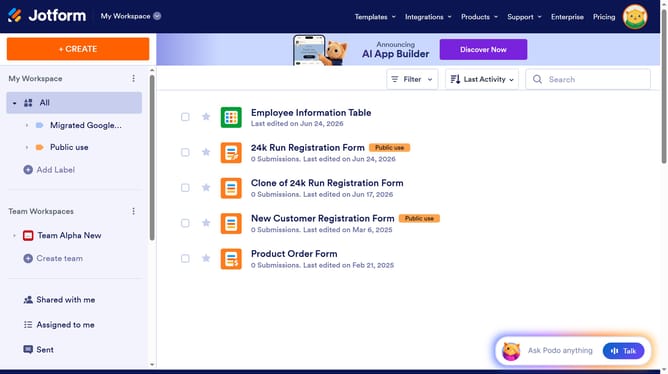
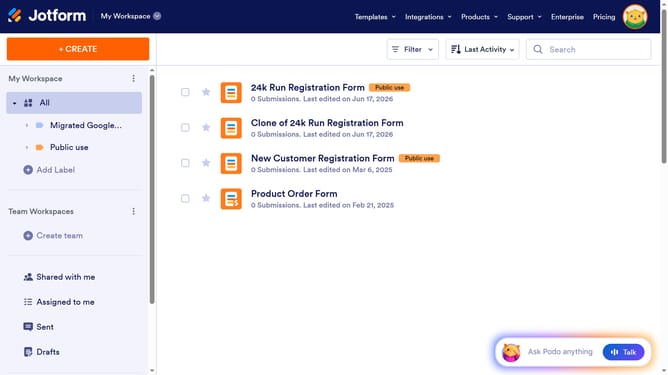
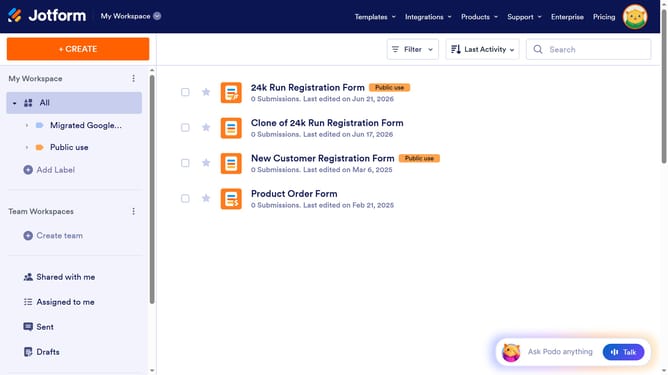
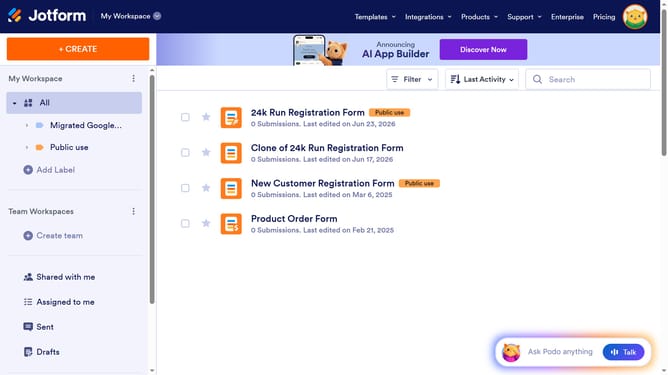
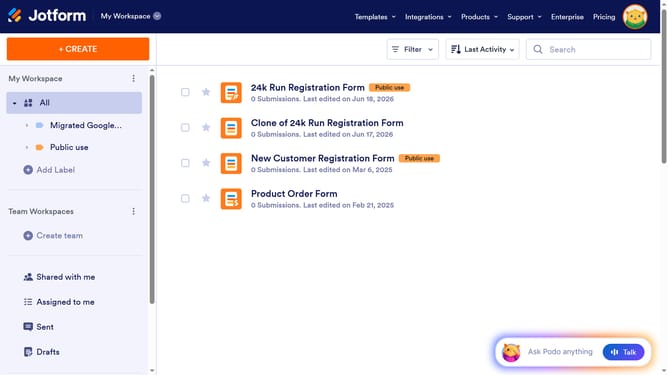
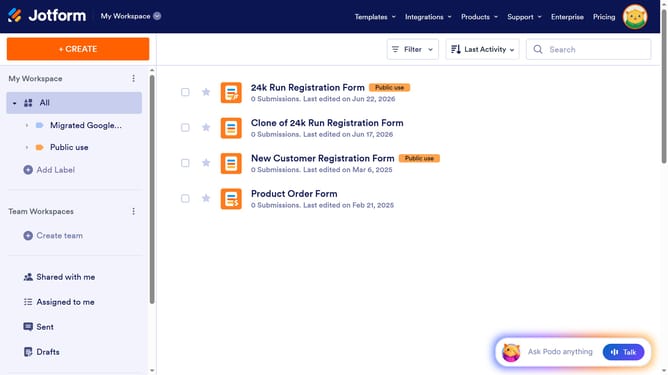
- First, click on "All" in the left sidebar
- Next click on "Edit Form" button at the right side of the form name that you want to edit
- Next, click on the signature tab in the form builder
- Then click on the settings icon for the signature field
- Next, select the "Options" tab in the "Signature Properties" section
- Finally, click on the "Show Signature Style Picker" toggle ON
Why should you show signature style picker in a registration form in Jotform
Jotform is a versatile online tool for creating customizable forms with ease.
Incorporating a signature style picker in your registration form enhances user engagement by adding a personal touch.
This feature allows users to choose their preferred signature style, ensuring compatibility and satisfaction.
Using this option not only streamlines the signature process but also adds a layer of personalization, reinforcing professionalism and brand identity.
Last update