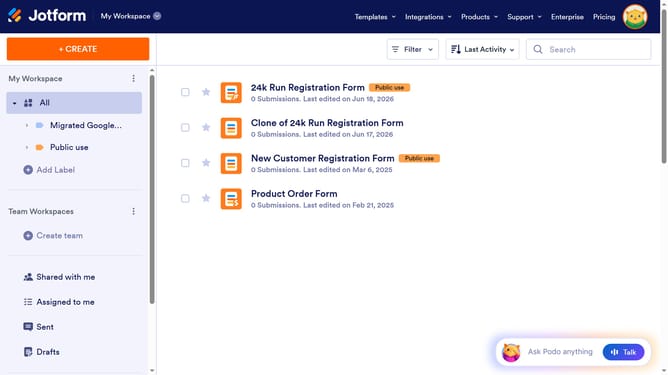
How to change your username on Jotform
Here is how to change your username on jotform
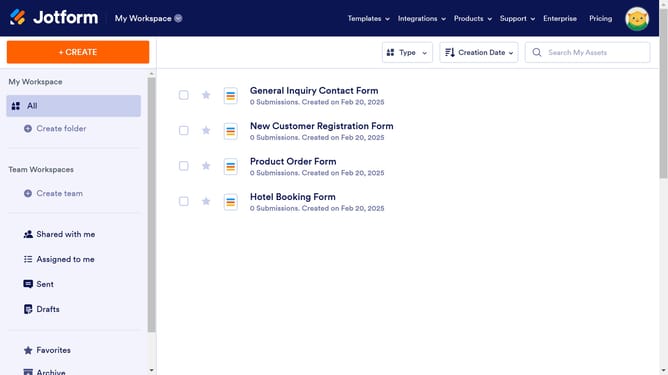
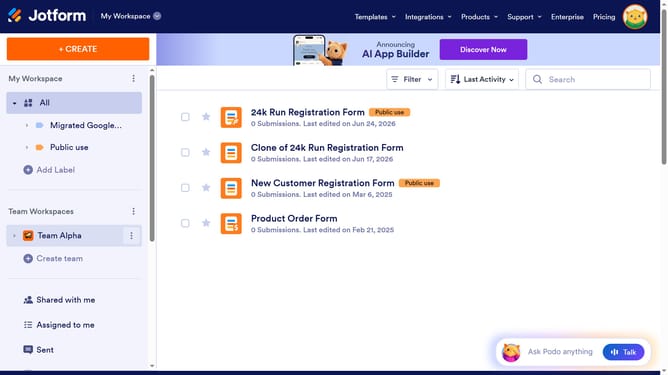
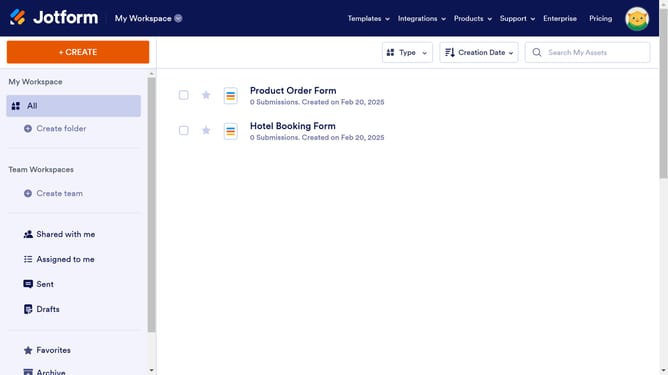
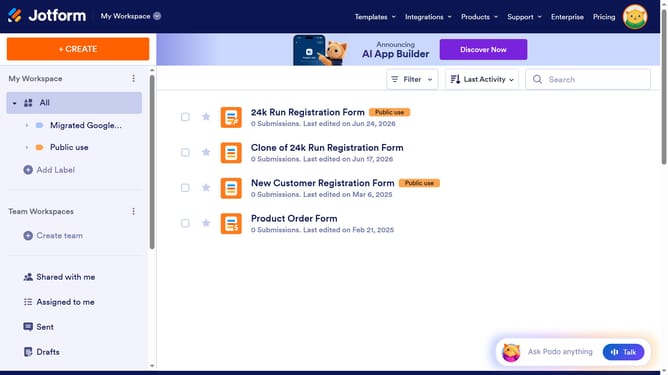
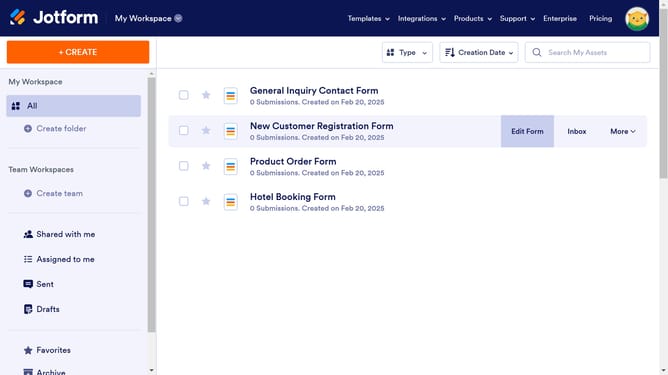
- First click on your profile icon in the top-right corner of the header
- Then click on the "Settings" option in the profile dropdown menu
- In the left sidebar, click on the "Account" menu item
- Next, click the "Edit" button next to the Username field
- Click in the "New username" text input field and make your change
- Finally, click the "Save" button to confirm the username change
Why should you change your username on Jotform
Jotform is a versatile online platform that simplifies form creation and data collection.
Changing your username on Jotform is a seamless feature that allows you to maintain a professional and up-to-date online presence. Whether you're rebranding or simply want a fresh start, updating your username is a swift and beneficial process.
By having the flexibility to change your username, you ensure that your Jotform profile continues to reflect your current identity and professional brand, enhancing your credibility and user engagement without the need for an entirely new account.
Last update