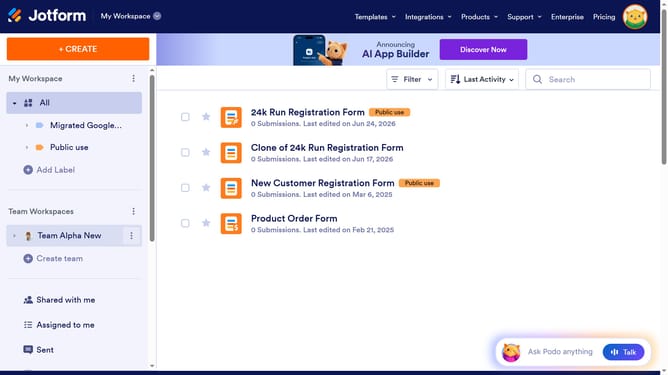
How to reset your password on Jotform
Here is how to reset your password on jotform
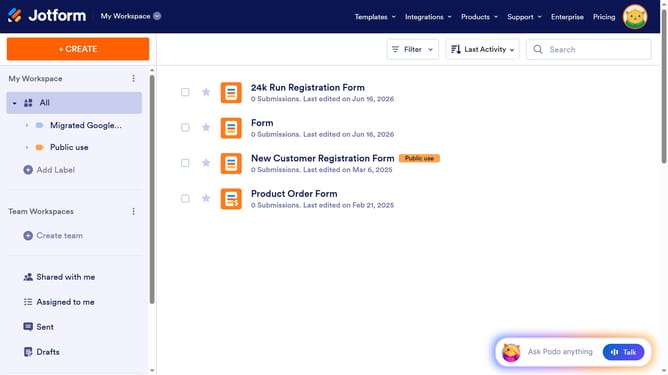
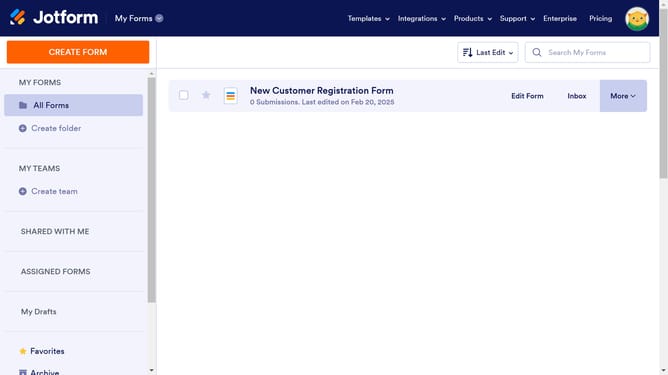
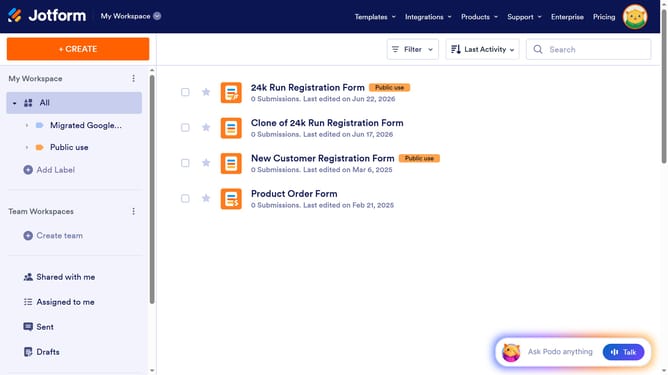
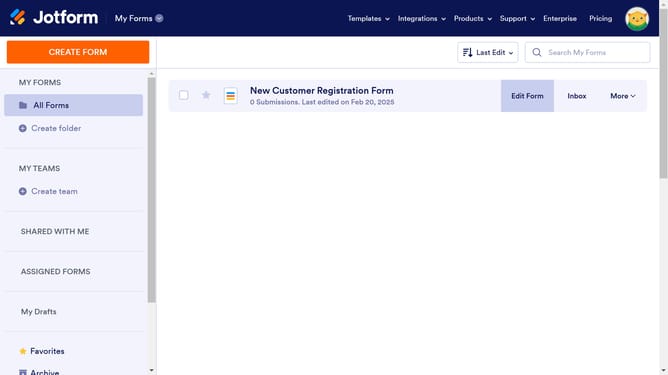
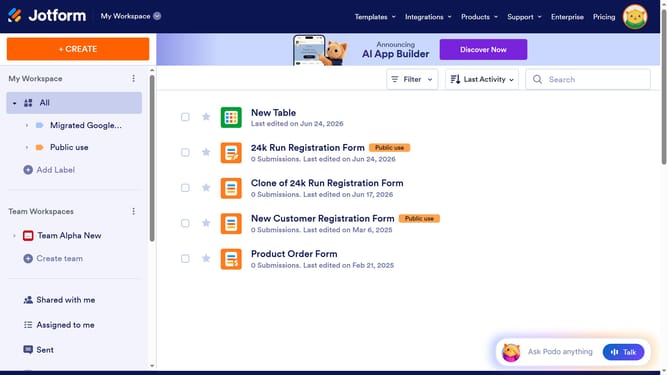
- First click on the profile icon in the top-right corner of the header
- Then click on the "Settings" option in the profile dropdown menu
- Next click on "Account" in the left sidebar menu
- Finally click on "Reset Password" link in the Account Information section
Why should you reset your password on Jotform
Jotform is an intuitive online form builder designed to simplify data collection and streamline workflows.
The ability to reset your password on Jotform ensures seamless access to your essential tools, enhancing security and maintaining your productivity. It efficiently addresses scenarios when passwords slip your mind, allowing you to regain entry swiftly.
This feature promotes ease of use by empowering users to manage credentials without the need for technical support, fostering independence and confidence in navigating Jotform's environment.
Last update