How to change your form's font size on Jotform
Here is how to change your form's font size on jotform
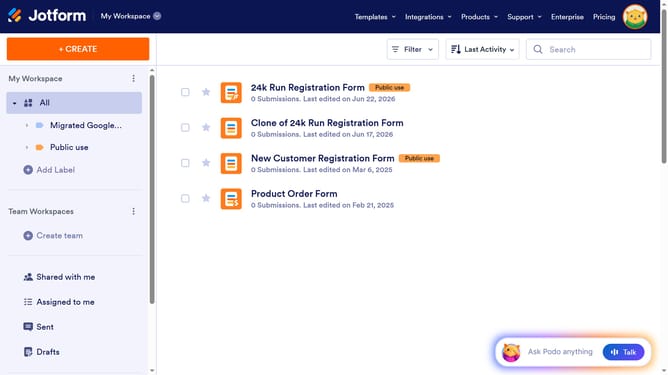
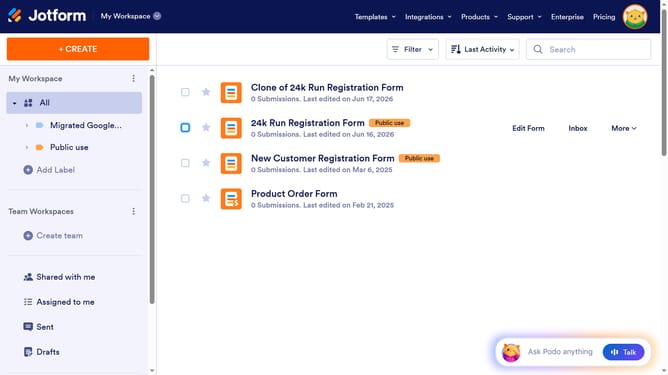
- First click on the "Edit Form" button in the form header to begin customizing
- Then click on the "Form Designer" icon in the top-right corner of the form editor to access design options
- Next click on the "STYLES" tab in the Form Designer sidebar to access styling options
- Finally locate the "Font Size" option and type in your desired font size
Why should you change your form's font size on Jotform
Jotform is a versatile and user-friendly platform designed to simplify form creation and data collection for individuals and businesses.
One remarkable feature of Jotform is its ability to change your form's font size effortlessly. Adjusting font size not only enhances readability but also personalizes your form's appearance, making it more engaging for users.
Whether you're crafting forms for surveys, registrations, or feedback, tweaking the font size is a subtle yet effective way to ensure clarity and professionalism.
Last update