How to set space below divider in a registration form in Jotform
Here is how to set space below divider in a registration form in jotform
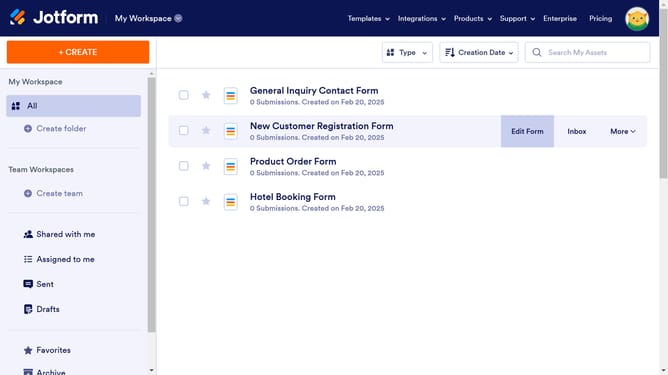
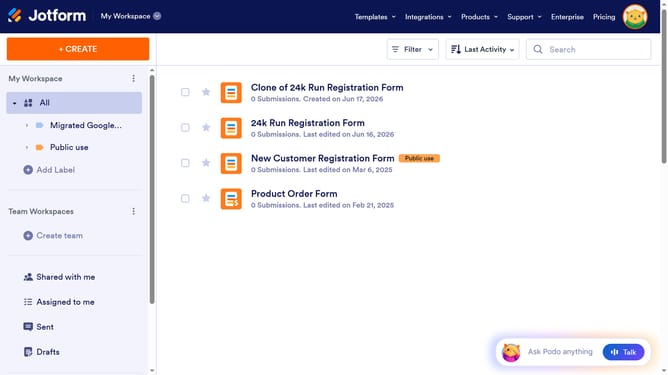
- First click on "All" button in the left sidebar
- Next click on "Edit Form" button at the right side of the form name that you want to manage
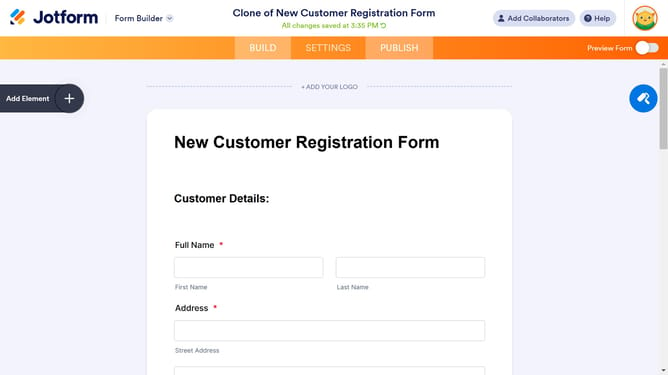
- Then click on the divider element
- Then click on the settings icon of the divider
- Finally click on the "Space Below" input field and enter a value
Why should you set space below divider in a registration form in Jotform
Jotform is a versatile platform that empowers users to effortlessly create and manage forms.
One of the hidden gems in Jotform's toolkit is the ability to adjust spacing below dividers in a registration form. This feature enhances the visual appeal and readability of your forms, providing a more polished and organized user experience.
By strategically setting space below dividers, you create a natural flow, guiding users seamlessly through sections and preventing clutter. This not only enhances form completion rates but also instills confidence in users, making the registration process smooth and inviting.
Last update