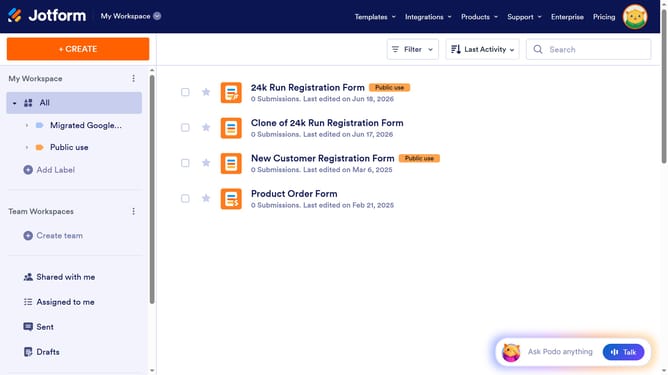
How to send a form via email on Jotform
Here is how to send a form via email on jotform
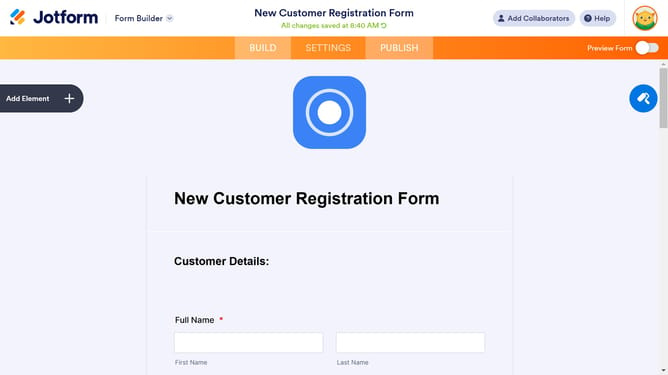
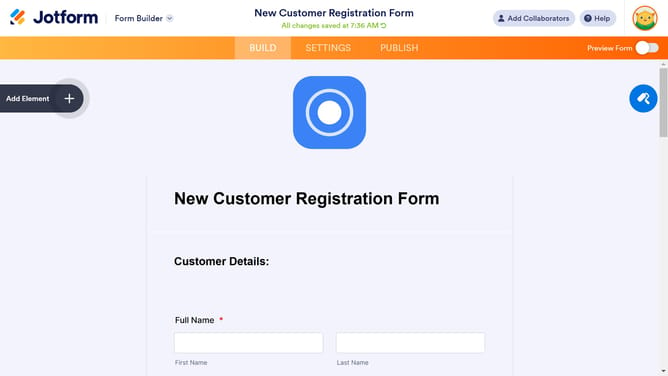
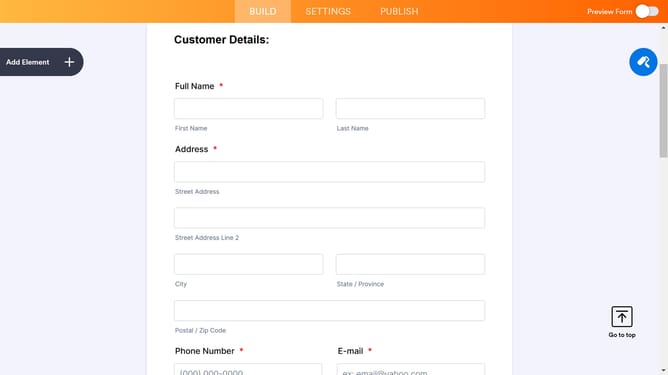
- First click on the "PUBLISH" tab in the top navigation menu
- Then click on the "EMAIL" option in the left sidebar menu
- Next click on the "SHARE ON EMAIL" section in the main content area
- Then click on the "RECIPIENTS" tab in the email form
- Next click in the "To" field to enter recipient email address
- Finally click the "SEND" button in the bottom right corner of the email form
Why should you send a form via email on Jotform
Jotform is a versatile tool designed to simplify form creation and data collection.
Sending a form via email on Jotform is intuitive and enhances your workflow.
It ensures prompt delivery, facilitating easier access for recipients. This feature underscores efficiency, allowing for direct communication and faster response times.
By using this approach, you can streamline processes, reduce complexity, and improve the recipient's experience.
Last update