How to add an email confirmation field in a registration form in Jotform
Here is how to add an email confirmation field in a registration form in jotform
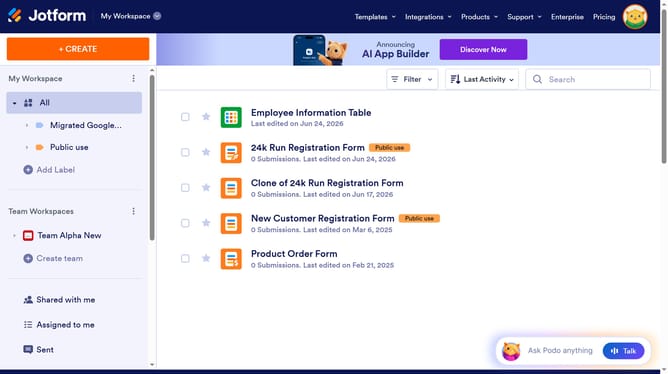
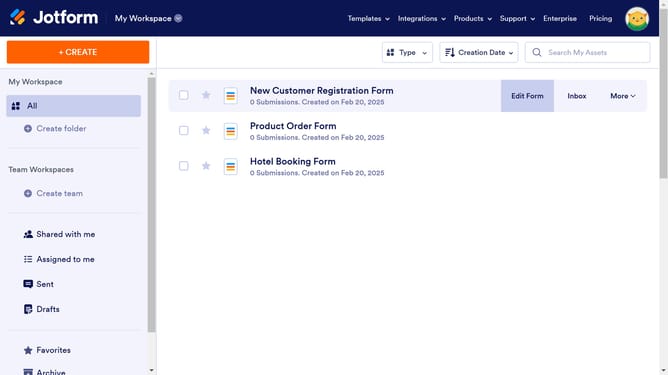
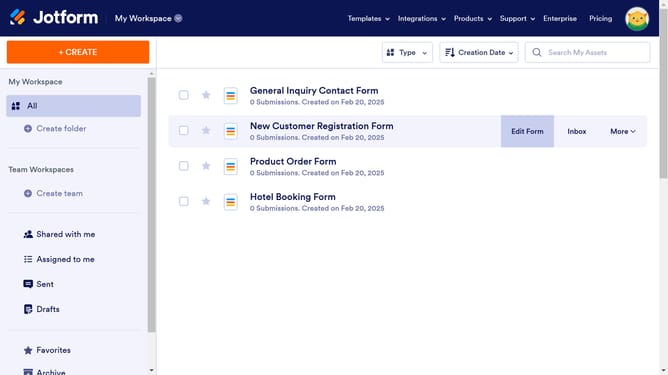
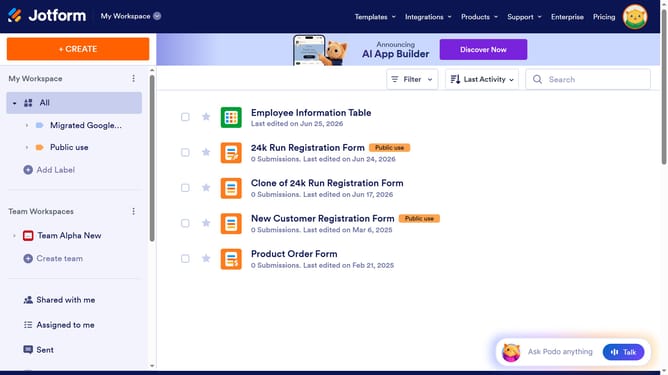
- First, click on "All" in the workspace sidebar
- Then click on "Edit Form" button at the right side of the form name that you want to edit
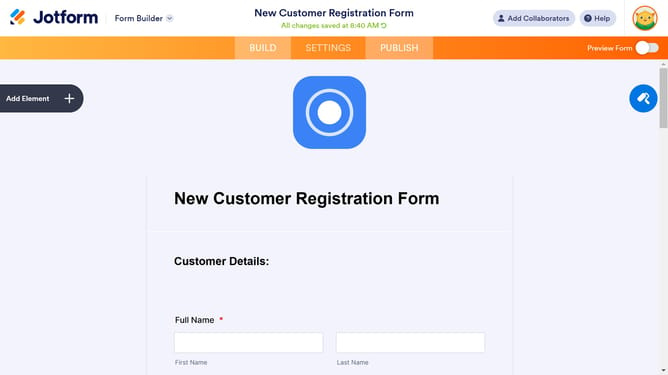
- Next, click on the "Email" input field in the form builder
- Then, click on the "OPTIONS" in the right sidebar
- Finally, click on the "Confirmation Field" toggle ON switch
Why should you add an email confirmation field in a registration form in Jotform
Jotform is an intuitive web-based platform that allows users to create customized online forms effortlessly.
Adding an email confirmation field in a registration form on Jotform enhances the accuracy of user data. By ensuring users enter their email addresses correctly, this feature helps maintain a clean and reliable database.
Ensuring accuracy in email entries reduces the risk of errors, leading to better communication and a seamless user experience. This simple yet powerful feature saves time for both users and administrators, fostering trust and efficiency in digital interactions.
Last update