How to set a required field in a Jotform form
Here is how to set a required field in a jotform form
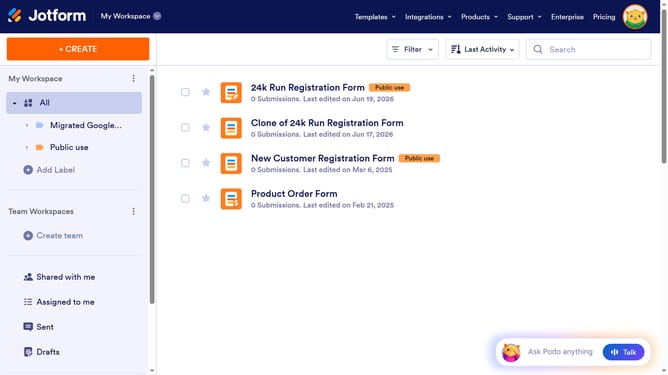
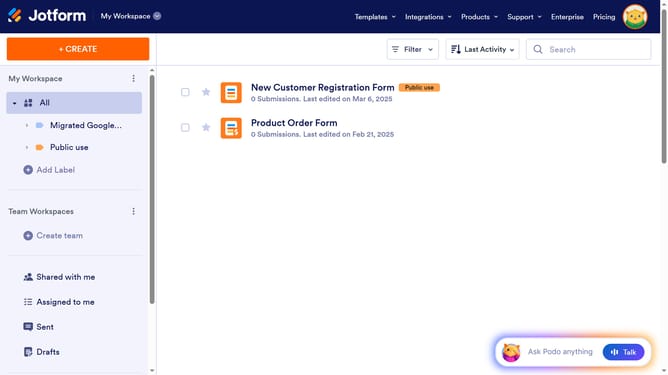
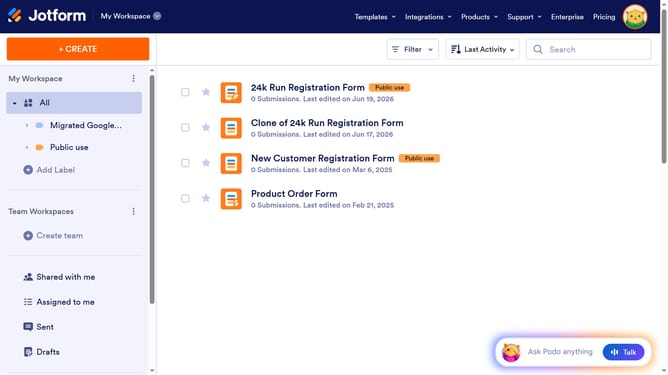
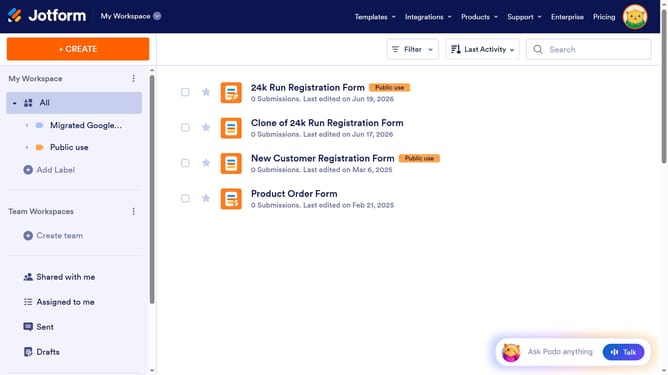
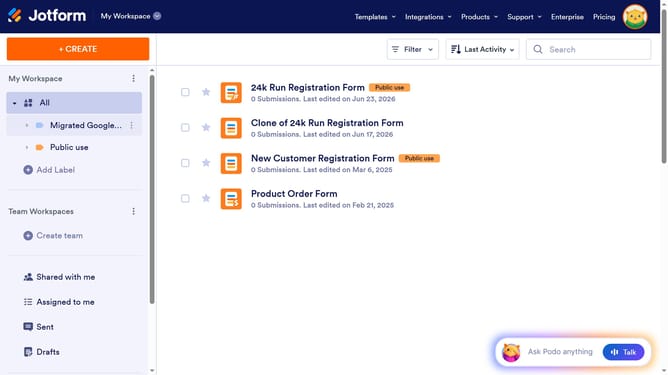
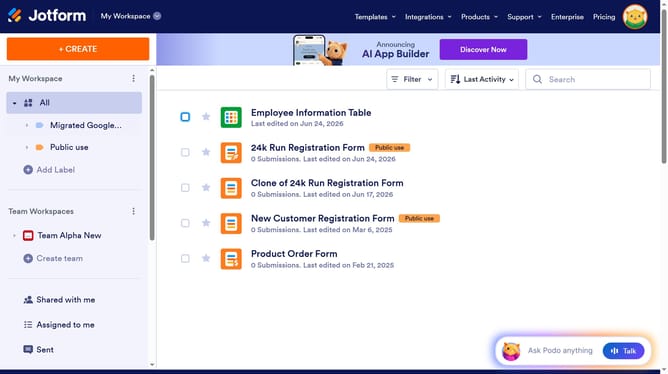
- First click on the "Edit Form" button next to the form you want to use
- Then click on the field box that you want to set as "Required"
- Next click on the "Properties" button that appears next to the email field
- Finally, in the Email Properties sidebar panel click on the toggle button under "Required" to turn it "On"
Why should you set a required field in a Jotform form
Jotform is an intuitive online form builder designed to streamline data collection and automate workflows.
One vital feature of Jotform is the ability to set required fields in your forms. This ensures that users provide the necessary information before submitting their responses.
Using required fields helps improve the quality of the data collected by minimizing incomplete submissions. This means that you can rely on receiving all critical details needed to make informed decisions or to facilitate seamless processes.
Last update