How to remove an email confirmation field in a registration form in Jotform
Here is how to remove an email confirmation field in a registration form in jotform
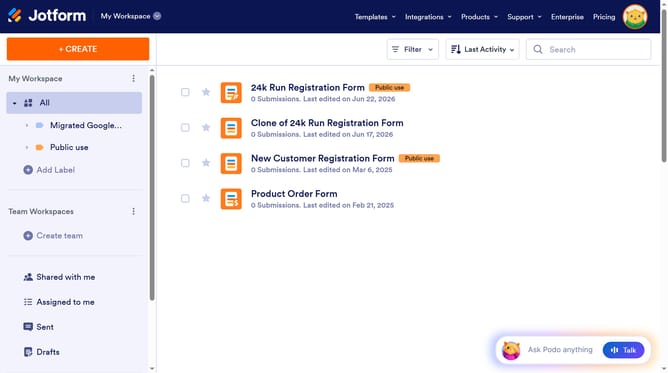
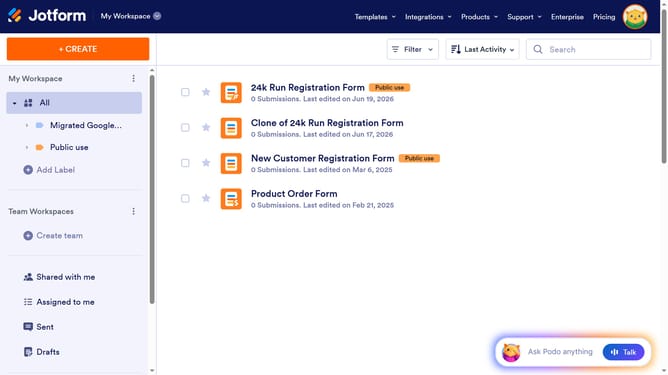
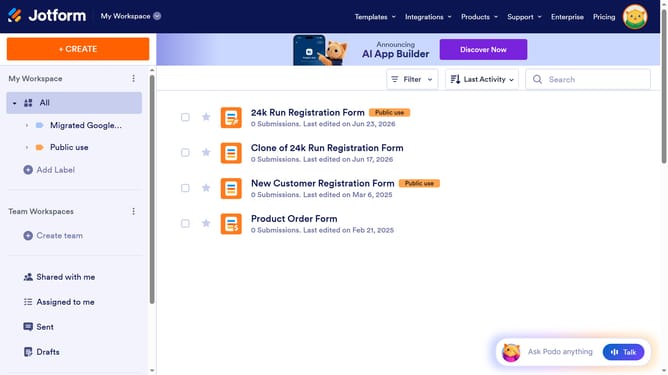
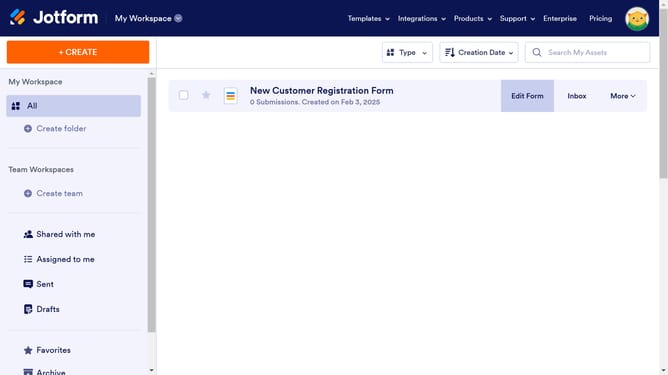
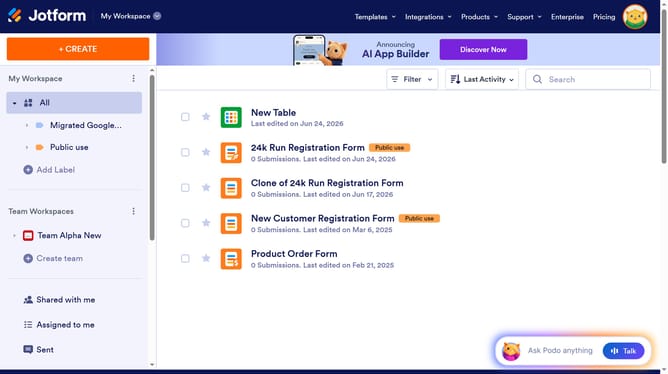
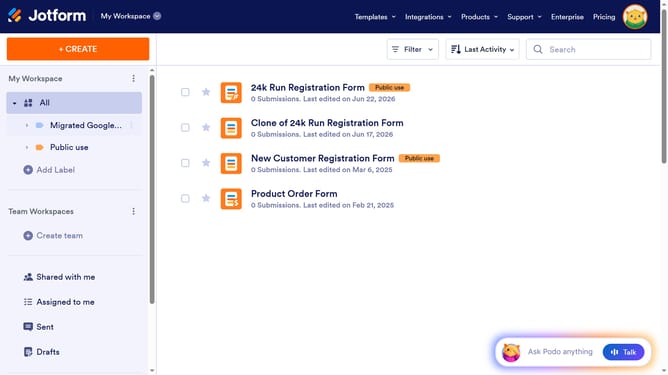
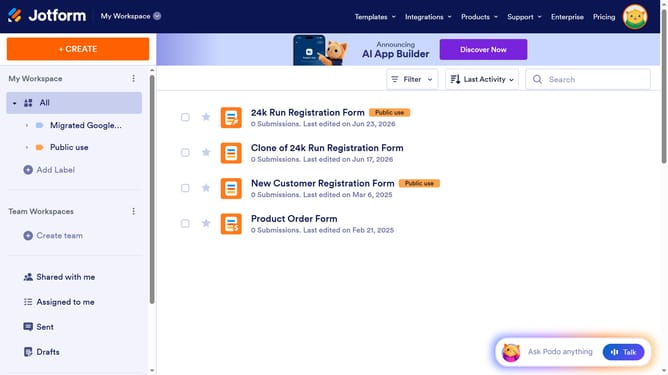
- First click on "All" in the left sidebar
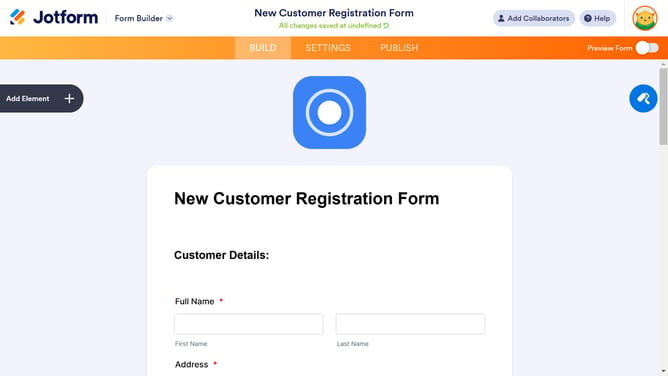
- Then click on "Edit Form" button in the top menu
- Click on the "Properties" icon next to the "Email" field
- Then click on the "Options" tab in the "Email Properties" panel
- Finally click on the "Confirmation Field" switch to disable it
Why should you remove an email confirmation field in a registration form in Jotform
Jotform is a versatile online application designed to simplify form creation and data collection processes efficiently.
Removing the email confirmation field in a registration form streamlines user experience. This feature facilitates ease by reducing the number of steps users must complete, thus accelerating the registration process. It fosters a smoother interaction, particularly beneficial for mobile users or busy individuals who prioritize swift tasks.
Optimizing your forms by eliminating unnecessary fields not only enhances user satisfaction but also decreases the likelihood of errors. This results in higher completion rates and more accurate data collection, ultimately boosting the effectiveness of your forms on Jotform.
Last update