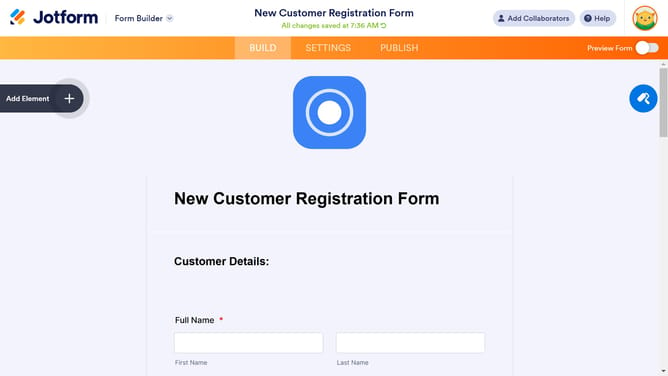
How to align submit button in a registration form in Jotform
Here is how to align submit button in a registration form in jotform
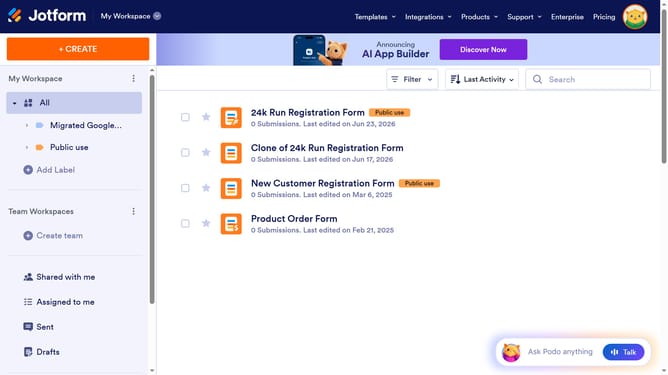
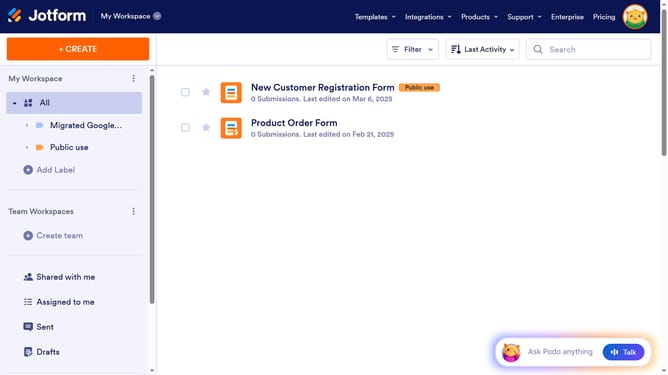
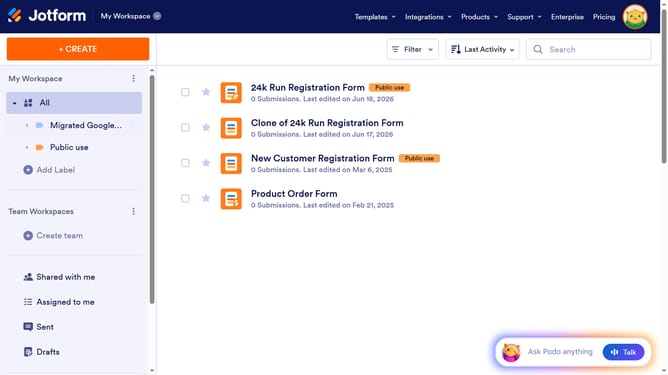
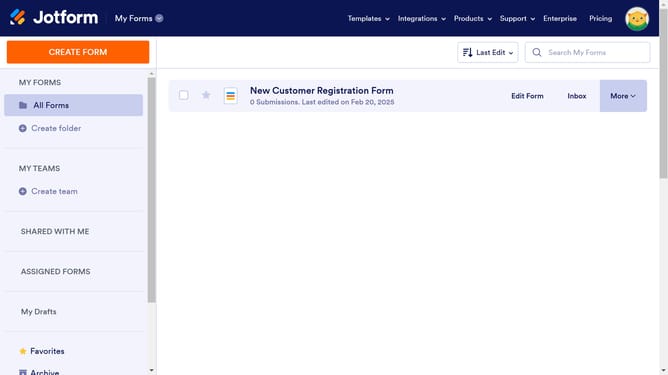
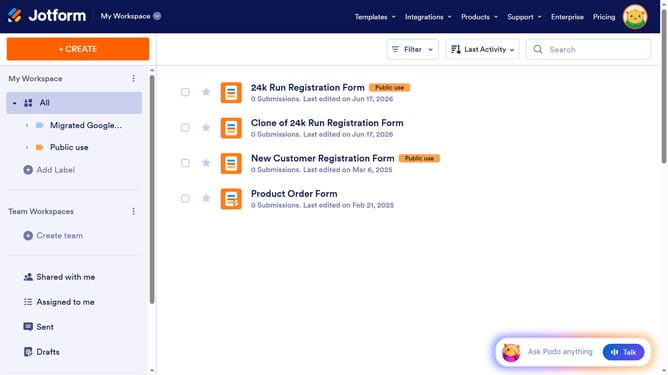
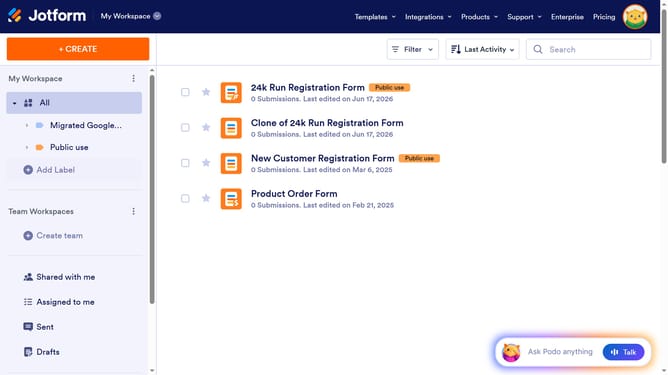
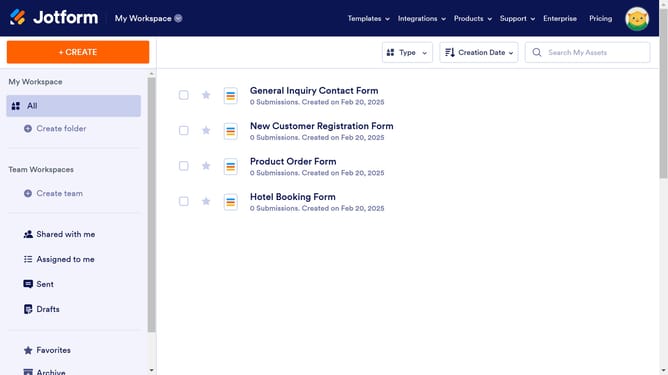
- First click on "All" in the left sidebar
- Next click on "Edit Form" button at the right side of the form name that you want to manage
- Then click on the "Submit" button area
- Then click on "Properties" button
- Finally select an option from the "Button Alignment"
Why should you align submit button in a registration form in Jotform
Jotform is a tool that simplifies the creation of custom forms for all your needs.
Aligning the submit button in a registration form on Jotform is a feature that enhances both the aesthetic and functionality of your online forms. A well-aligned submit button makes forms visually appealing, which improves user experience by guiding the user's eye to the next step, thereby increasing submission rates.
Focusing on such details reflects professionalism and can lead to a more streamlined interaction with your audience, optimizing the efficiency of data collection.
Last update