How to add a phone number field to a registration form in Jotform
Here is how to add a phone number field to a registration form in jotform
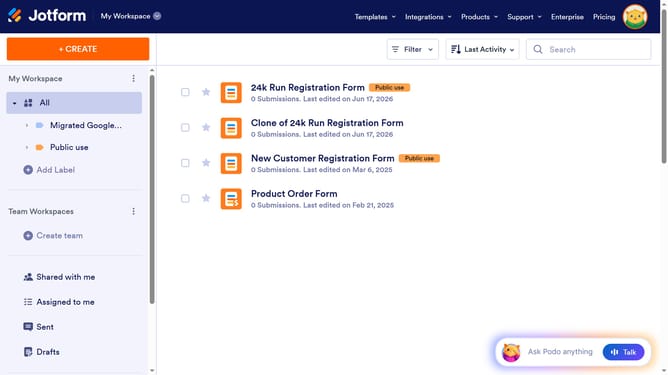
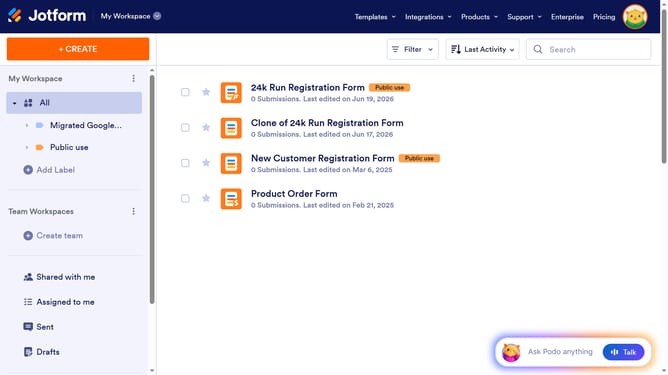
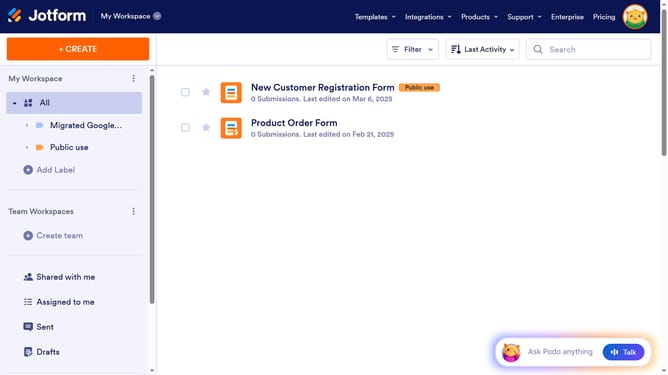
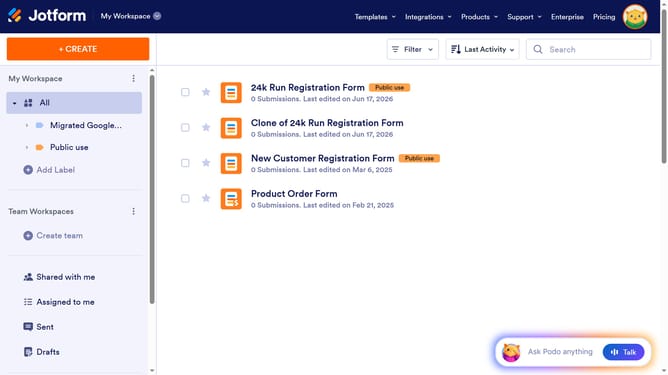
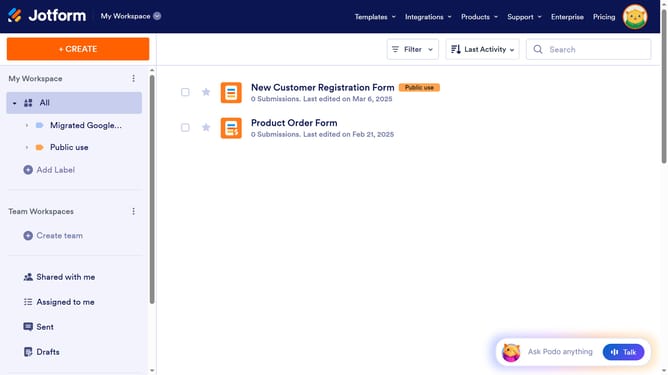
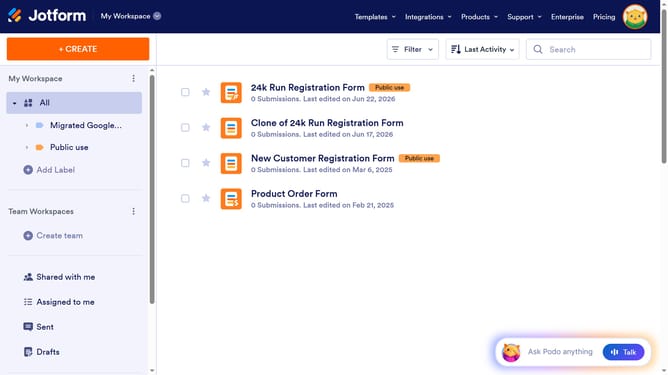
- First click on "All" under the "My Workspace" section in the left sidebar
- Then click on the "Edit Form" button in the main content area
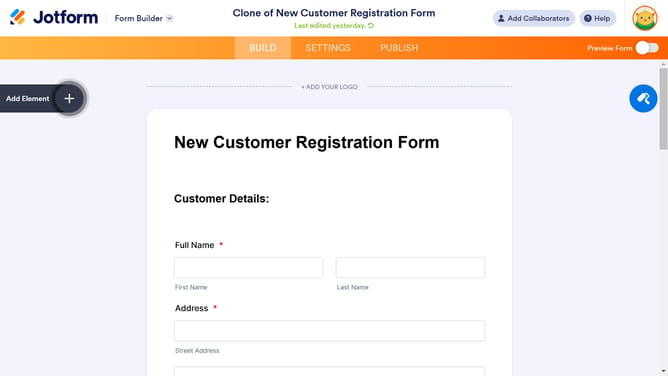
- Next, click on the "Add Element" button in the left toolbar
- Finally, click on the "Phone" option in the left sidebar to add it to the form
Why should you add a phone number field to a registration form in Jotform
Jotform is a versatile online form builder designed to simplify and streamline data collection for businesses and individuals.
Adding a phone number field to a registration form in Jotform is a straightforward feature that enhances the efficiency of gathering contact details.
This feature ensures you easily capture essential information, facilitating direct communication and improving user engagement.
Utilizing this capability enhances the completeness of your registration process, contributing to more robust data collection and seamless customer interactions.
Last update